Hello,
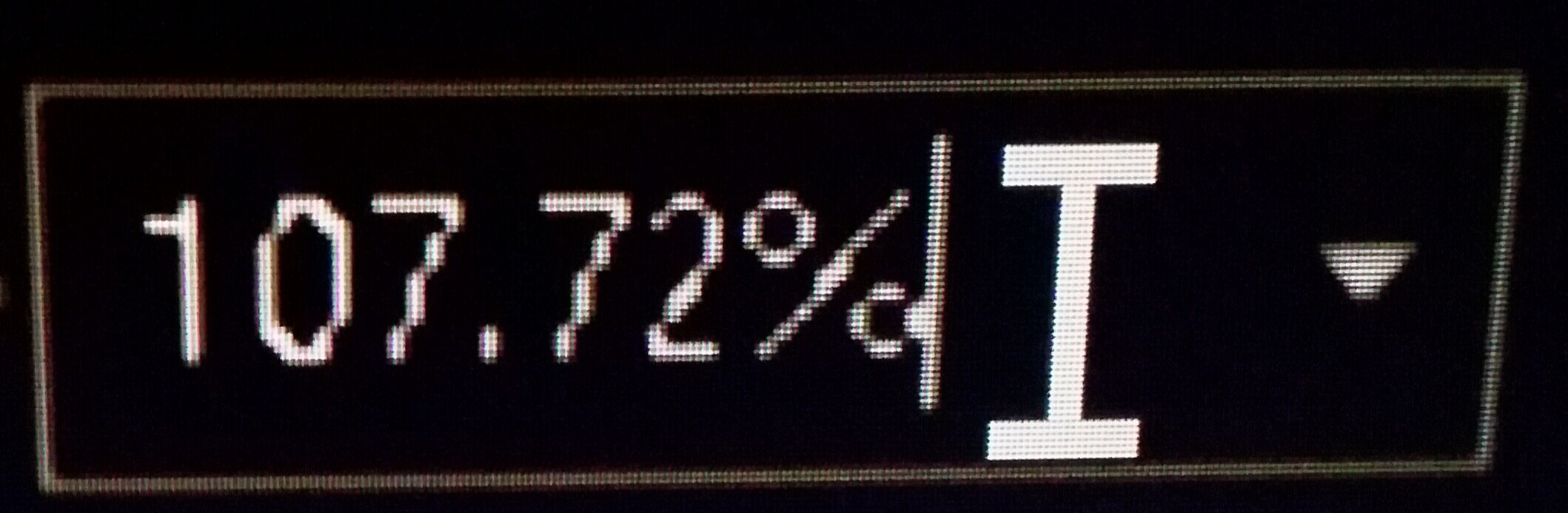
There are only couple of options to choose in the zoom values(from 50% to 500%). It would be better to give the option in zoom to set the zoom value which we want. For example 56%, 88%, 67% etc. I have named the screenshot “customize zoom value”.
Hey @nicesto
Thanks for the suggestions to upgrade the editor’s functionality.
We need some time to discuss the situation internally. I will update this thread when we have something to share.
Hey @nicesto
Thank you, we have added your suggestion (Option to customize zoom value) to internal tracksystem (internal number - 58256).
We’re working on it already.
What if the user wants to scale it at 110% or 115%. Plus i doubt someone would go as far as 400%. I was going to create a topic but I will suffice by adding a comment.
1 Like
@shagi
I apologize for the delay.
I have added your request to @nicesto proposal. Unfortunately, there is no timeline for the implementation of this feature at the moment.
As soon as it is implemented, I will notify you.
Hello!
If the ticket is still not solved, I would like to add a suggestion. I am working on a poster in A0 format and with the lowest zoom (50%), the poster is still very zoomed. It would be interesting to have a zoom out down to a value to makes it possible to view the full poster. It does not necessarily need to be “user-defined” (this can be fixed values like now, but with lower values).
Thank you @Mathieu
We have added your request to internal tracksystem. We’re still working on the mentioned proposal. We will update this thread once we have something to share.