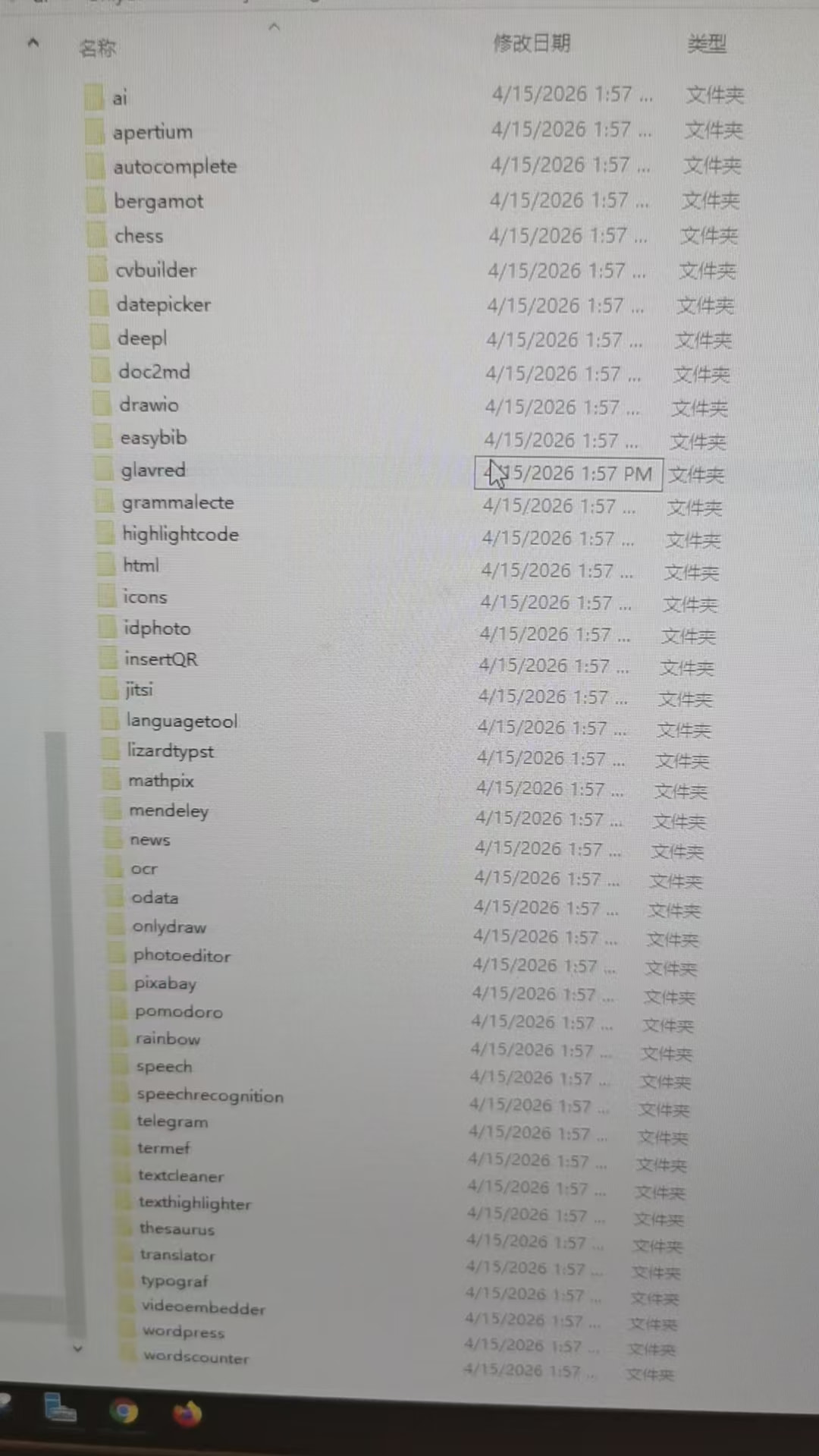
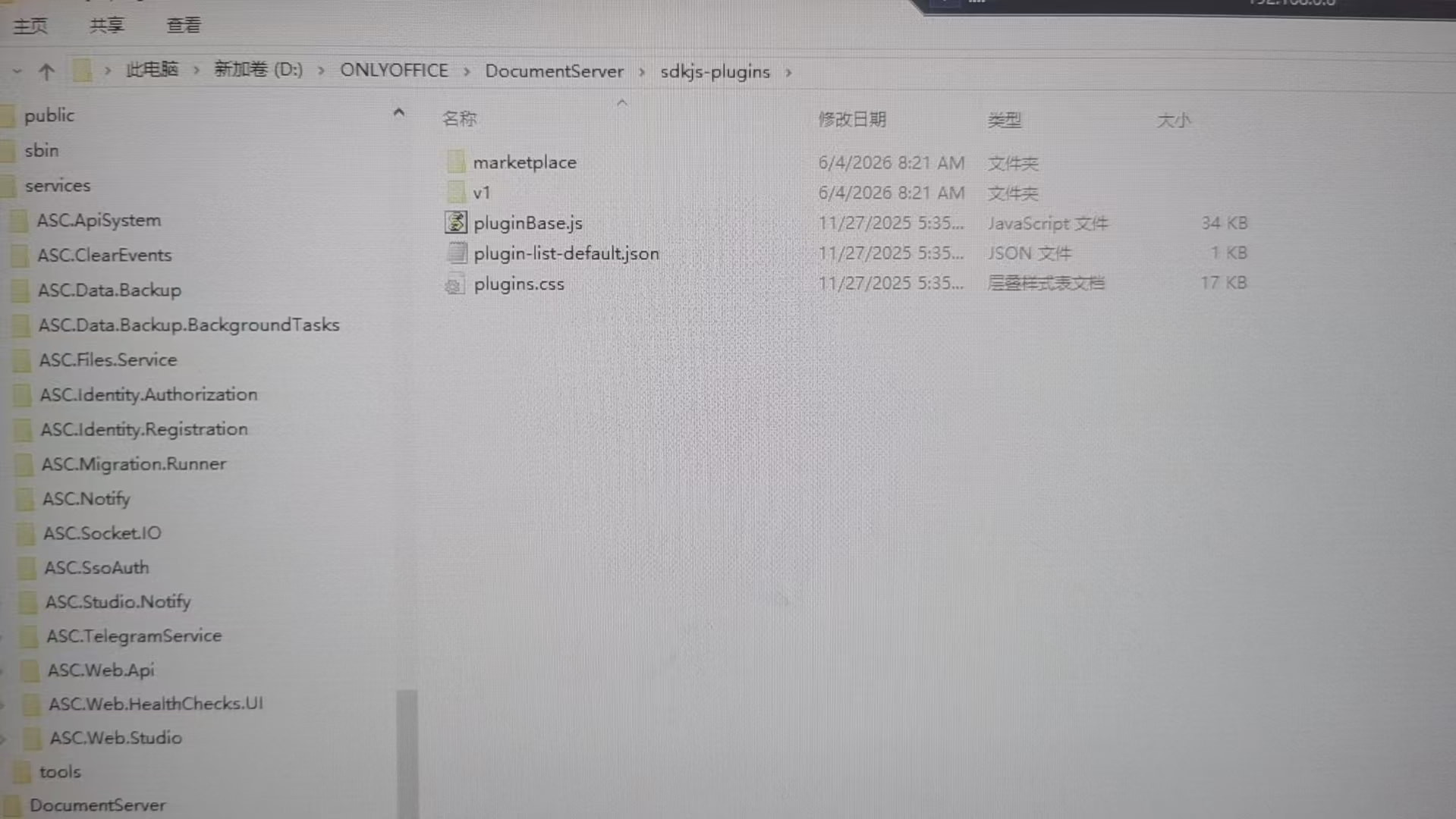
When installing the offline dependency packages, I was not prompted to enter the PostgreSQL password. Could you please tell me what the default password is? How can I resolve the above issue? Thanks.
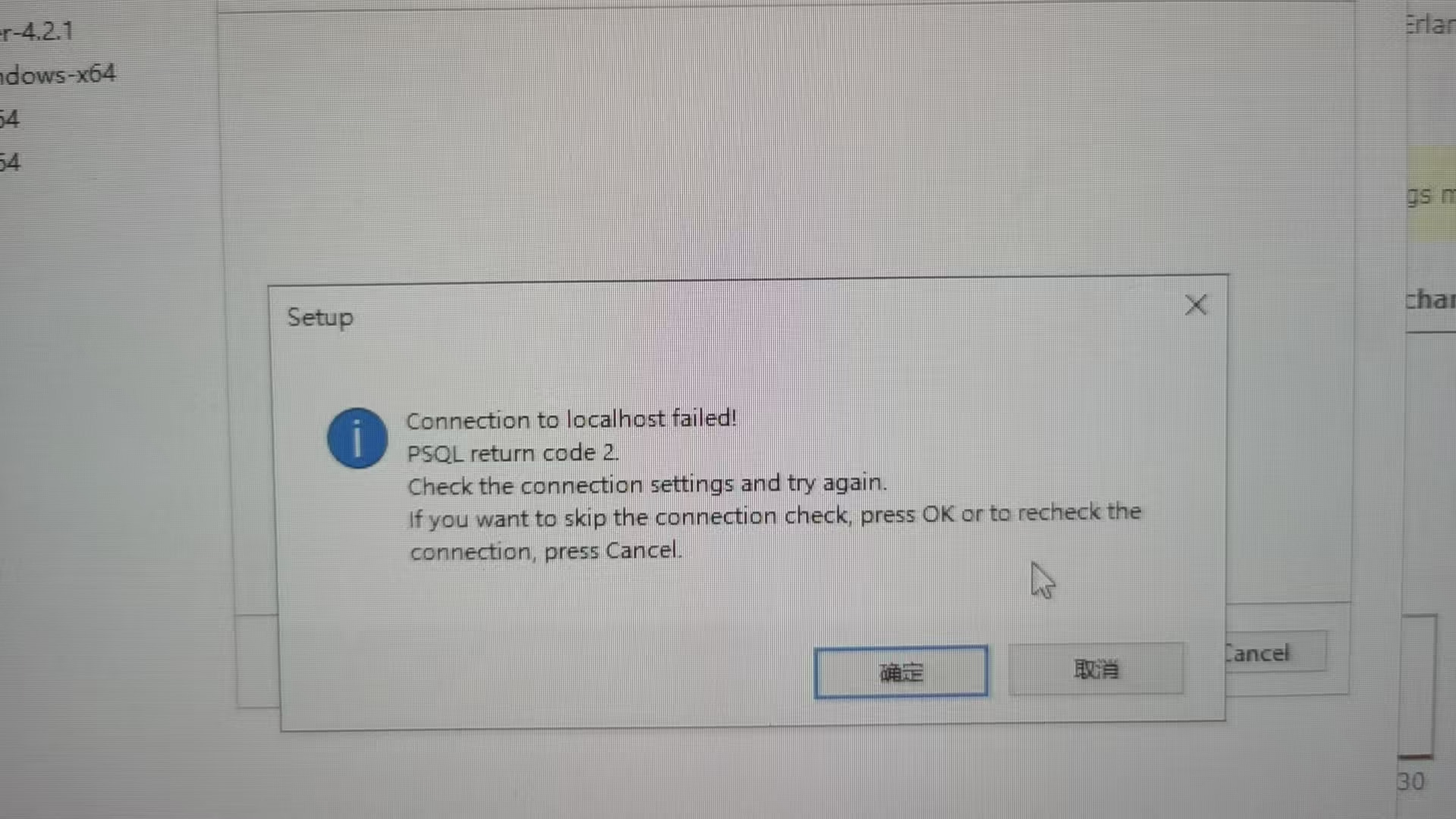
Supplemental note: The installation package is the latest version downloaded from the official website.
After installing dependencies using the official offline prerequisite package onlyoffice-documentserver-prerequisites,
does the package automatically complete the PostgreSQL database and table creation?
Hi @balence,
The default PostgreSQL credentials set by the prerequisites installer are postgres / postgres.
As for your second question — yes, the Document Server installer automatically creates the database and all required tables during installation, so no manual setup is needed on your end.
Regarding the “Connection to localhost failed” error — this typically happens when the prerequisites installer didn’t complete successfully before running the DS installer. Please make sure the prerequisites setup finishes without errors first, then launch the DS installer and uncheck “Download prerequisites” since they’re already installed.
Let us know if the issue persists!
Thanks for the reply. I still have a few questions:
Is there a detailed installation guide available? I’ve encountered various issues during repeated installation attempts.
Can Document and DocSpace be installed on the same server?
I successfully set up the Document service by manually installing the dependencies step-by-step, but the automatic installation still fails. I’m not sure if my configuration is completely correct. After uninstalling and trying the automatic install again, it still didn’t work. Could this be caused by an incomplete cleanup from the previous installation?
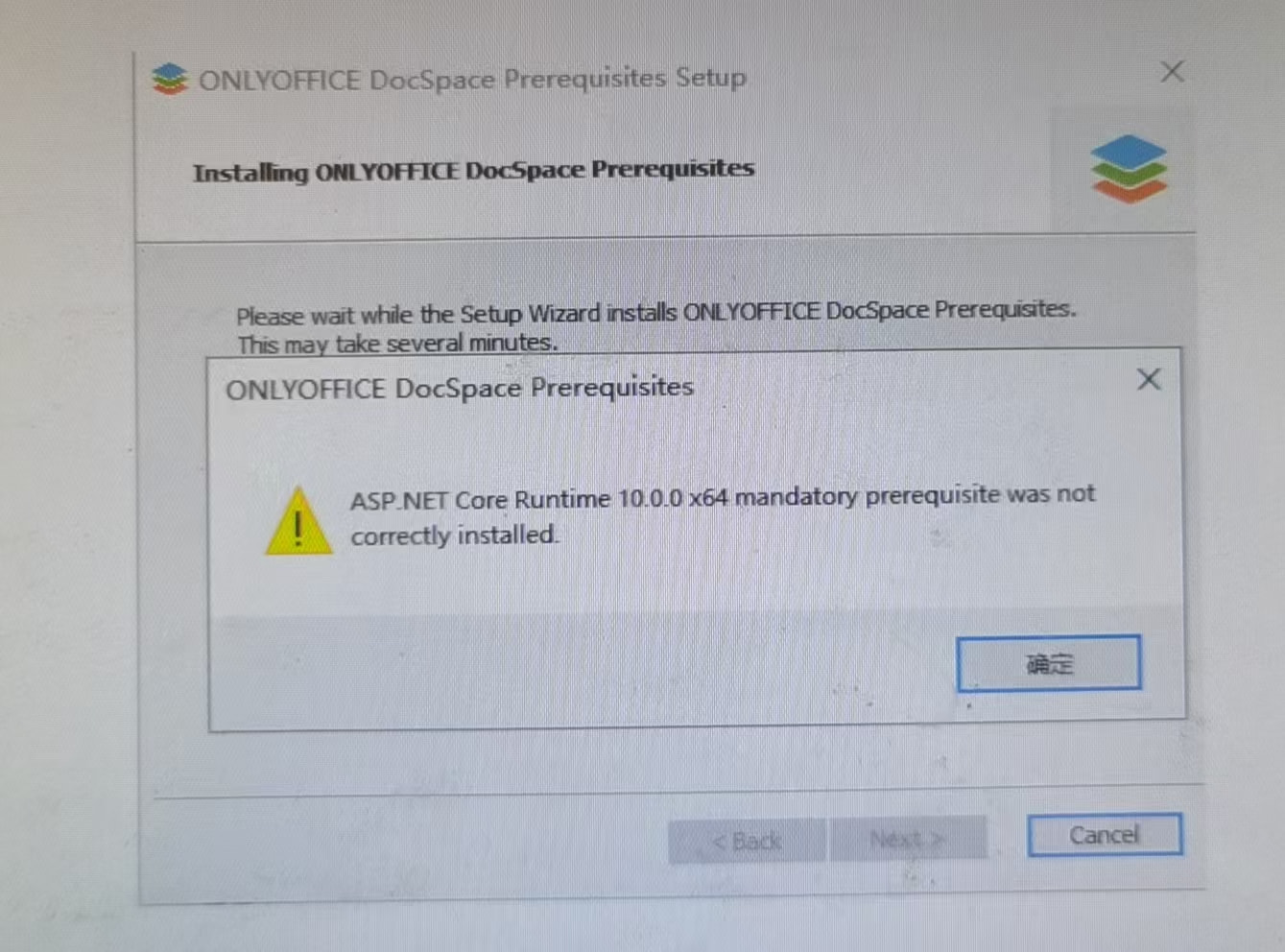
The DocSpace installation keeps showing an error indicating that ASP.NET is not installed correctly.
Hi @balence,
Thanks for the follow-up.
Document Server + DocSpace on the same server
Just to clarify — DocSpace already includes ONLYOFFICE Docs (Document Server) built in, so you don’t need to install them separately. If you install DocSpace, the editors are already included.
If you only need the editors for integration with a third-party platform (like Nextcloud or SharePoint), then a standalone Document Server is the right choice.
ASP.NET Core Runtime error & DocSpace installation issues
Yes, incomplete cleanup from previous attempts can definitely cause problems. Try this:
- Fully uninstall any leftover ONLYOFFICE components and related services (PostgreSQL, MySQL, RabbitMQ, Redis, etc.) from previous attempts
- Download the prerequisites installer separately: DocSpace Prerequisites
- Run it and make sure it finishes without errors
- Check that all prerequisite services are running in Windows Services
- Then run the DocSpace installer
Here’s the full step-by-step guide: Installing DocSpace Community for Windows
Let us know if the issue persists!
I’ve tried reinstalling many times, but it always throws various errors. What are the criteria for a complete uninstall? Could you provide a detailed explanation?
Hi @balence,
Here’s the official uninstall guide: Removing ONLYOFFICE DocSpace for Windows
After uninstalling DocSpace and Document Server, you may also want to remove any prerequisite components that were installed by the setup (such as PostgreSQL, MySQL, RabbitMQ, Redis, etc.) through Apps & features, especially if they were only used by ONLYOFFICE.
Then delete the data folders if they still exist:
C:\Program Files (x86)\Ascensio System SIA\DocSpaceC:\Program Files (x86)\Ascensio System SIA\DocumentServer
Restart the server and try a clean install following the guide: Installing DocSpace Community for Windows
If you run into any errors during the process, please share a screenshot so we can help you further.
I followed your instructions: I deleted all previously generated files and cleared the registry. I also installed all prerequisites as documented, but still got an error: rabbitmq-service.bat start exited with code 1. What constitutes a full clean removal? Could you give a detailed explanation?
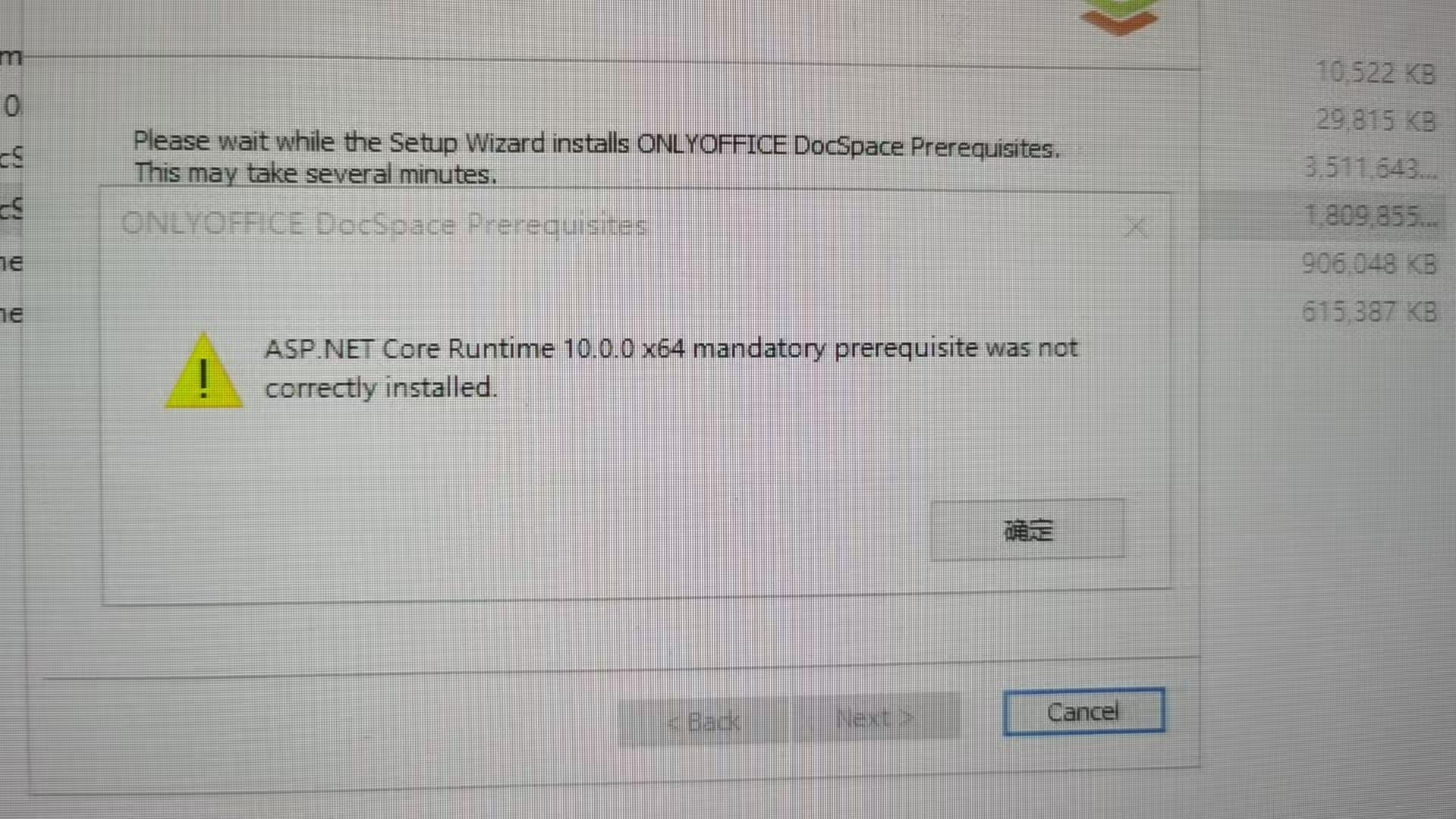
Please teach me.
Hi @balence,
The “ASP.NET Core Runtime 10.0.0 x64 mandatory prerequisite was not correctly installed” message is just a warning — we’ve tested this on our end and confirmed that ASP.NET Core Runtime is installed correctly despite the warning. You can safely click OK and proceed.
As for the rabbitmq-service.bat start exited with code 1 error — this is likely caused by leftover data from a previous RabbitMQ/Erlang installation.
To fix it, try the following:
- Uninstall RabbitMQ, then Erlang from Apps & Features
- Delete the Erlang cookie files:
C:\Users\Administrator\.erlang.cookieC:\Windows\System32\config\systemprofile\.erlang.cookie
- Delete the RabbitMQ database folder:
C:\Users\Administrator\AppData\Roaming\RabbitMQ\db
- Restart the server
- Then run the DocSpace installer: Download DocSpace Community — if you have internet access, this installer will handle the prerequisites automatically, so no need to run the prerequisites installer separately.
“Despite following the instructions to delete, restart, and reinstall, the CODE1 error persists.”
Let’s start from scratch to avoid any leftover conflicts. If you have a system snapshot/backup, the easiest way would be to roll back to it. If not, follow these steps:
1. Remove everything
Uninstall ONLYOFFICE DocSpace, Document Server (if present), and all prerequisite components listed here from Apps & Features.
Then delete leftovers:
C:\Program Files (x86)\Ascensio System SIA\(entire folder)C:\Users\Administrator\.erlang.cookieC:\Windows\System32\config\systemprofile\.erlang.cookieC:\Users\Administrator\AppData\Roaming\RabbitMQ\db
Restart the server.
2. Install prerequisites first
Download and run: DocSpace Prerequisites
Make sure it completes without errors. If any component fails at this stage, do not proceed — share a screenshot and we’ll help you fix it first.
3. Install DocSpace
Only after the prerequisites are successfully installed, run the DocSpace installer.
Note: the “ASP.NET Core Runtime 10.0.0” warning is safe to dismiss — click OK and continue.
Let us know how it goes!
Rollback is not possible in this production environment. I removed all prerequisites (.NET, VC, Python), cleared the cache per the steps, restarted, and reinstalled the prerequisites, but the fault remains.
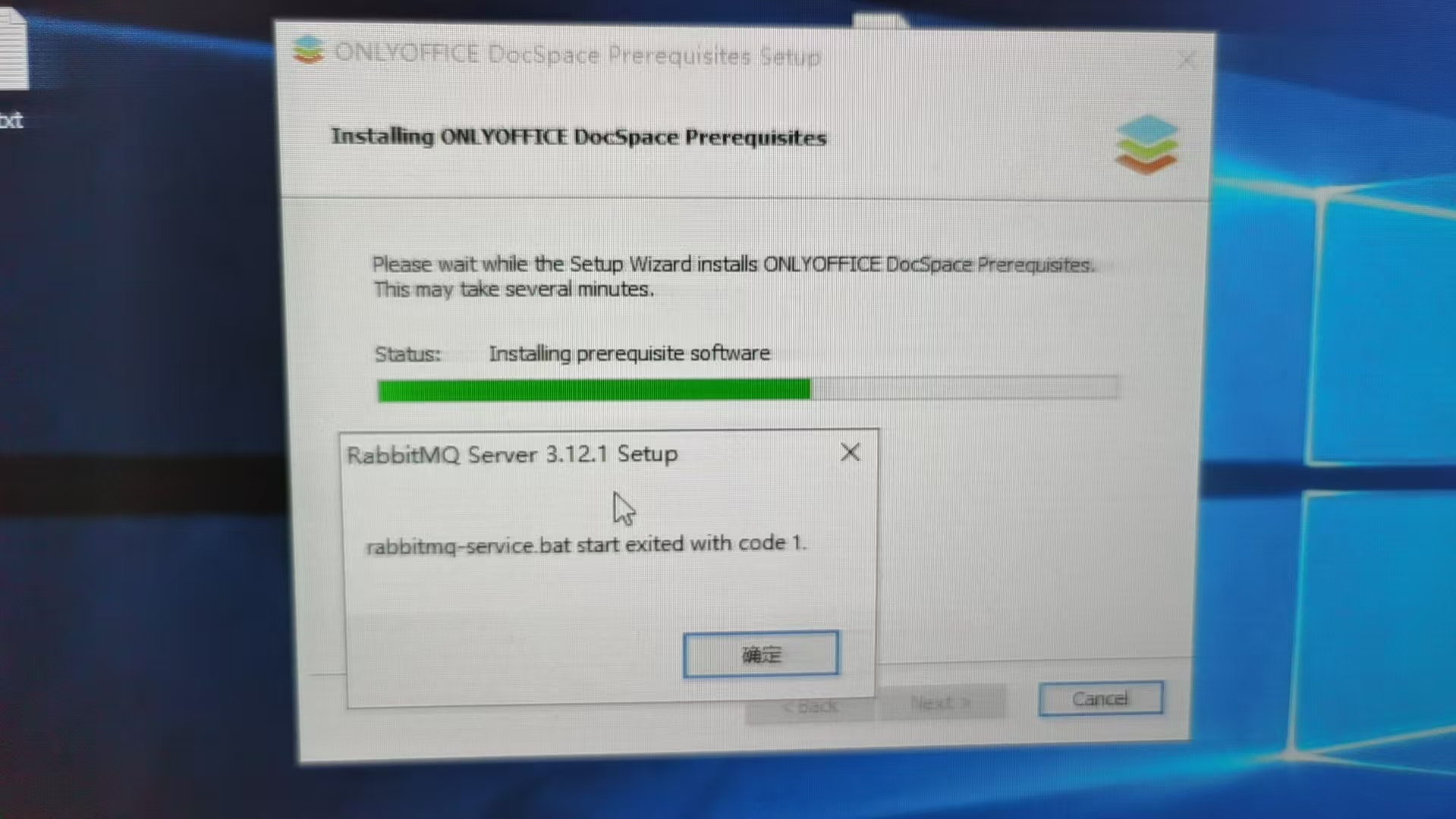
To troubleshoot further, we need a few things:
- RabbitMQ logs — please share the contents from
%APPDATA%\RabbitMQ\log\ - Confirmation of removal — could you share screenshots showing that RabbitMQ and Erlang are no longer listed in Apps & Features, and that these paths no longer exist:
C:\Users\Administrator\.erlang.cookieC:\Windows\System32\config\systemprofile\.erlang.cookieC:\Users\Administrator\AppData\Roaming\RabbitMQ\db
- Your Windows hostname and the username you’re using for the installation — do either contain non-Latin characters
A screen recording of the full process would also be very helpful if possible.
%APPDATA%\RabbitMQ\log\ contains no corresponding logs. All other steps were followed strictly as shown in the screenshot, but the issue persists.The video cannot be uploaded.
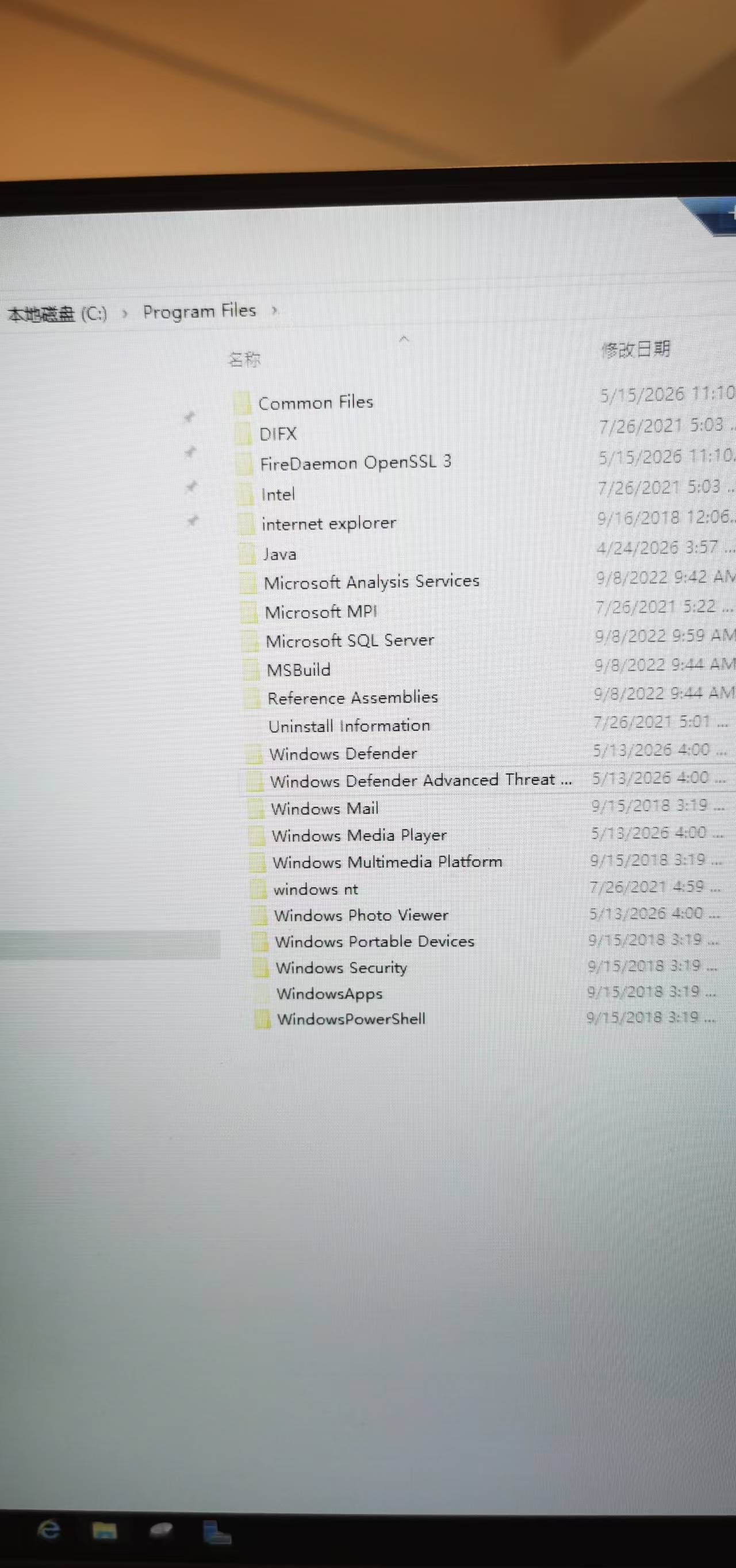
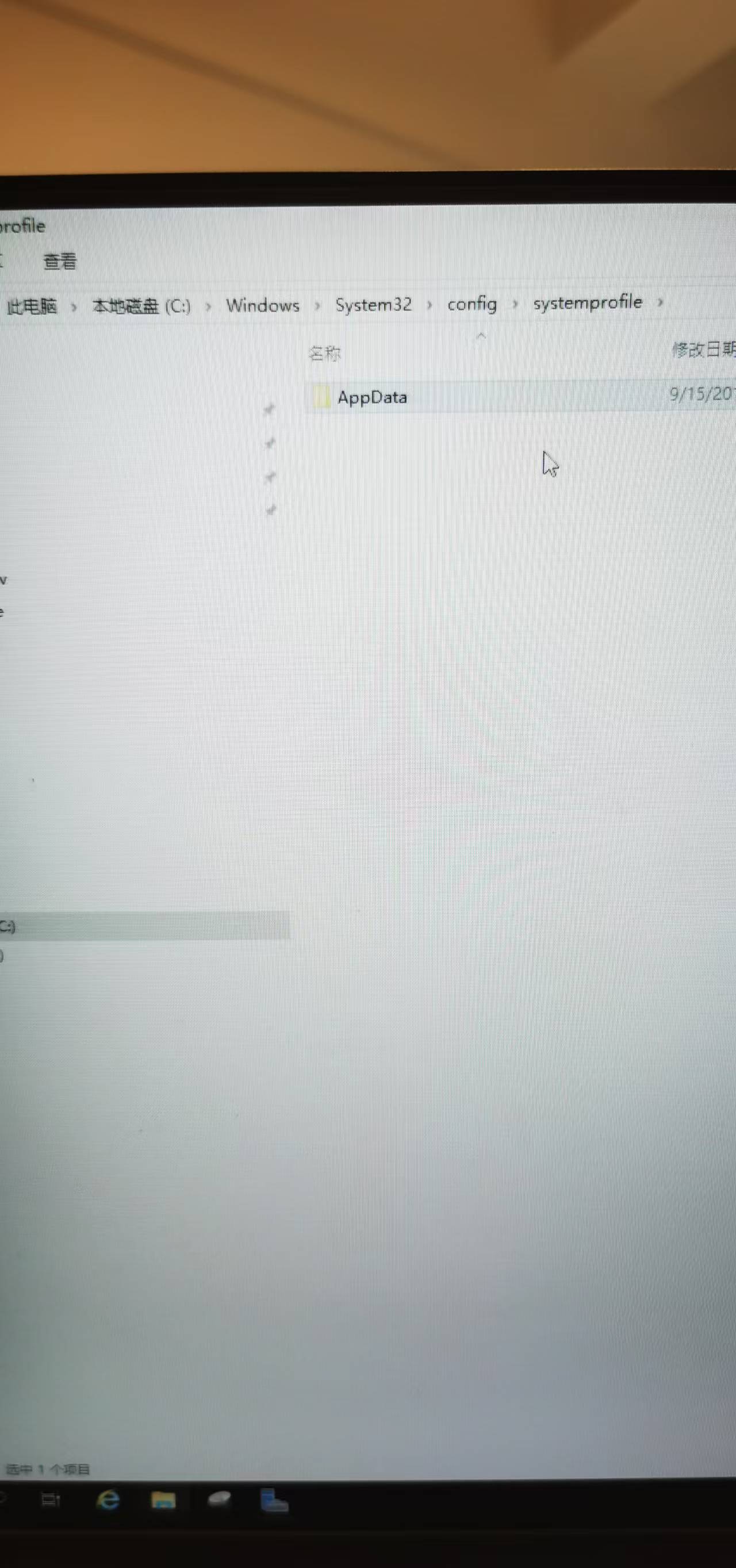
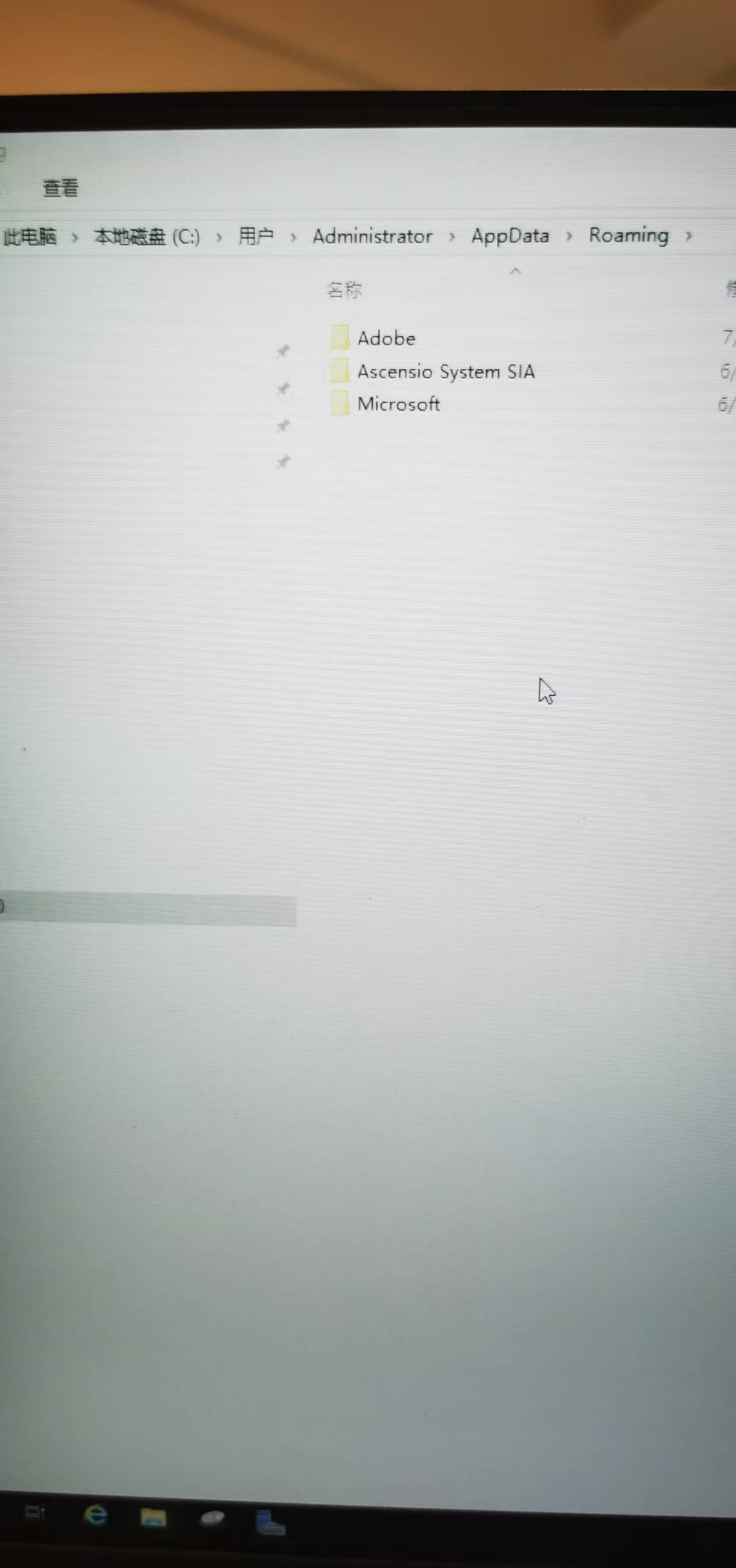
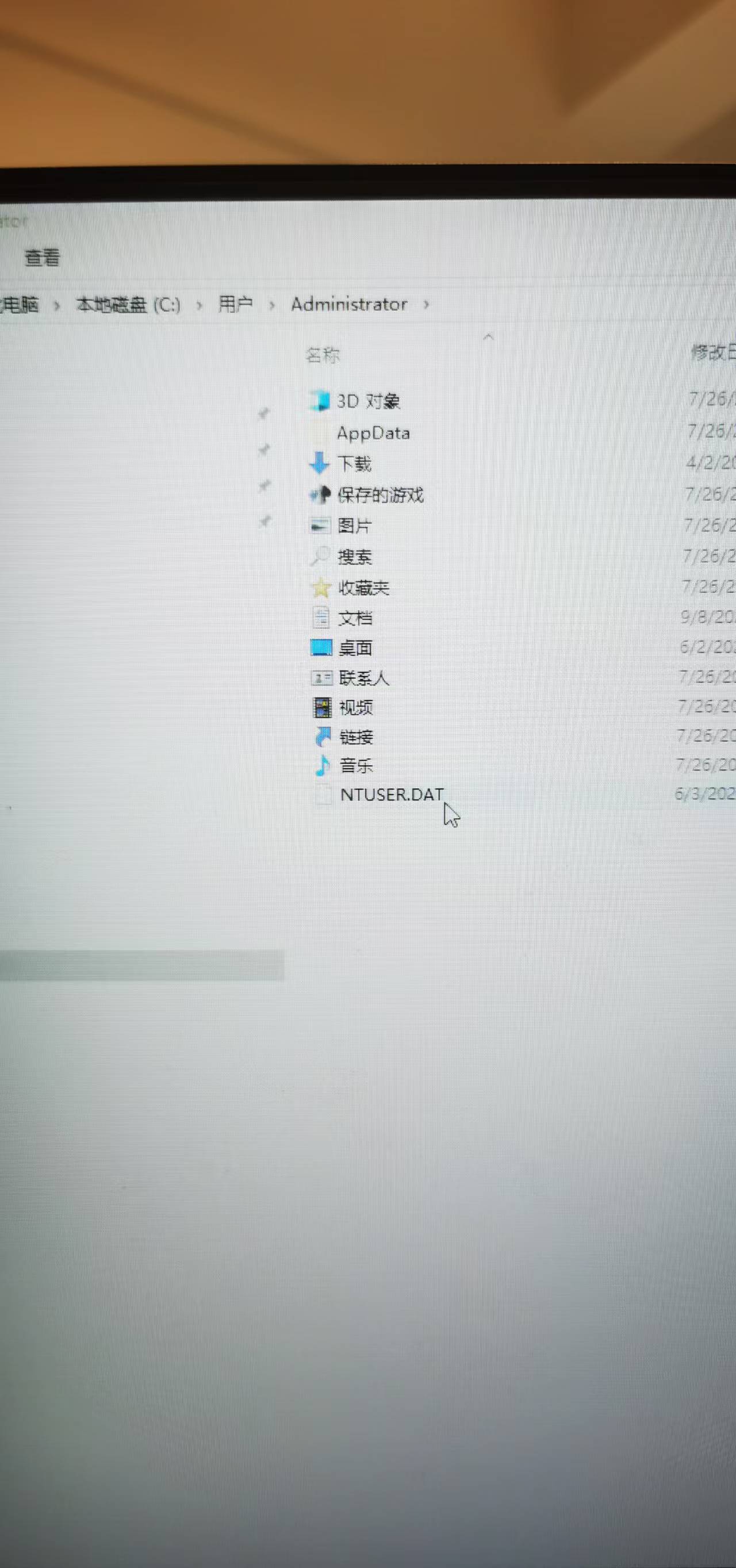
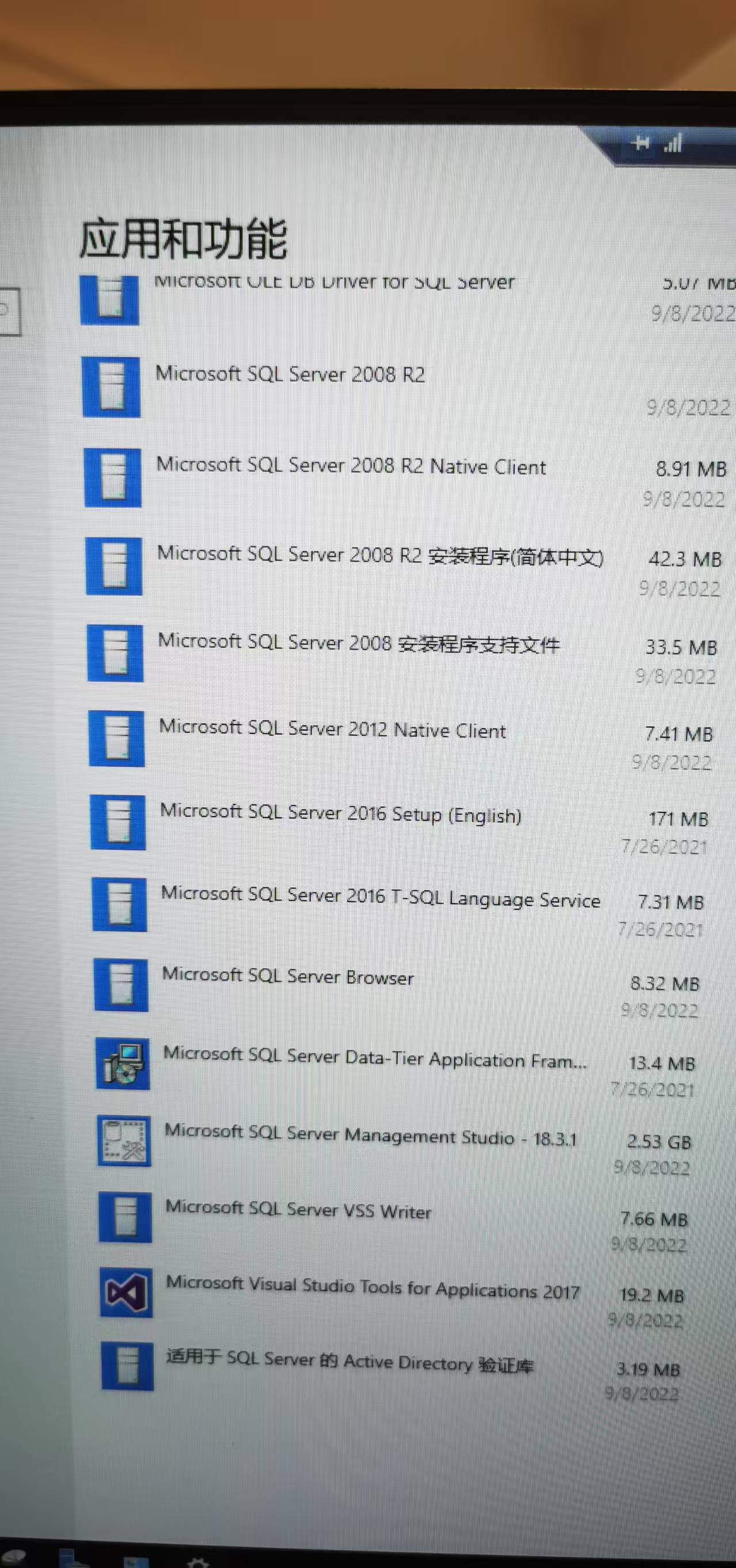
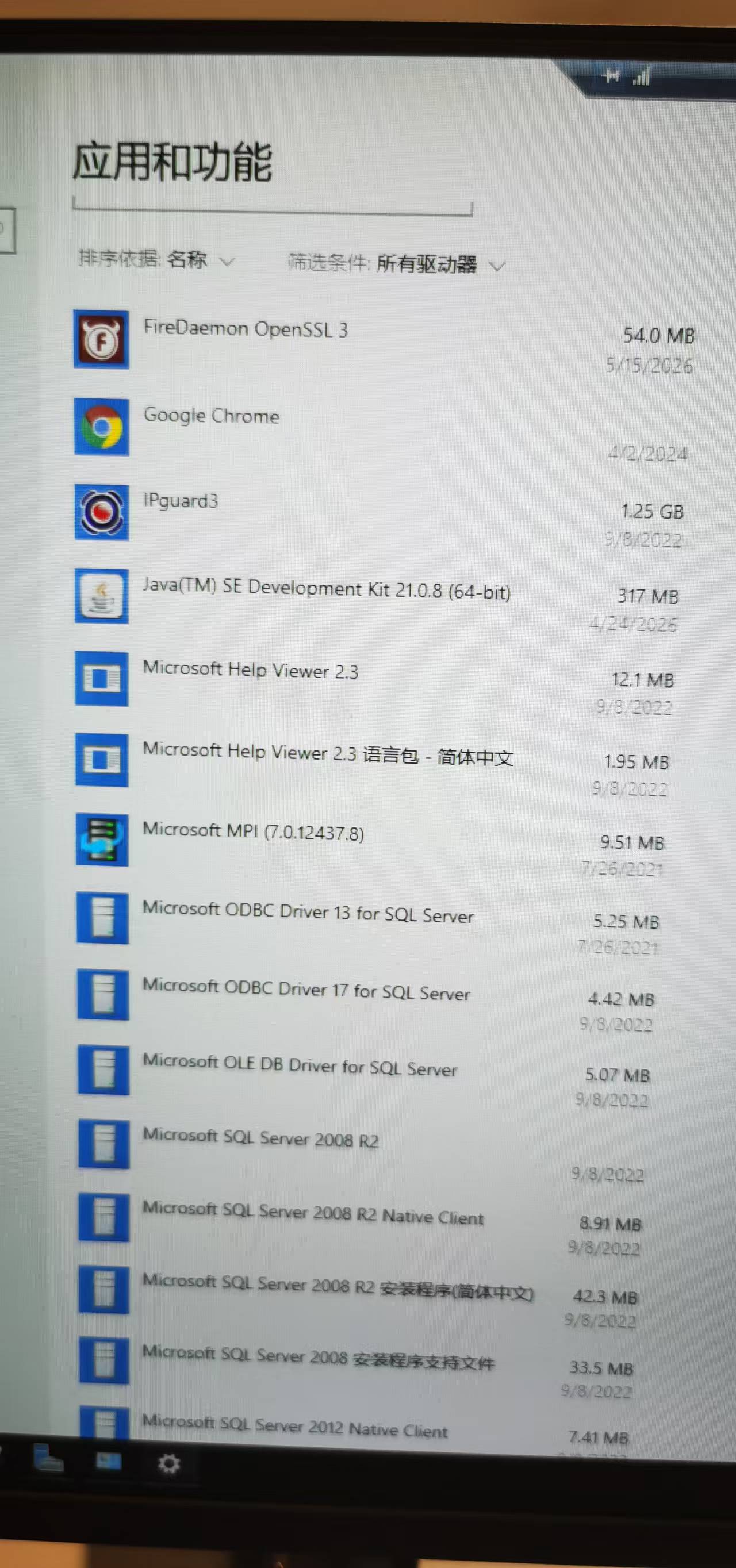
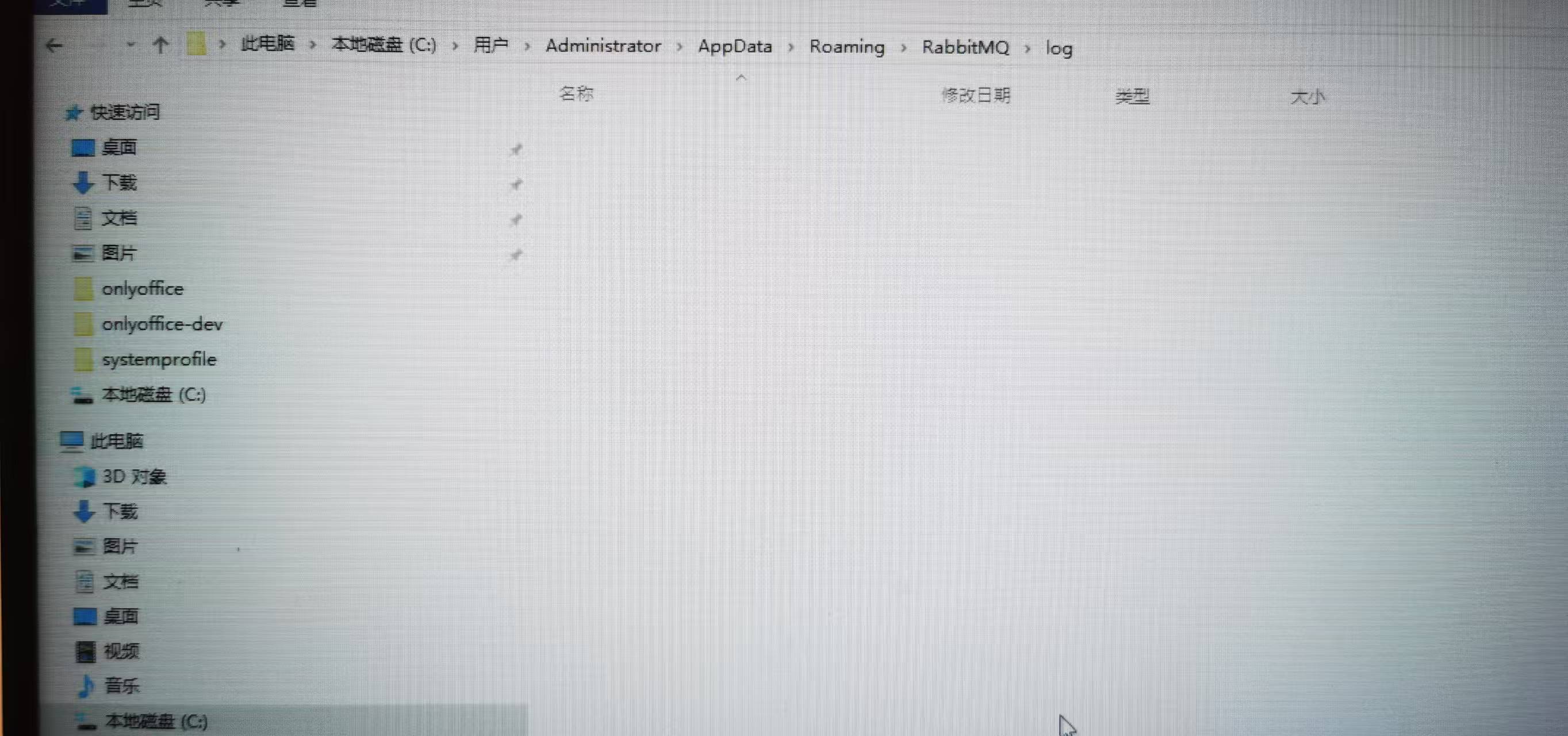
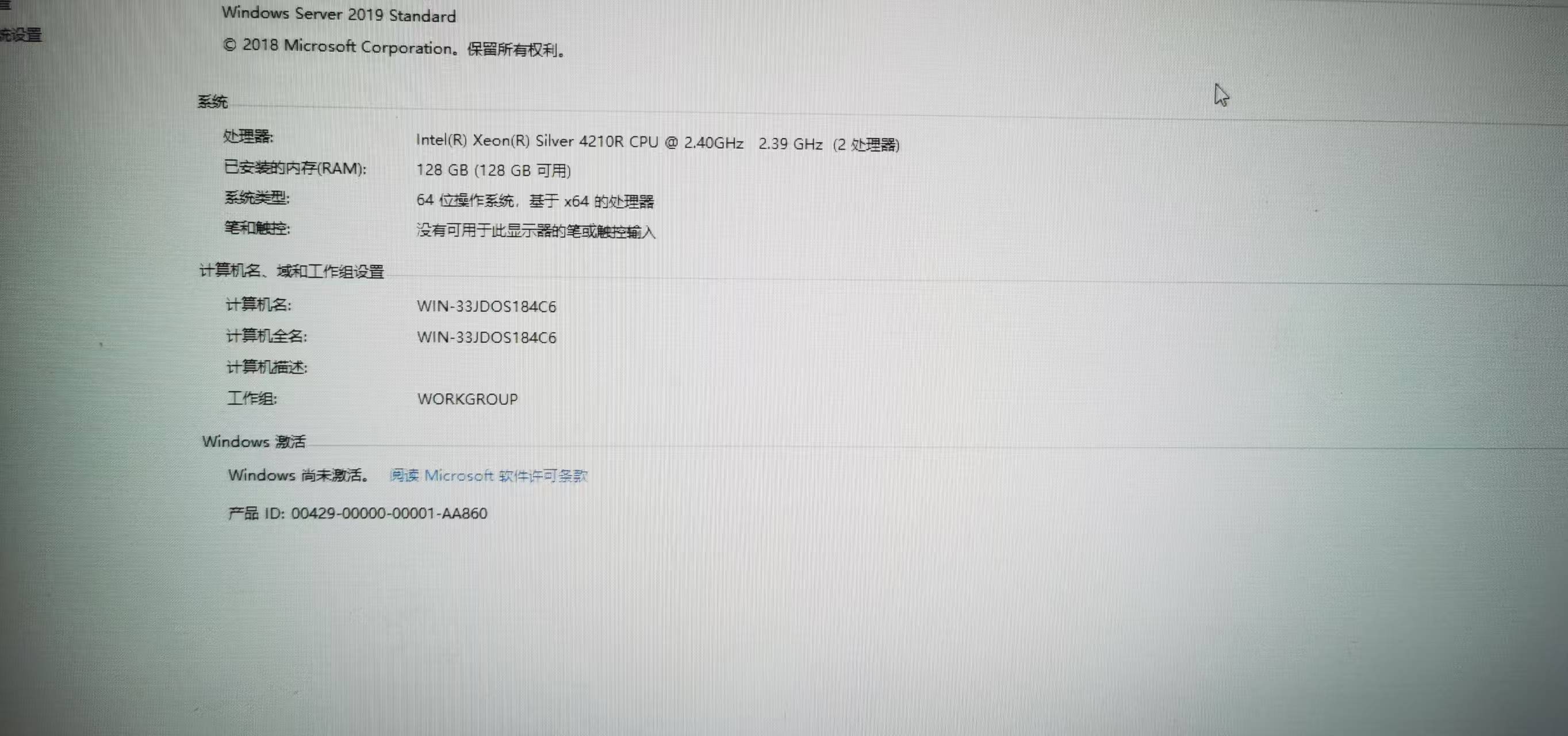
Thank you for the detailed screenshots — the cleanup looks correct.
Two things to try:
- Registry key: Open Registry Editor and check if this key exists:
HKEY_LOCAL_MACHINE\SOFTWARE\Ericsson\Erlang\ErlSrv\1.1\RabbitMQIf it does, delete it and restart the server before reinstalling. - en-US language package: Our installation guide requires this for non-English Windows distributions. Please install the en-US language package, create a new user with Latin-only characters (e.g.
ONLYOFFICE), give it administrator privileges, and run the installation as that user. See the Additional requirements section: Installing DocSpace Community for Windows
Let us know how it goes!
Registry key: Open Registry Editor and check if this key exists: HKEY_LOCAL_MACHINE\SOFTWARE\Ericsson\Erlang\ErlSrv\1.1\RabbitMQ If it does, delete it and restart the server before reinstalling.====The key is this step: after deleting the post, complete the installation. Thank you.
1 Like