Docx formatting between OnlyOffice and Word Online

Hello,

I’m using Only Office on a Linux Distribution called Zorin OS. I’m using OnlyOffice version 9.0.4.50. I notice that if I create a docx file in word online and then open it in Only office the formatting is all messed up (lists, paragraph spacing and fonts.) This also happens if I create a docx file in OnlyOffice and then open it in Word online.
Why is this happening?
Can I do anything different when creating my files so the formatting stays the same?

Thank You

Hey @randdmart, :wave:

Thanks for reaching out about the formatting issues with .docx files between ONLYOFFICE Word Online! To help us reproduce and dig into this, could you share a sample .docx file that shows the messed-up formatting (lists, paragraph spacing, fonts)? Also, could you confirm the version of Word Online you’re using for comparison?

You can upload the file here or send it to me via private message if it’s sensitive. This’ll really help us figure out what’s going on. Appreciate your help! :hugs:

@Nikolas,

I’m unable to upload the file because I’m a new user. How do I send you a private message?

Hello @randdmart

You can upload your file to a cloud storage and share the link to it.

Other than that, please refer to my comment about trust levels here:

Here is a link to the file. Please le me know if you have any questions.

Computer OS Build_Ver. 2.3.1.docx

1 Like

@randdmart

Nikolas,

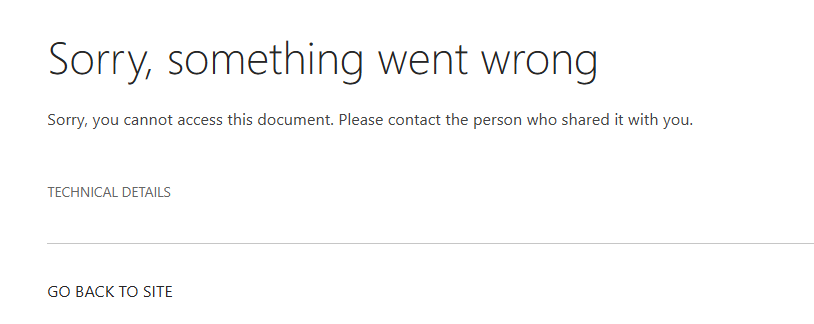
I’m trying this again. This link should be fully public.

Computer OS Build_Ver. 2.4.docx

Thank You,
Rich

Hey @randdmart, :wave:

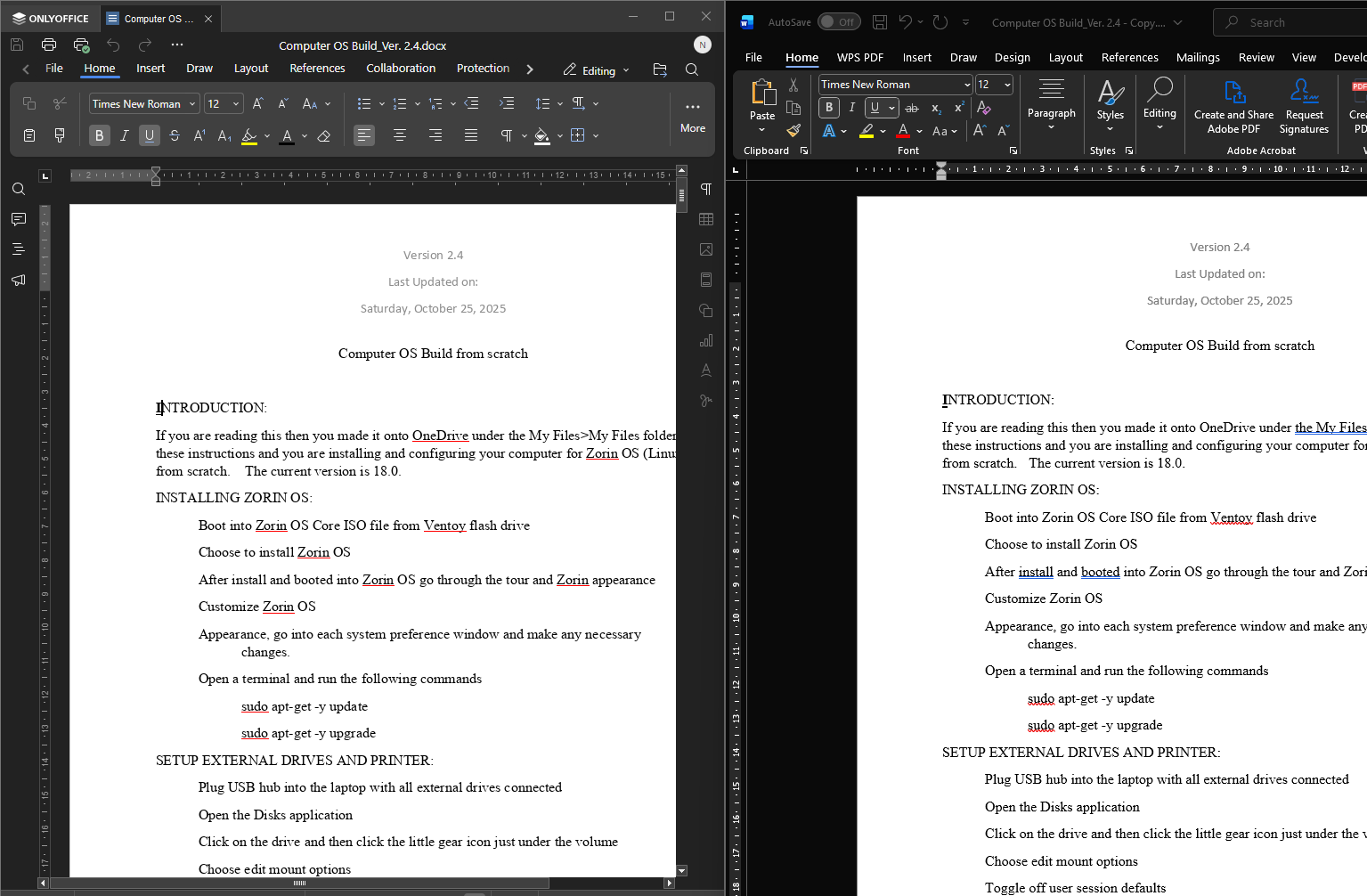
Thanks for the updated public link — I’ve tested your Computer OS Build_Ver. 2.4.docx in:

  • ONLYOFFICE Desktop Editors (v9.1.0)
  • Microsoft Word desktop (Microsoft 365)

…and the formatting looks identical in both (lists, spacing, fonts all match). Here’s a side-by-side screenshot for reference:

Unfortunately, I can’t explain why Word Online renders it differently from the desktop Word app — that’s on Microsoft’s side.