Hi! I thought at first that PDF editor would work like Inkscape in that sense that I can open any book and edit any editable text, rotate any object. While it’s not the case. For instance, I downloaded this document (my drawing) as PDF from Google Drawings and tried to open it and move some shape just to realize that OnlyOffice doesn’t allow me to do that. I wonder to know why this happens with externally made PDFs.

Hey @EmilyGraceSeville7cf, 
Thanks for the question! To clarify — what exactly didn’t work when you tried editing the PDF from Google Drawings?
For example:
- Couldn’t select/move the shape?
- Text wasn’t editable?
- Something else?
Try this:
- Open the PDF in ONLYOFFICE
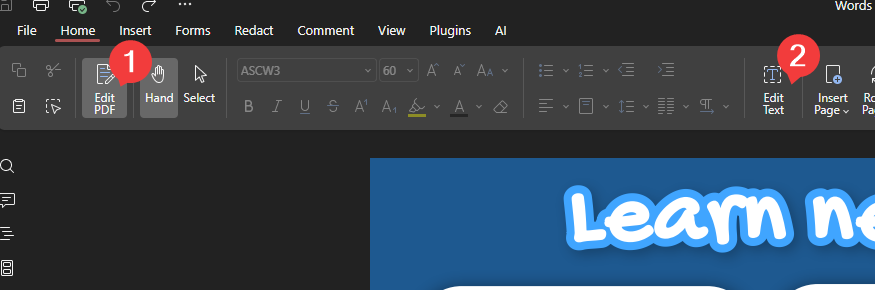
- Click Edit PDF in the toolbar
- Then Edit Text
Let me know what happens — might be a bug. We’ll figure it out!
I was able neither to move shapes drawn on the canvas already nor to edit the text (by simply double-clicking it).
For a PDF made solely with OnlyOffice the bar on top contains the following items:
while for a PDF created in Google Drawings just these:
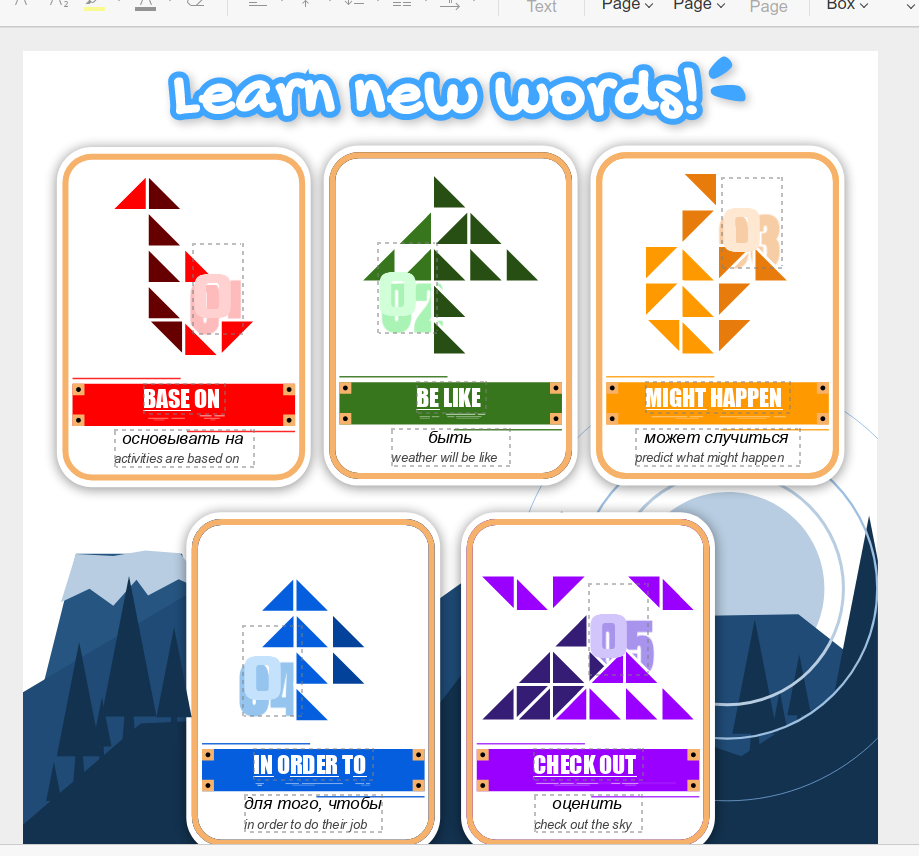
Home > Edit PDF allows me neither to move already drawn shapes nor to edit text directly. When I select some text and press on Edit text here’s how my PDF starts to look like:
- Background color
- Shape placement
are messed up.
Here’s a video with an issue reproduced
Hey @EmilyGraceSeville7cf,
Thanks for the video and screenshots — I see the issue now. Got it!
We’re digging into why external PDFs (like from Google Drawings) behave differently from ONLYOFFICE-created ones. I’ll let you know as soon as we have updates or need more info from you.
Appreciate the details! 
1 Like
Hello @EmilyGraceSeville7cf
New version 9.3 of Desktop Editors has been released, it bring more enhancements to PDF editing. The issues from this topic are now resolved.
1 Like