After installing OnlyOffice, OnlyOffice asks the Operating System for access to the location of the device.
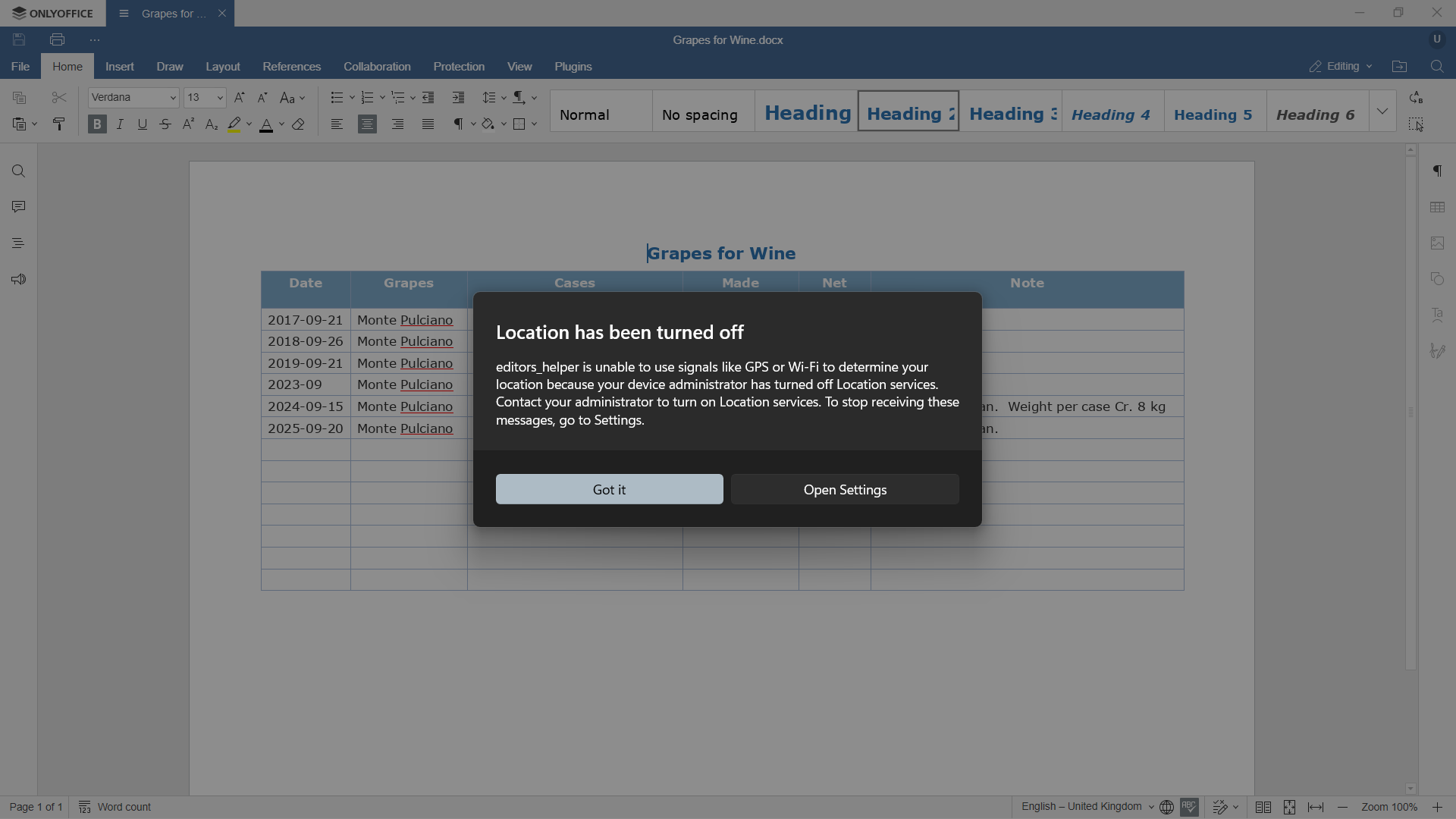
I have Windows set to automatically block access to location services, therefore I see “editors_helper” making this request – as it displays a dialogue box.
Location has been turned off
editors_helper is unable to use signals like GPS or Wi-Fi to determine your location because your device administrator has turned off Location services. Contact your administrator to turn on Location services. To stop receiving these messages, go to Settings.
Why does OnlyOffice require access to location?
Screenshot showing “editors_helper” trying to access Windows locations services:
OS version:
Windows 11 Pro - 25H2 (26200.8457)
App version:
Community version 9.4.0.129 (x64 msi)
Downloaded from:
https://www.onlyoffice.com/download-desktop