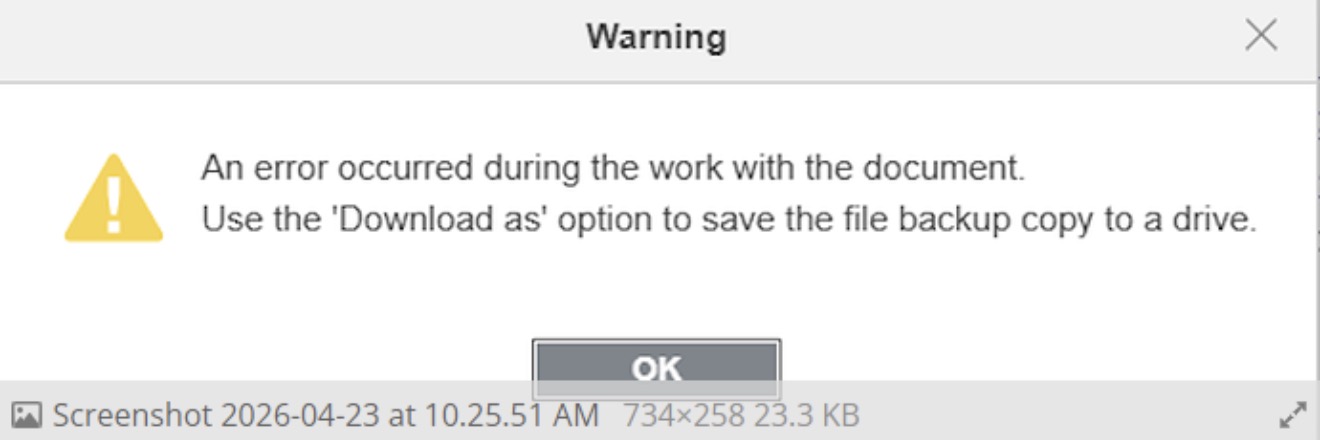
unable to continue to edit my document on excel from the after the error pops up.
I’m using Acer aspire 14 and MacBook Neo.
 ONLYOFFICE Community AI Assistant
This is an AI-generated response, not a reply from a human moderator. The suggested resources may help, but are not a confirmed fix.
A matching Desktop Editors issue affected XLSX files with named ranges and formulas in versions 9.3–9.4; it is reported fixed in 10.0.0: Cannot edit a xlsx file: An error occurred during the work with the document. · Issue #2400 · ONLYOFFICE/DesktopEditors · GitHub
Please check About and share the exact ONLYOFFICE version on each computer. If it is 9.3 or 9.4, update to 10.0.0 or later. Until then, test only with a disposable copy of the workbook; replacing named ranges in formulas with direct cell references may avoid the trigger.
 Need assistance from a human moderator?
Click the  Flag option on this post and select Request Moderator Assistance to request a review by the moderation team.