Do you want to: how to review local file source with onlyoffice which is installed in externel service
Document Server version:
9.1.0
OS: docker
Browser version: chrome 137
Additional information:
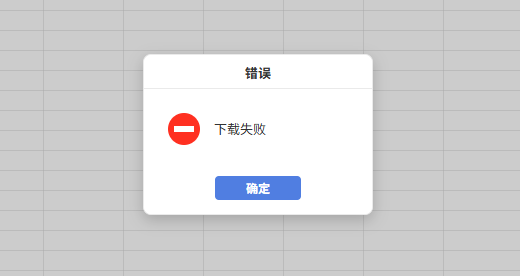
I referenced the external onlyoffice service to load the file resources enabled by the local HTTP server. The resource address is 192.168.1. x rather than localhost、127.0.0.1, which cannot be previewed normally. However, network public resources can be loaded normally. How do I configure it.
Hello @hulianzaixian123
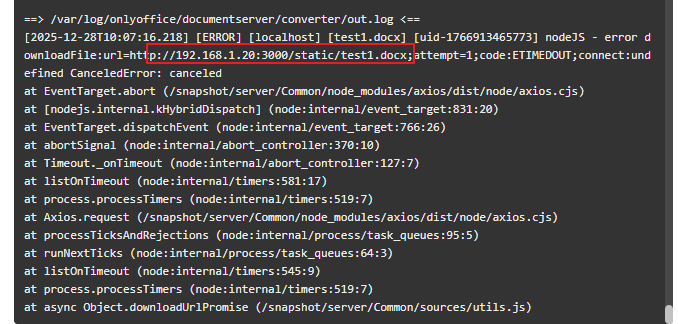
If you are indeed running Document Server in Docker, then you have to keep in mind that your HTTP servers’ address must be accessible from inside the container with Document Server. Usually, local addresses, such as 192.168.1.x or localhost, also exist inside the container. In other words, Document Server tried to find dedicated resource inside the container itself, where no HTTP server exists.
You can try checking if your HTTP server is accessible from inside the container by connecting to the container with docker exec -it <ID> bash and running any command that can get the page, e.g. wget <http_server> or curl <http_server>.
If wget or curl returns an error, you need to access the server via public IP address.
OK,thank you for your reply.
2 Likes