Hello! First, here’s some of my context:
- On Document management: ONLYOFFICE Apps v.4.0.0.11978
- Online editors: ONLYOFFICE Docs v.10.0.0.169
- macOS
- Firefox browser
Main issue: I’m trying to share a spreadsheet with coworkers who do not use OnlyOffice. This spreadsheet has multiple tabs. I was able to create a public sharing link by going up to the “Share” button in the top right of my screen, then hitting the “Create and copy” option. After creating this initial link, I deleted one tab and added one tab to my spreadsheet.
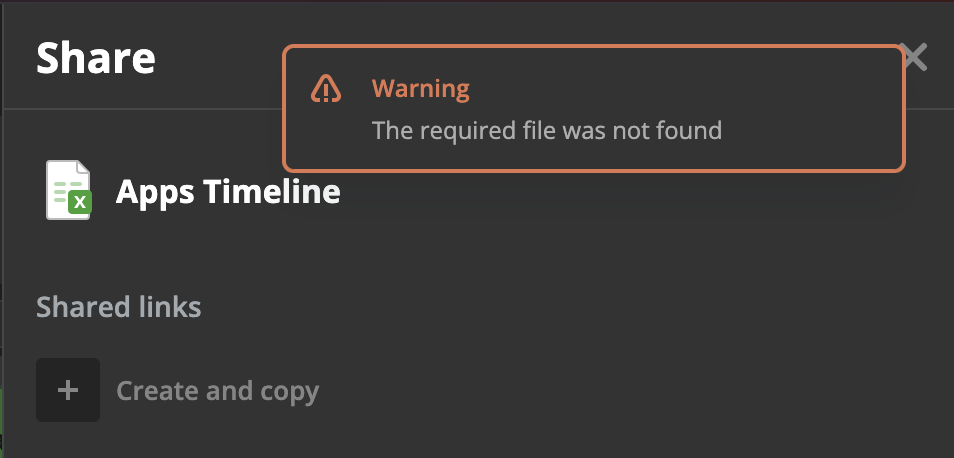
When I went to check the link I wanted to send to my coworker, it only showed the previous version of the spreadsheet before i deleted and added a tab. I deleted the link I had created to see if I needed to create a new one. But now, when I click the “Create and copy” button, I can’t create a new link at all and I keep getting an error message that says “The required file was not found.” (photo attached).
I haven’t tried sharing other files, so this has only happened with spreadsheets. After experiencing this, I tried the same steps above with another spreadsheet and the same thing happened. Is there another way I should be sharing spreadsheets?