I continue to work actively with OnlyOffice Desktop Editors (version 9.3.1.8) and would like to report two problems related to embedded spreadsheets (Insert → Table → Insert Spreadsheet) in the Document Editor.
Hardware / Environment:
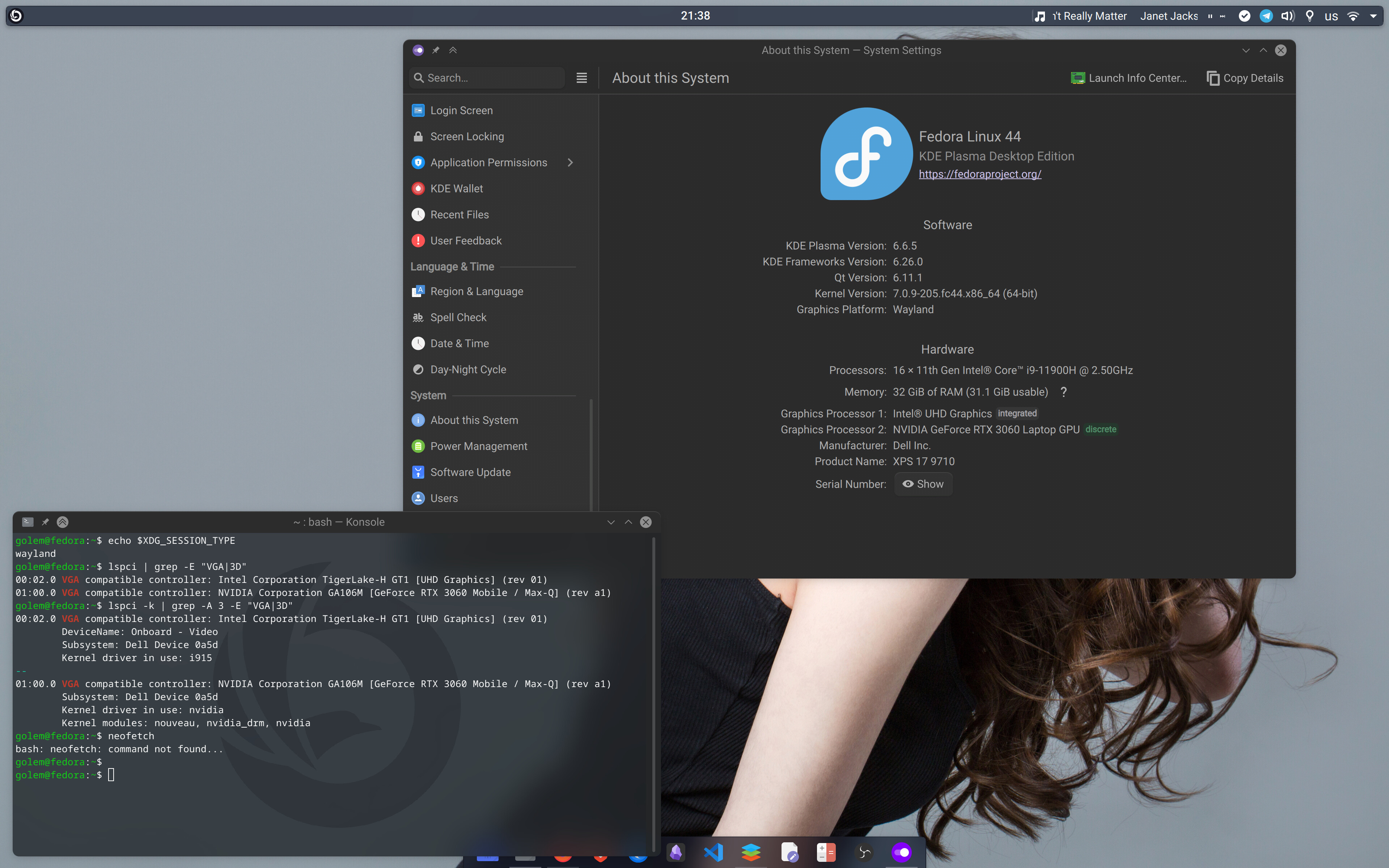
Laptop: Dell XPS 9710
Display: 4K (3840×2400)
OS: Fedora KDE 44
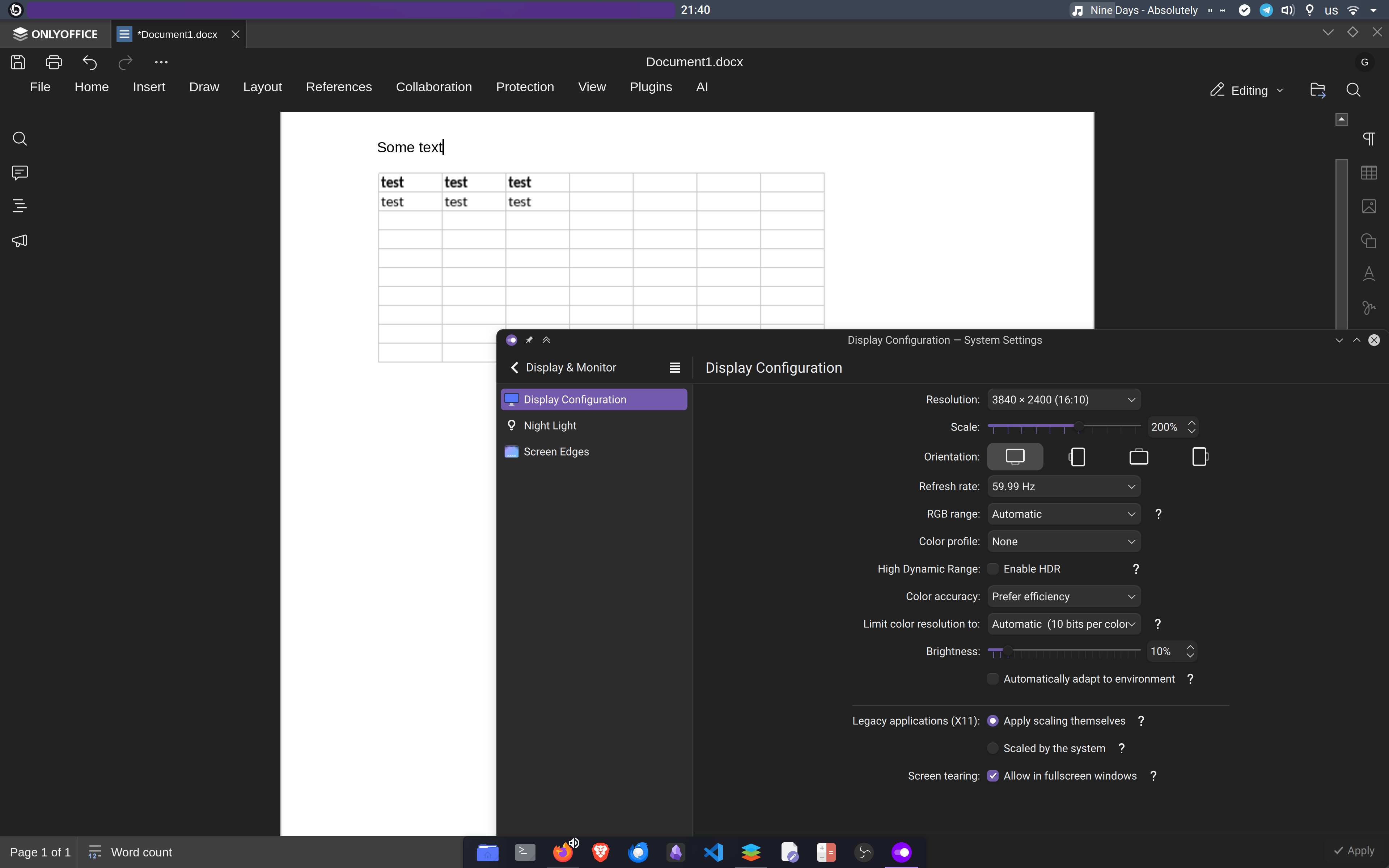
Scaling: 200% (standard for comfortable work on this display)
1. Blurry / low-resolution rendering of embedded Spreadsheet
When I insert a spreadsheet as an object into a .docx document, the table looks noticeably blurry and pixelated compared to native tables or the Spreadsheet Editor itself.
This happens because the embedded object is rendered as a raster image with insufficient resolution for HiDPI displays. On a 4K screen the difference is very visible and unprofessional, especially when creating client documents and templates.
This issue significantly reduces the quality of documents that combine text and spreadsheet data.
2. “More colors” button does not work in embedded Spreadsheet
Inside the embedded spreadsheet:
Select any cells → go to Borders → Border color → More colors…
Nothing happens. The color picker window does not open.
The same action works normally in a standalone Spreadsheet Editor. The problem is specific to the embedded mode.
These two issues make embedded spreadsheets much less usable in professional workflows, especially for agencies and companies working with high-resolution displays (which are becoming the standard).
I would be happy to provide additional details, screenshots, or test documents if needed.
Thank you for your continued development of OnlyOffice!
Regarding the “More colors” issue in the embedded spreadsheet, this is a known problem on our side, and we have added your report to the existing internal record for this issue. Unfortunately, we do not have an ETA for the fix yet, but we will share an update in this thread as soon as we have any news.
As for the blurry rendering on the 4K display, we need a few more technical details to investigate this part further.
Could you please send a separate screenshot focused specifically on the blurry embedded spreadsheet?
Also, please clarify the following:
the exact monitor model;
whether you use X11 or Wayland;
your GPU model;
graphics driver in use;
whether fractional scaling is enabled in the system;
whether the issue looks the same at other scaling values, if you have a chance to check.
Graphics drivers:i915 (Intel) & official proprietary nvidia driver
Fractional scaling: No, I use exactly 200% integer scaling in KDE Plasma system settings. All native Qt, GTK, and Electron applications render pixel-perfect and perfectly sharp.
Behavior at other scaling values: * At 100% scaling, the text in the embedded spreadsheet becomes physically tiny but sharp (pixel-perfect).
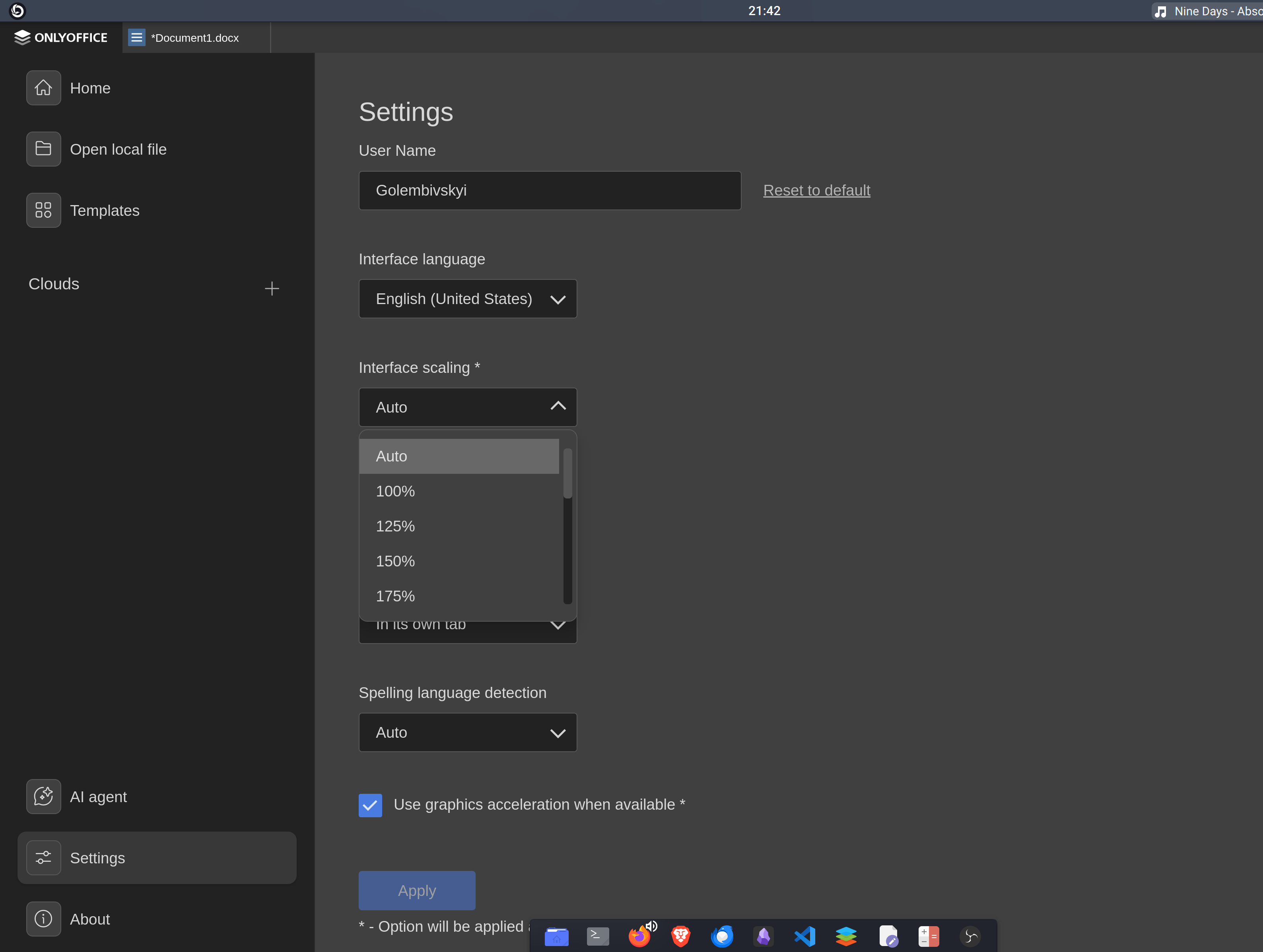
I did some further testing inside the OnlyOffice settings and disabled the “Auto” interface scaling. Now the application scales properly together with the system, and I managed to test it at 100%, 150%, and 200% settings.
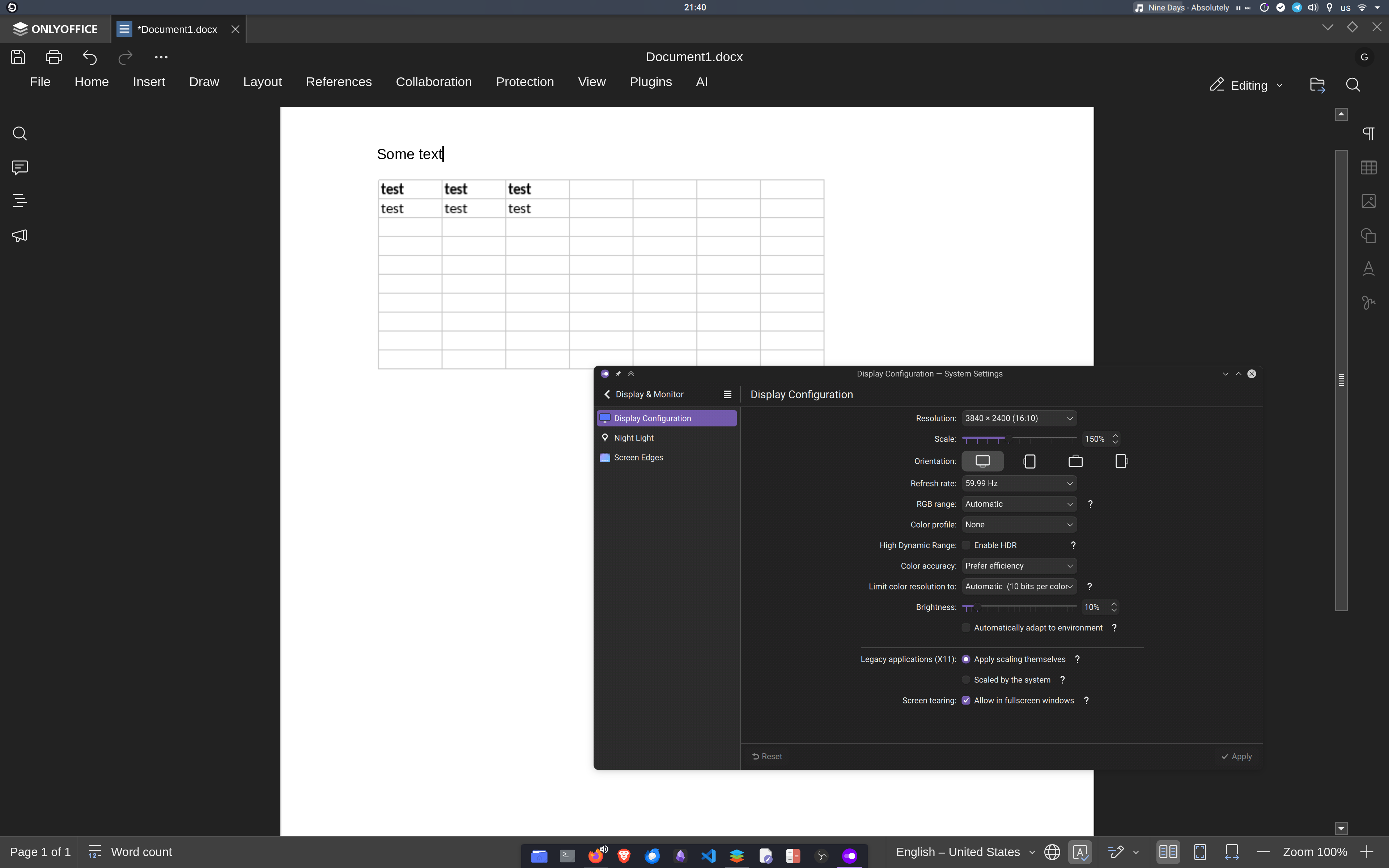
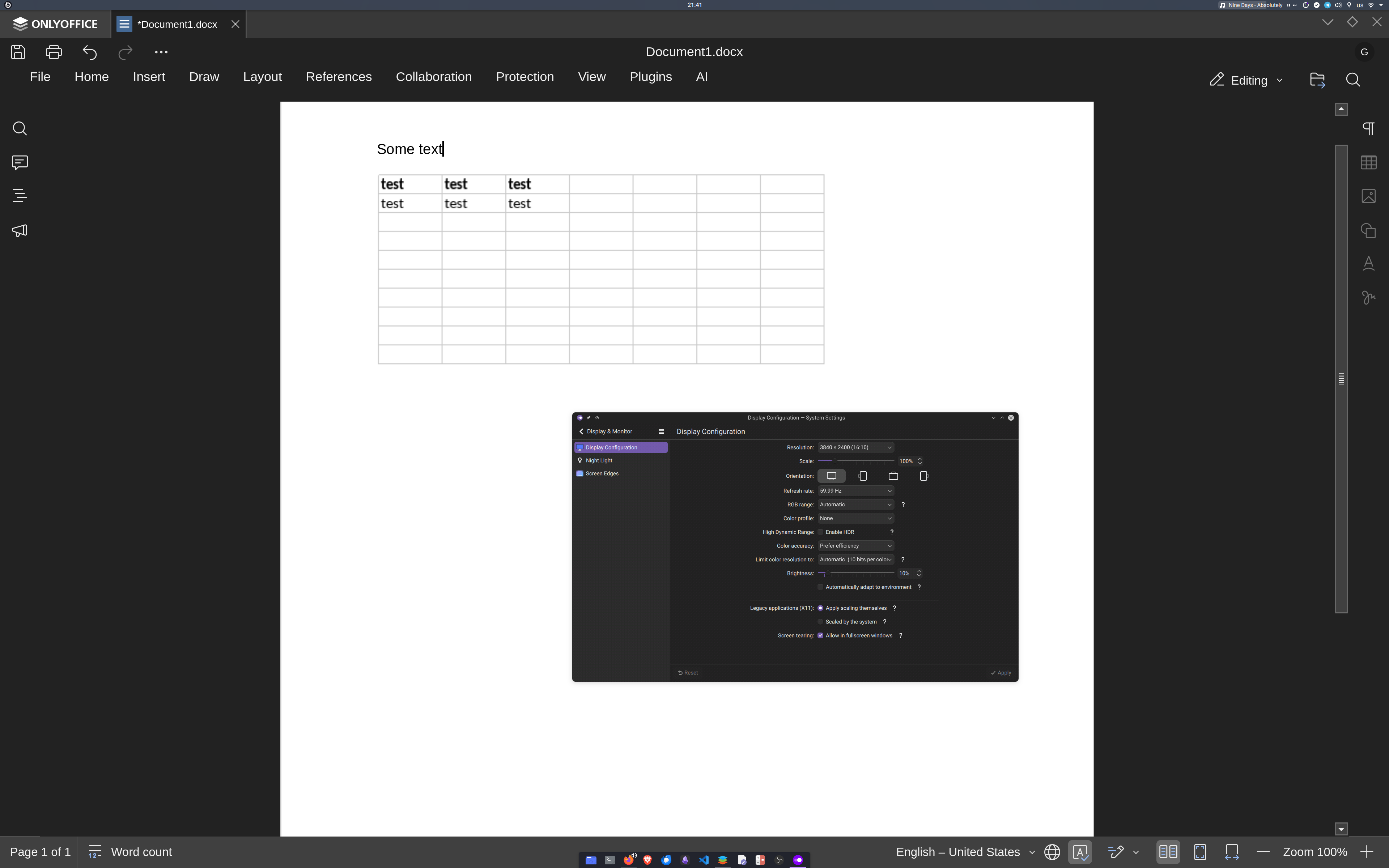
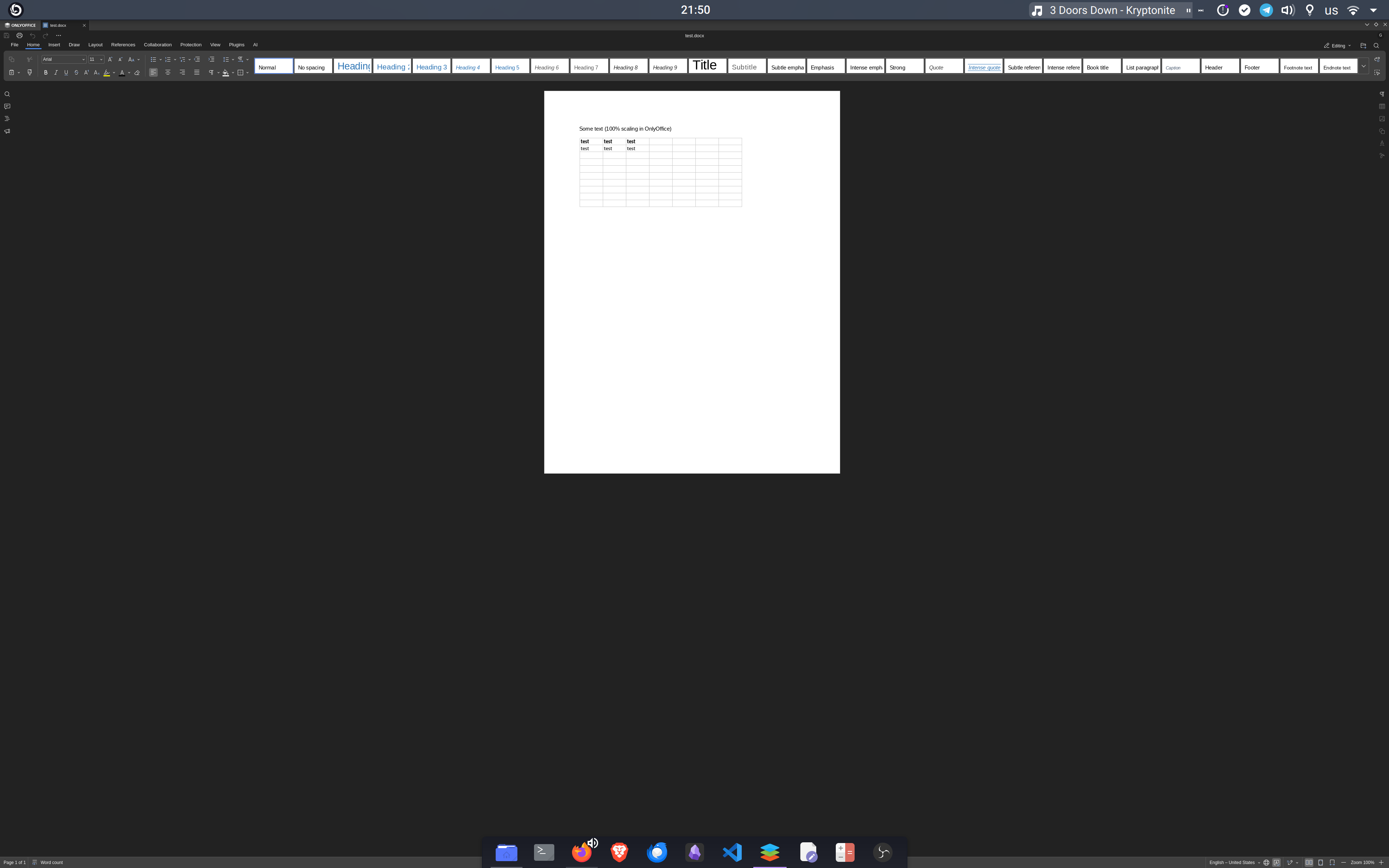
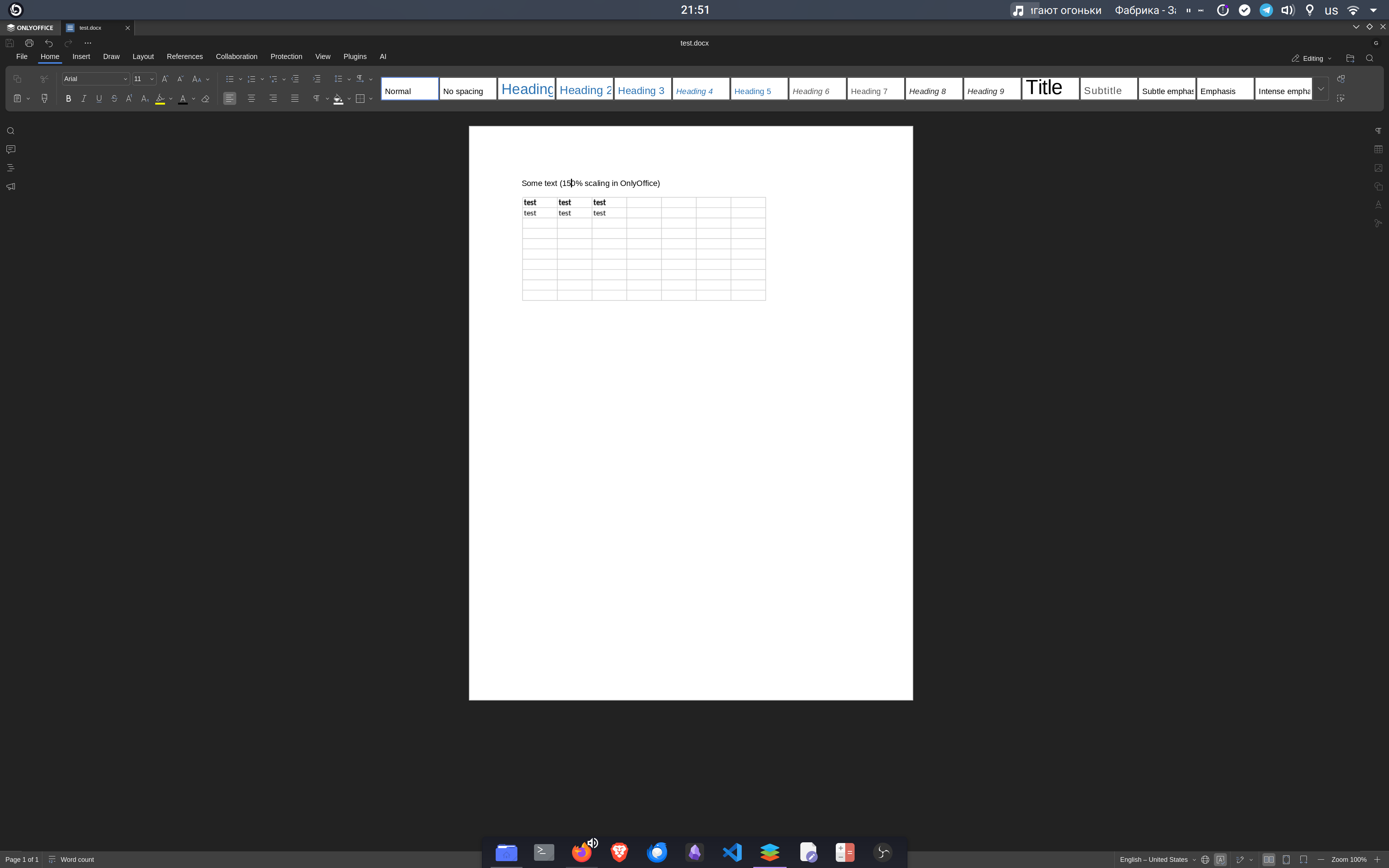
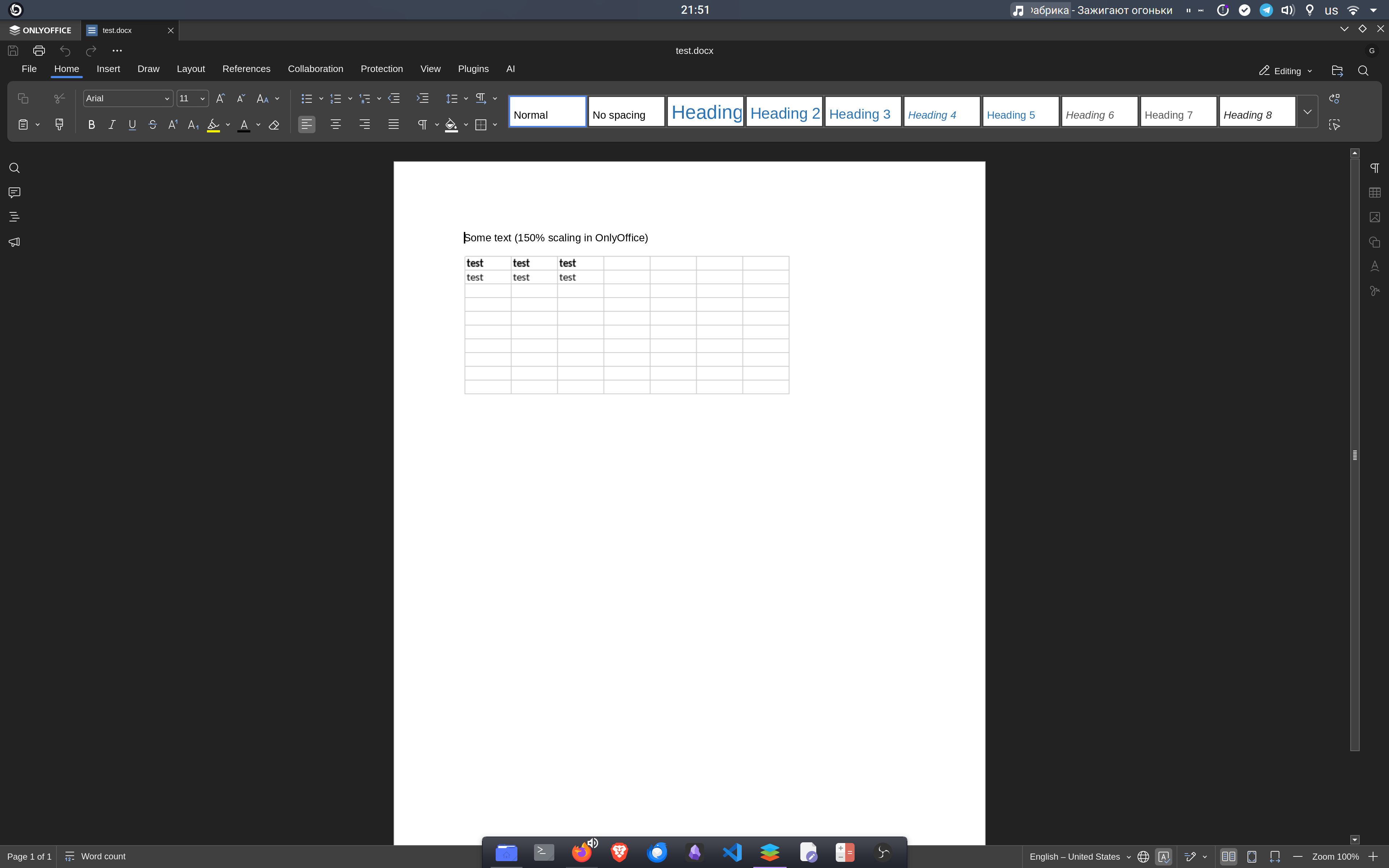
I have attached screenshots for all three scales, and I discovered a very specific pattern:
At 100% scaling: The embedded spreadsheet renders perfectly crisp and sharp (pixel-perfect).
At 150% and 200% scaling: The embedded spreadsheet immediately becomes blurry and pixelated, while the native document text around it stays vector-sharp.
Hopefully, this helps your team pinpoint the rendering pipeline issue quicker!
I have attached a detailed screenshot focused specifically on the embedded spreadsheet object right next to the native document text to demonstrate the contrast in rendering quality. It looks like the OLE container renders a 100% DPI bitmap and then simply stretches it physically, instead of requesting a
Thank you very much for the extremely detailed description, the environment information, and all the screenshots — they are very helpful.
We have forwarded your HiDPI rendering findings for the embedded spreadsheet to our QA team for internal testing. As soon as the testers finish their checks and we have a clear understanding of the root cause and next steps, we will post an update in this thread.
Thank you again for taking the time to investigate this so thoroughly and share your results.
UPD: We have linked your report to an existing internal bug related to how embedded spreadsheet (OLE) objects are rendered and scaled inside the editors.
Once we have clarification from the team on the exact cause and any planned fixes or improvements, we will update this thread.