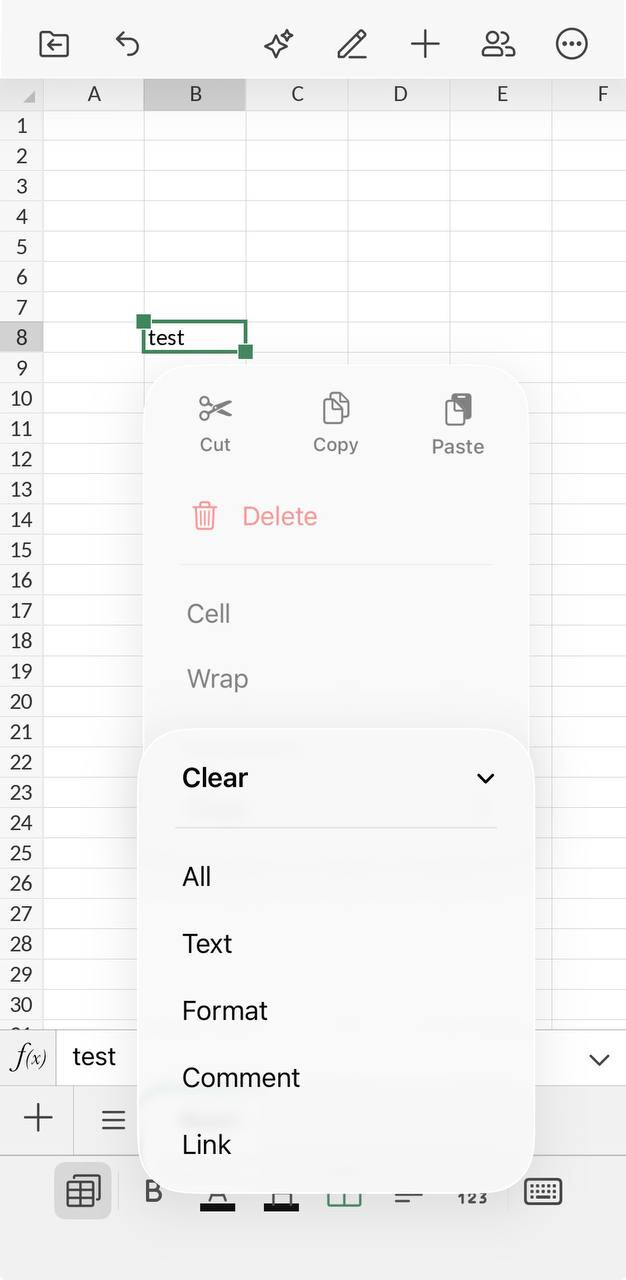
I was impressed with OnlyOffice on my laptop, especially the way it maintained the formatting of my prior documents when opened. But the ipad app has proven to be incredibly difficult, if not impossible to use. The main problem is there is so much pre-formatting, from auto capitalizing to line configuration, and, unlike the computer version, there doesn’t appear to be any quick “clear formatting” or “stop auto-capitalizing” options. I have spent countless hours (I’m very determined), trying hundreds of different troubleshoots from the internet, and it’s a very rough road. So I just wanted to provide some feedback for OnlyOffice, which I admire and would really like to use on my ipad:
Maybe I’m in the minority, but so much pre-formatting treats people like we’re all the same, without minds to figure out our own paths. I’m an individual with my own brain and own ideas. I don’t want everything pre-configured, like I’m incapable of making simple decisions and everything has to be done for me. I get it - We live in a world where many people want the program to automatically do everything for them. But if I don’t fall exactly into an assumed mass group, or if I have a slightly different idea of what I would like to do, there should be some path for me. It would be so helpful if the ipad app version of OnlyOffice offered FILE or CLEAR-FORMATTING options like the computer version. As it is now, it’s incredibly troublesome and time-consuming trying to undo what’s been preset, with no quick options to do so. I hope in the future OnlyOffice can offer an app for ipad that will be more suitable for people like myself.