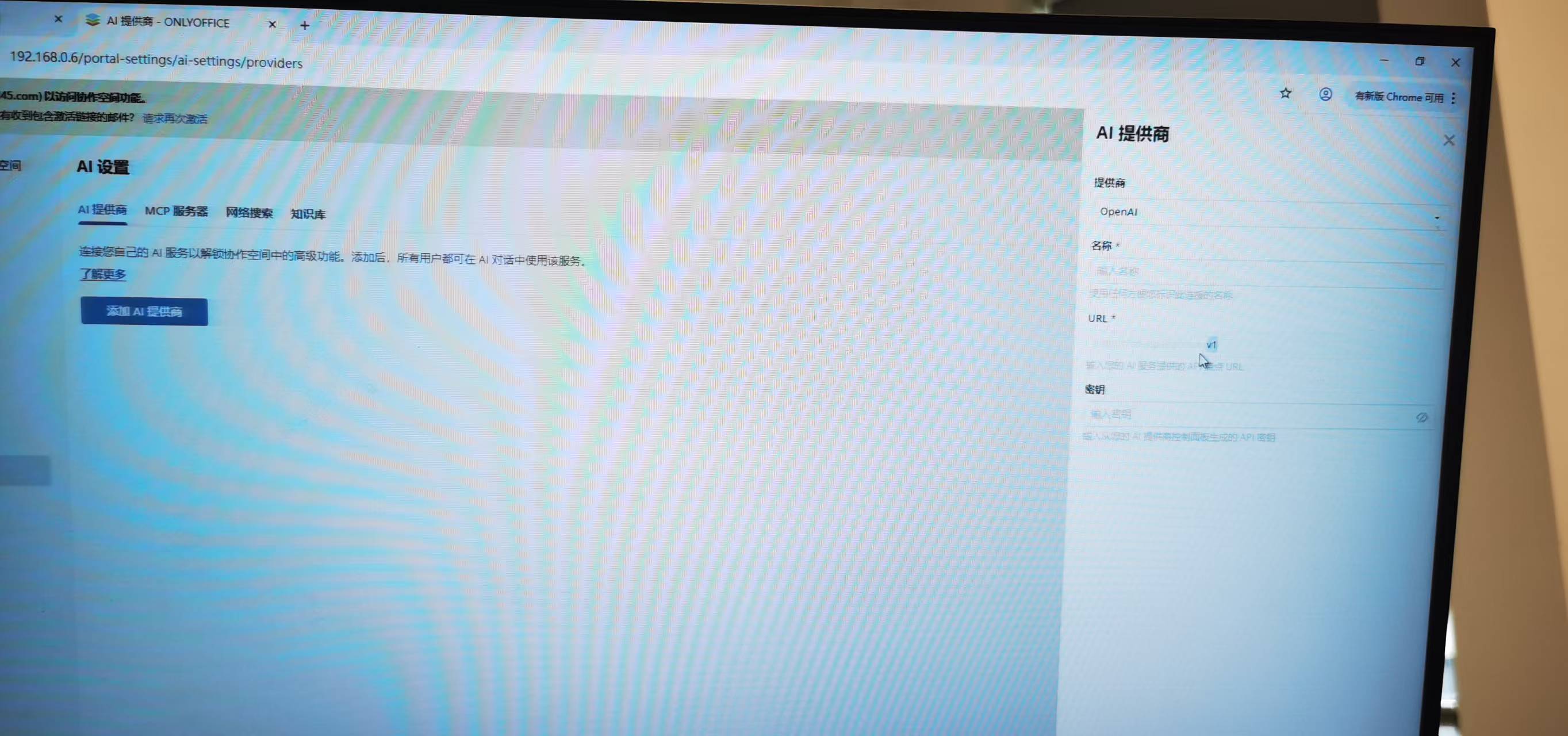
In an offline Windows Server 2019 environment, we’ve successfully deployed ONLYOFFICE DocSpace. Users can add their own LLMs via the AI plugin settings in their personal accounts. However, when I log in as a system administrator to configure the LLM globally in the AI settings, Ollama is not listed as a provider, and the URLs for all other providers are greyed out (non-editable).
What could be causing this? Could this issue be related to the fact that the users haven’t verified their email addresses.