ONLYOFFICE Desktop Editors
OS version: Windows 10 Pro 22H2
App version: Community 9.4.0.129 (x64 exe)
Downloaded from: ONLYOFFICE website.
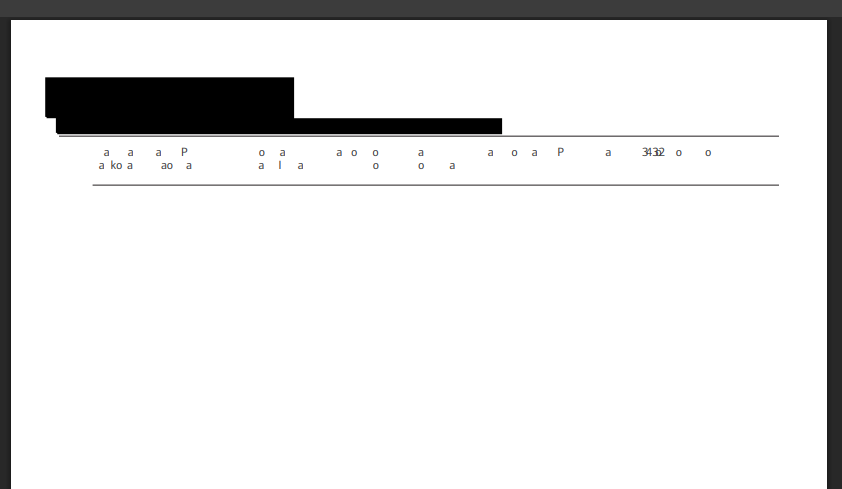
Hello dear developers of the app. I ran into a problem when trying to edit text in a PDF file that uses a non-standard font. I open the PDF document, edit the text in it (adding two digits). Everything works perfectly, then I save the document. When I open the edited document again, I find that it has become corrupted or damaged. Some of the text has changed, while other parts have disappeared entirely. I’ve attached of the original document and the final result. I tried this on my current Windows computer and on a MacBook. The problem is the same on both systems. Please help me figure this out.
P.S. I wanted attach more links, but I’m a new user, and I can’t.