OS: Windows 10
Browser version: google chrome 146.0.7680.165 (official build) (64 bit)
Additional information:
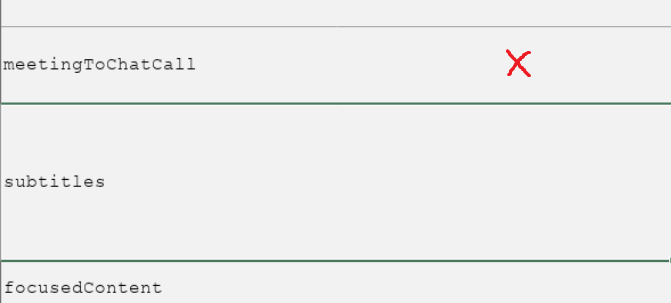
When opening documents (.xlsx) in google chrome. I click on one cell, and another is selected. The offset of the click on the document. Zooming in the document and browser does not help.
Hi @Stergrim,
Thank you for the report!
Could you try opening the document in a Chrome Incognito window (extensions are disabled there by default)?
If it works correctly in Incognito, the issue is likely caused by one of your Chrome extensions — you can then disable them one by one to identify which one is responsible.
If the problem persists even in Incognito, please share your Document Server version, installation type, and a screen recording if possible — that will help us investigate further.
Hi.
It’s the same in incognito mode. Of the extensions, only the translator is “TWP - Translate [BETA]”. I’ve tried disabling it. Moreover, the same thing happens in the Edge browser (Version 145.0.3800.70), and everything is correct in the firefox browser.
Unfortunately, it does not allow downloading the video, it says “Sorry, new users can not upload attachments.” Document Server version, installation type I do not know where to look, since access to the document is provided to me from a corporate VPN in the browser.
Hi,
You can find the Document Server version by clicking the “About” icon ( ) on the left sidebar inside the editor.
Also, please upload the screen recording to any file sharing service (Google Drive, Dropbox, etc.) and share the link here.
Record: https://drive.google.com/file/d/1JFsJnNjlhhj-ATzM9WQZmRmLSonQH1g9/view?usp=sharing
version 8.0.1.1

@Stergrim Thank you! The version you’re using (8.0.1.1) is quite outdated —
the current release is 9.3.1. This issue may have already been fixed in a newer version.
We recommend updating the Document Server and checking if the issue persists.
In the meantime, please use Firefox as a workaround.
As soon as there is an opportunity, I will definitely update it.
Thank you very much for your help.
3 Likes