Originally published at: The moment we chose compatibility over isolation | ONLYOFFICE Blog
Celebrating 16 years of ONLYOFFICE, we continue our series of blog posts telling you stories about our project. Today, we would like to take this opportunity to look back to the past and remember one of the pivotal moments that shaped ONLYOFFICE and defined our philosophy for years to come. Let’s refresh our memory about the moment we chose compatibility over isolation.
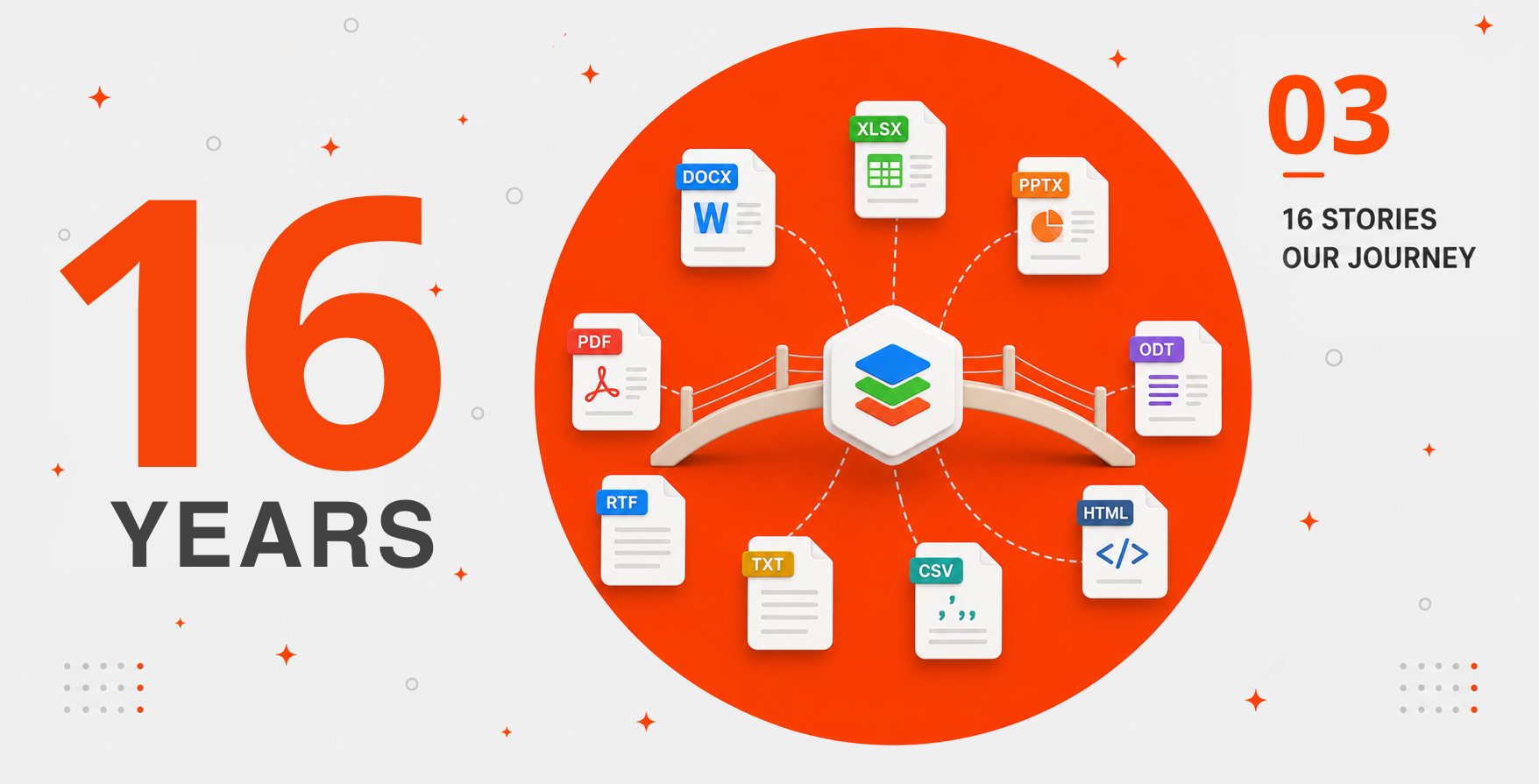
The making of an office suite: ODF, intermediate formats, OOXML, forms and PDF
Did you know that the ONLYOFFICE suite, whose highest compatibility with Microsoft Office formats is one of the most outstanding features, was not fully compatible with DOCX, XLSX and PPTX files at first and relied on ODF, making it possible to open documents in OpenOffice via a special plugin?
What was an internal collaboration platform called TeamLab back in 2009 has come a long way, transforming into the full-featured office suite you know today. The transformation process wasn’t easy, and we had to make a lot of tough technical decisions, including the introduction of intermediate formats, the switch to native OOXML editing, the development of our own formats for fillable forms, the adoption of the PDF format and the extension of format compatibility with other office tools, among others.
By 2011, ONLYOFFICE reached a pivotal moment. We decided to focus on native compatibility with the formats most people were already using every day, and after extensive internal discussion, we chose DOCX, XLSX and PPTX as the core formats of our editors. It was a deliberate step based on a single priority: user expectations.
At the time, Word, Excel, and PowerPoint files were the default in many organizations worldwide. Teams exchanged them constantly, stored them in shared archives, attached them to emails and built their workflows around them. In that reality, “format choice” wasn’t an abstract debate. It directly determined whether users could open, edit and share documents without friction across multiple apps and devices.
So we made a clear statement with our implementation of OOXML: we would prioritize compatibility over isolation. Rather than asking our users to change their habits or convert files, ONLYOFFICE would meet them where most of them already were, inside the DOCX/XLSX/PPTX ecosystem, while building an editor designed for modern collaboration.
This approach is not only about OOXML and why we prefer DOCX over DOC or ODT, for example. It’s about all formats whose implementation makes our software more flexible and powerful, making it easier for users to handle various types of office files in our editors, without switching to other tools. A vivid example is the introduction of ONLYOFFICE PDF Editor in 2023, which integrated PDF workflows into our ecosystem.
The format journey: from ODF to OOXML and beyond
To understand why we prefer compatibility over isolation, please take a look below at how our project evolved and how format compatibility shaped the ONLYOFFICE editors from the very beginning.
2009: simple document viewing
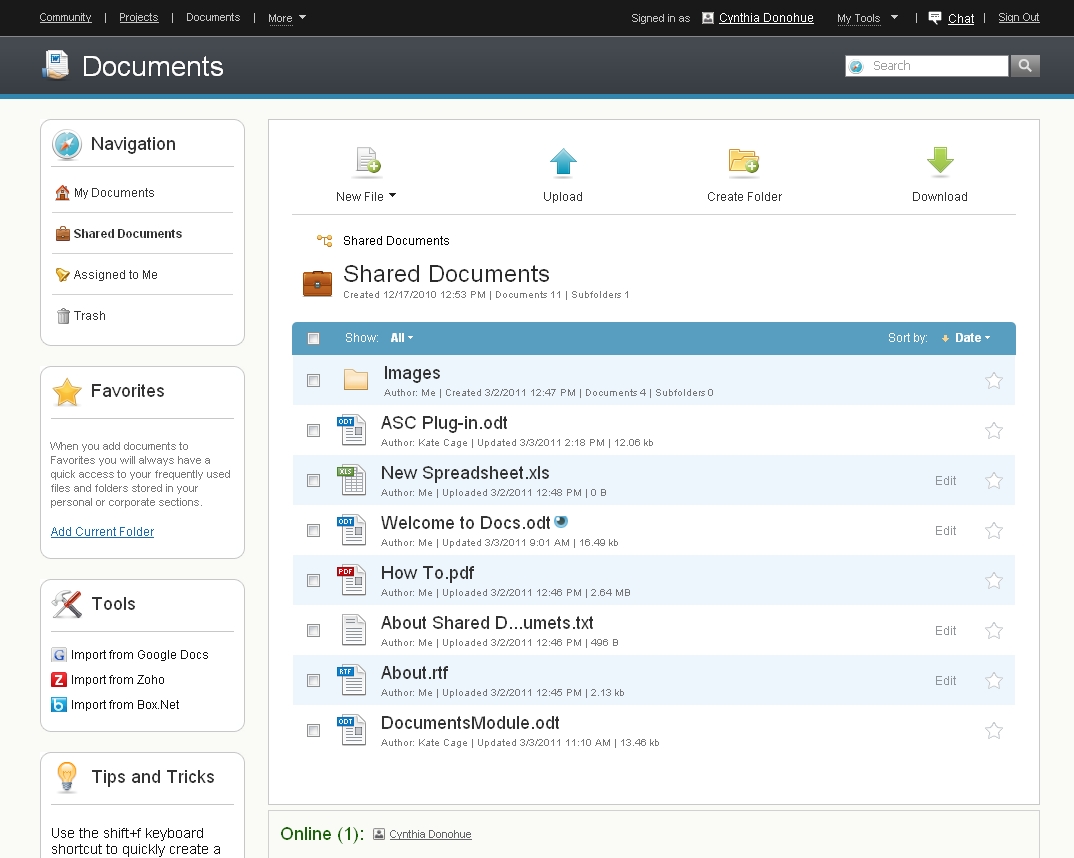
In 2009, our team launched TeamLab, a collaboration platform with blogs, wiki, forums and bookmarks. We tried several approaches to document viewing before opting for a native editor — a SWF (Flash) document viewer, a Java plugin for opening files via OpenOffice and an HTML viewer. There were no native web-based document editors; no file formats were natively supported.
2010: compatibility with all OpenOffice formats
The OpenOffice plugin in Teamlab supported all OpenOffice formats, but not in a native way. The plugin turned out to be heavy, unreliable and impossible to fix properly. That’s why we started developing a native document editor and a spreadsheet tool.
2011: native HTML5 editors with 15 formats
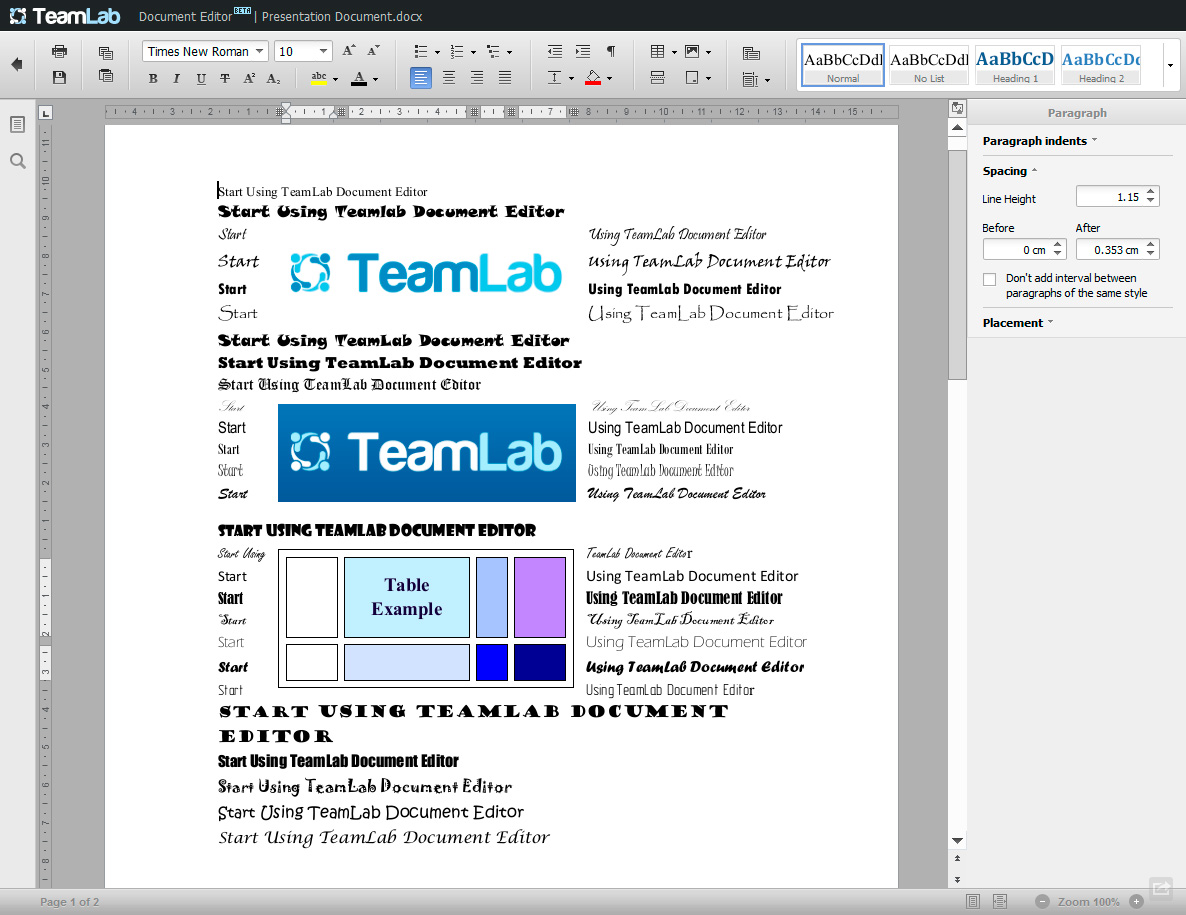
After a long internal discussion, our team made the decision to adopt the brand-new HTML5 and build a custom canvas renderer. DOCX, XLSX and PPTX were chosen as the native internal formats, ensuring maximum MS Office compatibility. Legacy MS binary formats, ODF, RTF, TXT, CSV and HTML were supported for broader interoperability and easier migration from other office suites. PDF was available for viewing only.
2012: DOCT, XLST and PPTT as internal working formats
Our team presented our HTML5 editors at the CeBIT exhibition in Hannover in March, 2012. The editors used internal temporary formats (DOCT, XLST and PPTT) as intermediate working files during editing sessions, converting back to DOCX/XLSX/PPTX when saving. These were not end-user formats.
2013: native OOXML editing
In 2013, we made the most important architectural format decision and abandoned the internal DOCT, XLST and PPTT temporary formats, relying on native OOXML editing without any intermediate conversion. Also, we added ODF template variants (OTT, OTS, OTP).
2014: rebranding and EPUB support
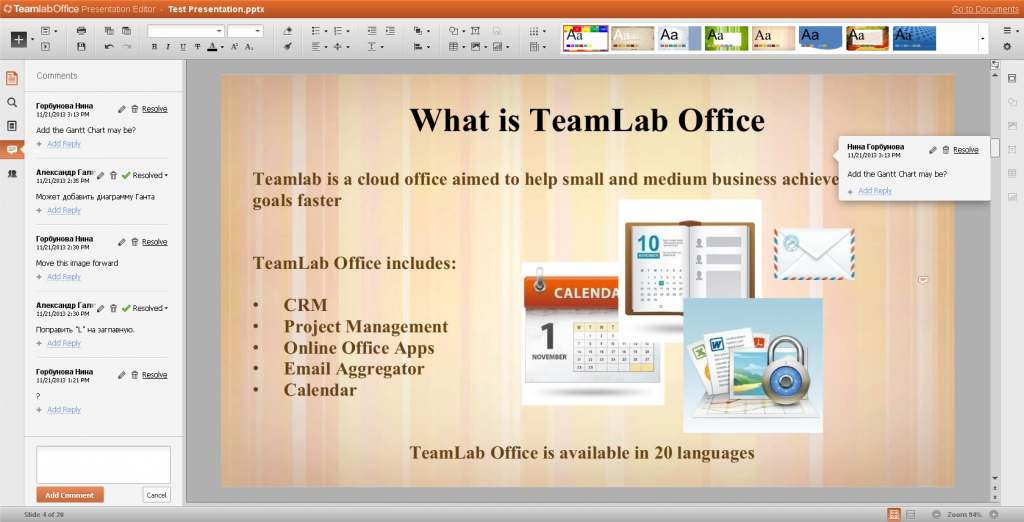
TeamLab Office was officially rebranded as ONLYOFFICE, and its source code was published on GitHub in July, 2014. The open-source release accelerated community format requests, which resulted in compatibility with EPUB and XML.
2015: FB2, flat ODF and XPS
As the ONLYOFFICE community kept growing, we added a few new formats, including XPS, flat ODF variants (FODT, FODS, FODP) and FB2. The last one was highly requested by users.
2016: DjVu and OOXML templates
Alongside the first offline cross-platform version of ONLYOFFICE Desktop Editors for Windows, Linux and macOS, we added support for viewing DjVu and editing standard OOXML template formats (DOTX, XLTX and POTX).
2017: compatibility with WPS Office formats
WPS Office formats (WPS, WPT, ET, ETT, DPS, DPT) were added to make ONLYOFFICE available to Chinese users. Additionally, we added MHT/MHTML (Outlook Web Archives) and legacy StarOffice/OpenOffice binary formats (SXW, SXC, SXI, STW).
2018: OXPS and PDF/A
2018 brought compatibility with OXPS (Open XPS, the ISO/IEC 29500 standardized version of Microsoft XPS) and PDF/A (ISO 19005).
2019: GDOC, GSHEET and GSLIDES
Version 5.4 of the ONLYOFFICE editors introduced Google Drive virtual stub formats (GDOC, GSHEET, GSLIDES).
2020: product rebranding
In 2020, our office suite was renamed to ONLYOFFICE Docs, providing support for the full macro-enabled OOXML family (newly introduced DOCM, XLSM, PPTM, DOTM, XLTM, POTM, PPSM and PPSX formats).
2021: HML and XLSB
A year after the rebranding, HML and XLSB (viewing only) were added to the ONLYOFFICE ecosystem.
2022: ONLYOFFICE’s proprietary formats for fillable forms
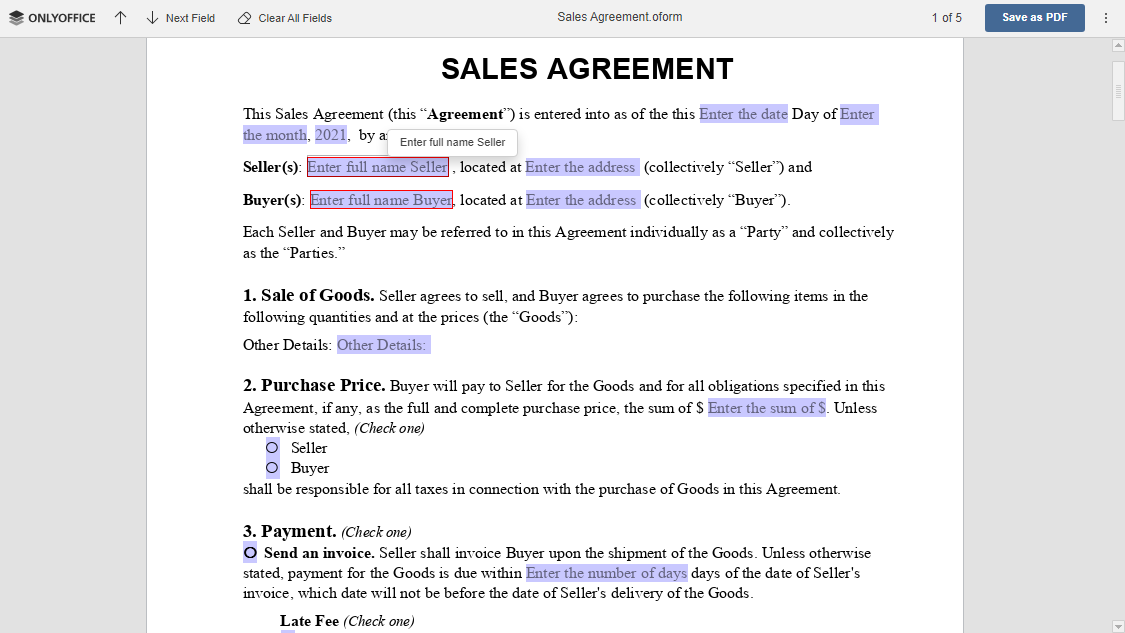
Version 7.0 introduced fillable forms and brought two new formats for them, OFORM and DOCXF. We developed these formats to let our users handle fillable forms:
- DOCXF is designed for creating form templates. It’s a file extension based on DOCX which allows building forms either from scratch or using an existing DOCX file.
- OFORM is a native format for online ready-to-fill-out forms. It is an OOXML extension, used in all ONLYOFFICE solutions, including web, desktop and mobile.
Why introduce new formats? From our point of view, the standard formats, e.g. DOCX and PDF, were not enough to bring all our ideas into life. We wanted to provide a seamless editing experience while focusing on extended field settings and improved security.
2023: brand-new PDF editing
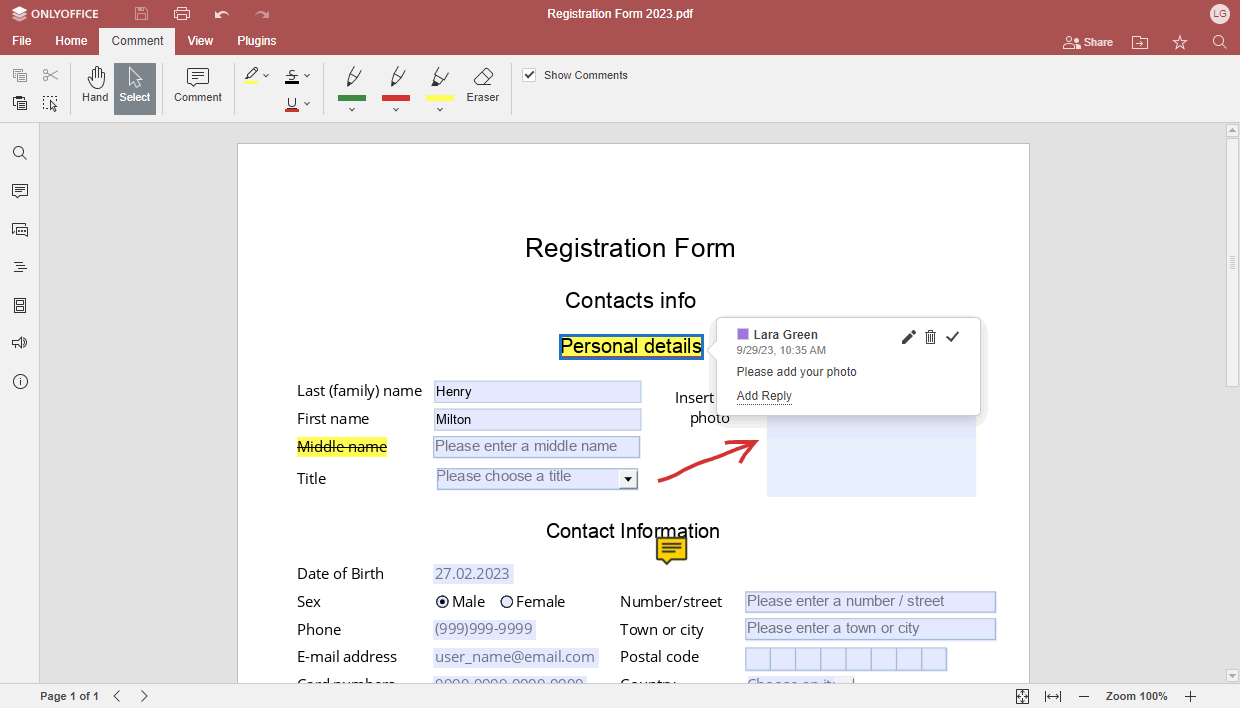
2023 was a landmark year for our team because we released the first version of our PDF editor, allowing ONLYOFFICE users to perform basic editing operation, like annotations (text highlight, underline and strikethrough), form-filling, comments and drawing.
Additionally, we enabled support for HEIC/HEIF/WEBP images.
2024: switching to PDF forms
Starting from version 8.0, we switched to PDF as the industry standard for fillable forms. This decision made us abandon our own OFORM format, while DOCXF was still used for form templates. The reason was quite obvious — we wanted our forms to be compatible with other apps and vice versa. Another consideration was to facilitate the integration process of the ONLYOFFICE editors for developers and integrators.
In 2024, we also enabled real-time PDF co-editing and direct XLSB without conversion.
2025: Diagram Viewer and compatibility with Apple’s and Hancom’s formats
2025 significantly improved compatibility with other office suites. Firstly, we introduced full Apple iWork format support in response to growing demand from macOS and cross-platform users who collaborate with Apple users. Secondly, the Hancom Office HWP and HWPX formats were added specifically for South Korean users.
Another important milestone was the introduction of ONLYOFFICE Diagram Viewer and support for VSDX, VSSX, VSTX, VSDM, VSSM and VSTM.
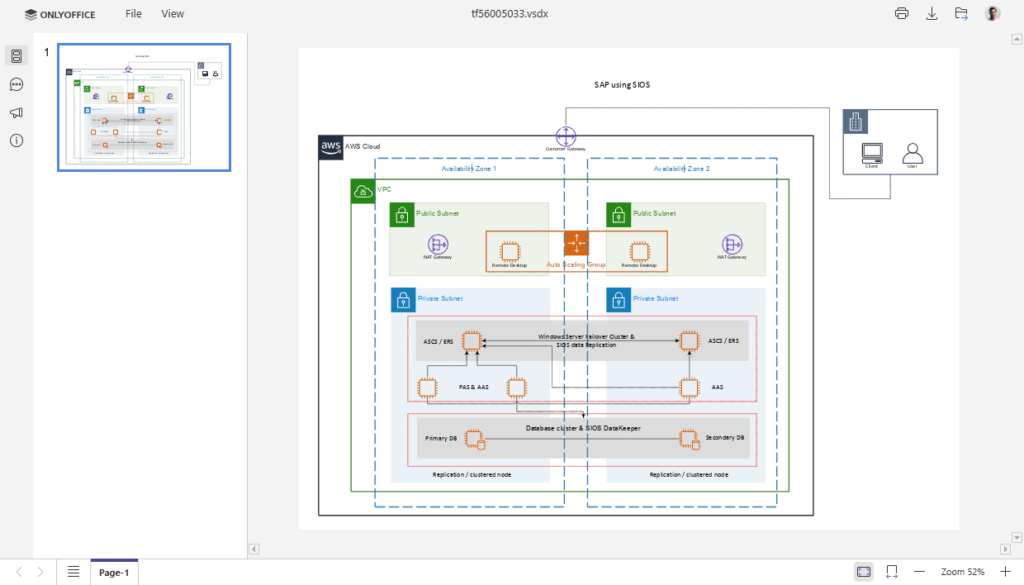
Finally, we added support for MD and ODG files, as well as native XLSB editing.
2026: TSV, saving as MD and locked PDF editing
This year, we have continued extending the ONLYOFFICE format compatibility by adding TSV for data scientists and analysts who work with tab-separated exports. Saving as MD is a useful feature for development and technical writing workflows.
Also, we enabled password-protected PDF editing in version 9.3, making it possible to open and edit locked PDFs directly in our editor.
Final thoughts
By 2026, ONLYOFFICE Docs has become a full-featured office suite, providing native OOXML support since the very beginning and compatibility with numerous popular formats, including the ODF family, the Apple iWork ecosystem, the Hancom Office suite and other apps — more than 60 formats in total.
This is how we chose compatibility over isolation. Our 16th anniversary blog post series is not over — stay tuned and read new stories about ONLYOFFICE in our blog. Don’t miss a thing!