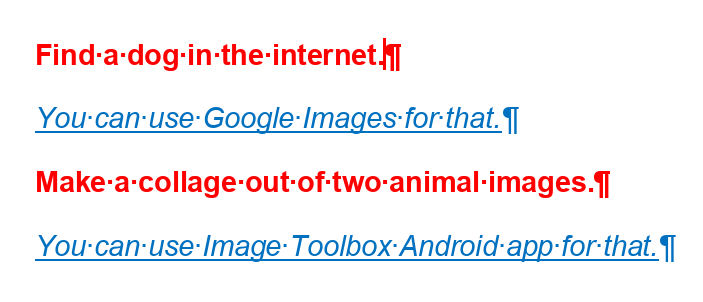
Hi! How to make a circle reference between styles? I want to archive the following thing:
- There is a custom made red text style named RED, which must be followed by default by a style BLUE below
- There is also another one style which represents a blue text and titled as BLUE, which consequentially must be followed by RED style
When I create the first style, there is no style to refer to as BLUE is not here yet. But if I chose another style for the following paragraph after RED temporarily (let’s say it will be a Normal style), how to change it then to BLUE after it created?
Where it can be useful (from my perspective): the document is a list of teacher tasks for a pupil and each task is written in a RED style while notes for it in BLUE one. When I finish my notes, I expect to begin writing a new task, so here I will need the editor to switch back to RED style.