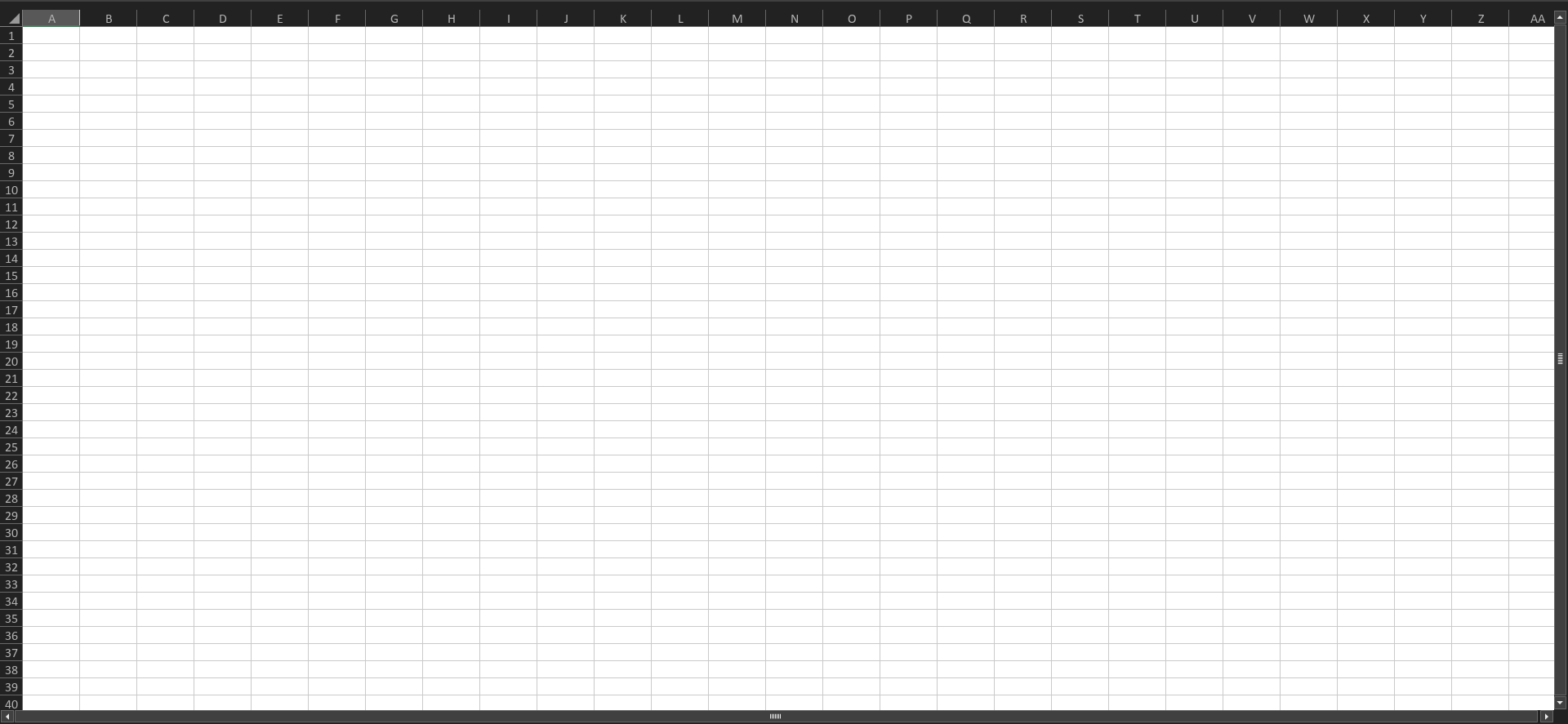
Hello ONLYOFFICE Team,
I cannot go full screen in the Spreadsheet app. This causes two main issues:
- The surrounding elements are distracting.
- My workspace stays too small to work comfortably.
Hello ONLYOFFICE Team,
I cannot go full screen in the Spreadsheet app. This causes two main issues:
Hello @Yunus
Can you specifically define what you expect from fullscreen in spreadsheet editor?
It would be best if OnlyOffice had a fullscreen mode—where EVERYTHING except the headings disappears—that you can exit by pressing Esc.
Do you know any other processors that provide such mode? I am asking in case you can share any references for better visual understanding.
Hello,
Thank you for your patience and for providing the screenshot. We have forwarded your suggestion to our QA team for review and will post an update here as soon as we have any news.
As a workaround, you can optimize the available workspace by opening the file in its own window instead of using tabs.
You can also hide the top toolbar by disabling the Always Show Toolbar option on the View tab, or simply by double-clicking any tab to collapse the toolbar.
Hello,
Thank you for your suggestion. This request has been registered in our internal tracker. Unfortunately, we do not have an exact ETA at the moment, but we will post an update in this thread as soon as we have any news.
This error usually occurs when the spreadsheet app (like Excel or Google Sheets) can’t switch to full-screen mode due to browser restrictions, system settings, or display issues. It can often be fixed by refreshing the page, updating the browser/app, or checking screen resolution and permissions.
Hello @travisparker
I believe that topicstarter means slightly different situation. There’s no issue per se, but lack of requested feature. We already registered the suggestion and we will update this thread once we have something to share.