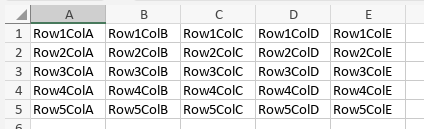
Okay, a change of test conditions, we’ll try again. New Spreadsheet created from scratch.
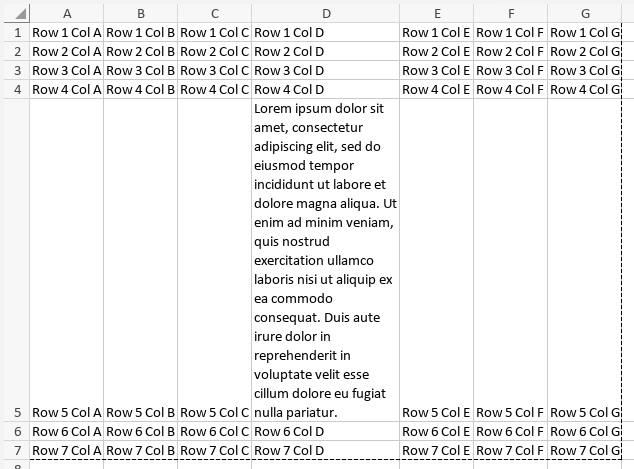
1, Populate spreadsheet;
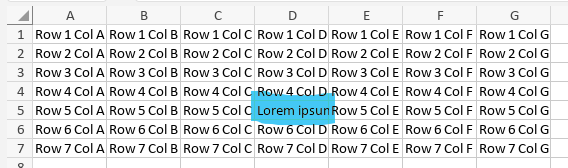
Note the highlighted cell, D5, with a lot of text, although most is cropped by the cell boundary,
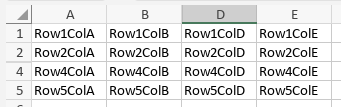
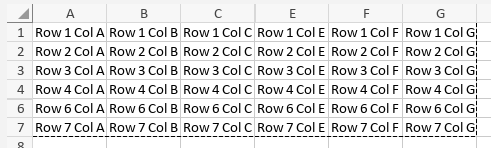
2,3, Hide row and column containing D5, and set Print area;
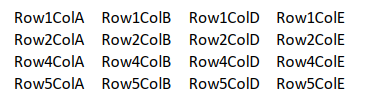
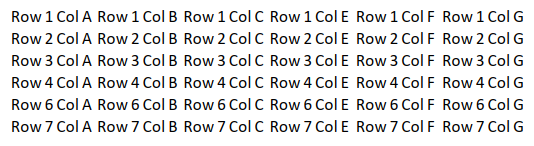
4,5, Render as .pdf and display
.pdf shows D5 hidden, and no excessive space is displayed.
So, something else to try; expose all the text in D5, then hide D5
1, D5 exposed;
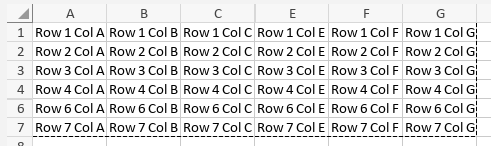
2,3, Row and Column for D5 hidden
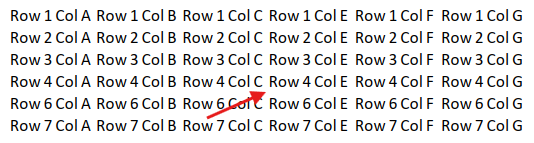
4,5, Render as .pdf and show
The arrow points to where D5 would be, and there is no excessive spacing again.
This would suggest that there is another factor to this issue.
And you have bypassed the matter of the version of OO that you are using.
It may still require that you place a copy of your spreadsheet in shared storage and provide a link. But before that, make sure you are using the current version of the software, and try again if you had to upgrade.