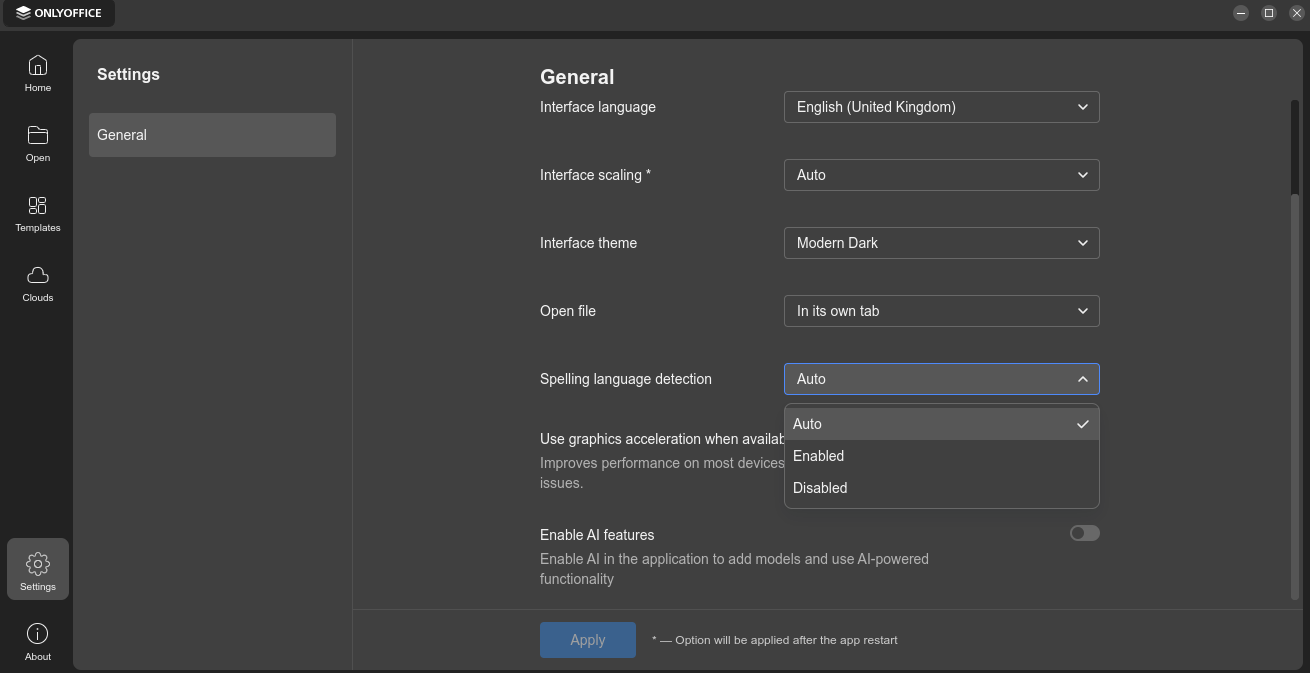
Product: ONLYOFFICE Desktop Editors
Version: 10.x.x (from Help → About)
OS: Windows [your exact version, e.g. 10 22H2 or 11 23H2]
Install source: Official EXE installer from onlyoffice.com
Steps to reproduce:
- Launch ONLYOFFICE Desktop Editors.
- Go to File → Settings.
- Set Spelling language detection to Disabled.
- Close the application.
- Launch ONLYOFFICE Desktop Editors again.
Actual result:
The Spelling language detection option is back to Auto.
Expected result:
The option remains Disabled across restarts.
Extra info:
- Tried running as Administrator → same behavior.
- Tried resetting the config under
%APPDATA%(renamed settings folder) → same behavior. - Option worked in earlier versions but in v10 it doesn’t persist.