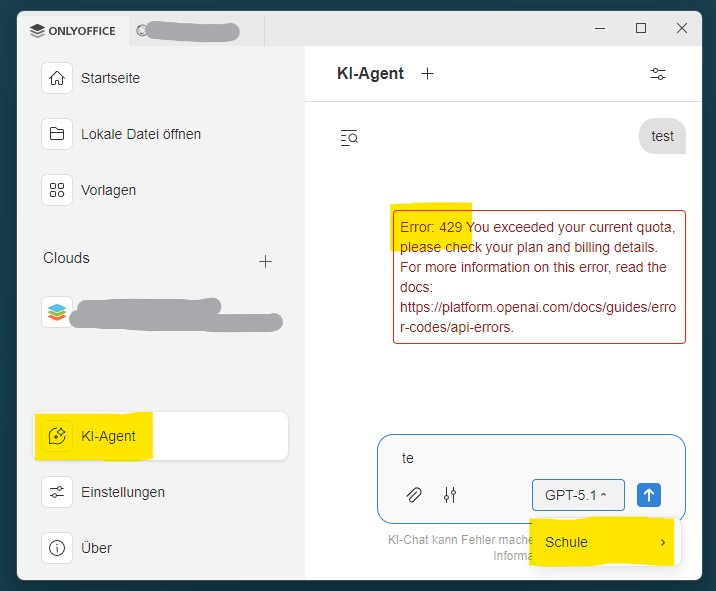
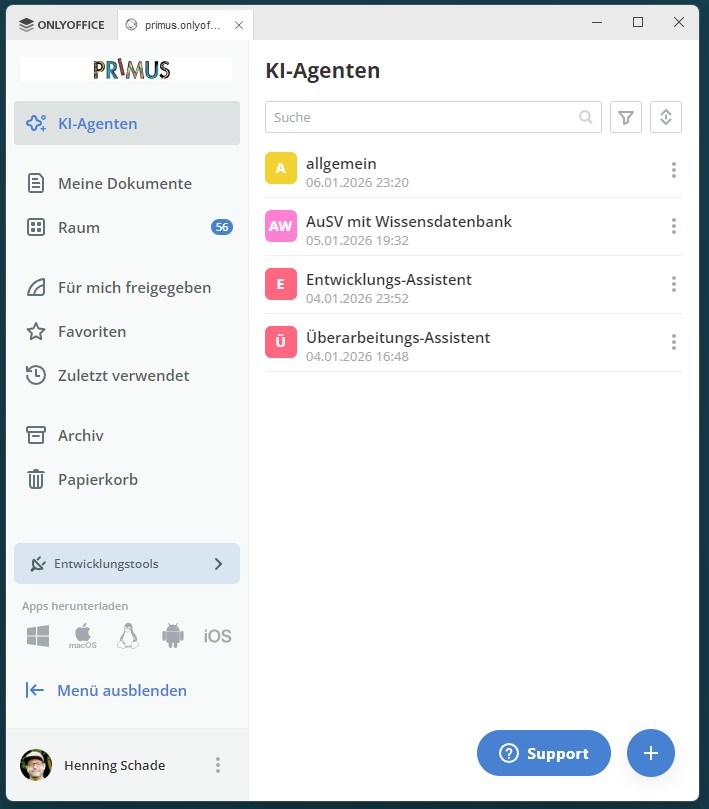
i set up ai-services with openai. It workes well within the ai-agents, but not on the main page. There it will always gives “Error: 429 You exceeded your current quota”.
It seems like old settings are saved and cannot be changed. (marked in yellow: “Schule”)
Tried to rename Ai-Provider to that name with no success…
Hello @henning.schade
What do you refer to as “ai-agents”? The menu on the screenshot is exactly called AI Agents, which is a bit confusing.
Thanks for the reply. May I know which version of Desktop Editors is being used and its installation type (EXE, MSI, flatpak, etc)?
Community-Version 9.2.1.43 (x64 exe)
but it seem independant from the editor, because the problem persists when using the browser
Thanks. May I know which tariff is being used for the AI subscription? Usually this situation happens due to key limitations, is it possible to create a new API key and try again?
Using OpenAI, budget is positive. Reset API multiple times
Tried other AI-Services via OpenRouter. Same issue
Deletet and reset KI-Setting within OnlyOffice. In the dropdown-menu on the main page the old option still remails! I think this is realted to the same problem…
Can you check RPM and TPM of the API key for ONLYOFFICE and share this information?
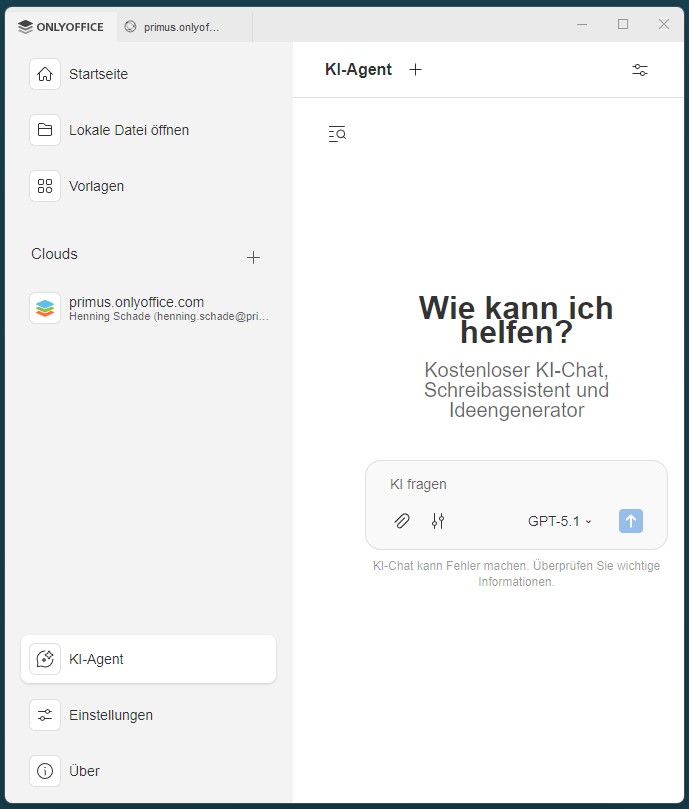
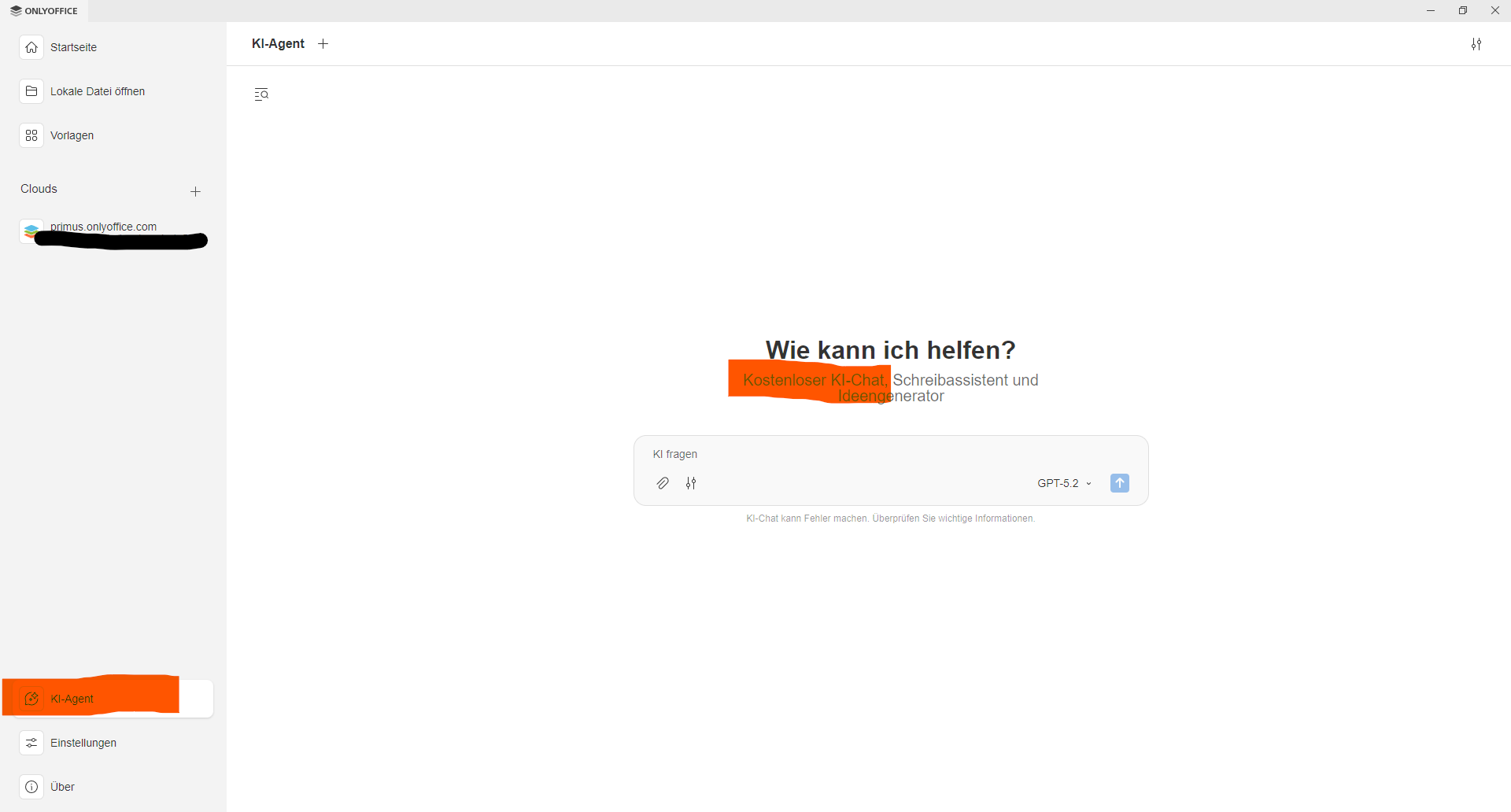
I’m sorry, but this is not helpful, and perhaps I am not properly understood. From my point of viee it makes no sense to look up the API RPM or TPM limits. Those work well in our portal. However, I’m referring to the mainpage. (I’ve attached the screenshot again.) It says there that the chat is free. And even when I connect our API, it still doesn’t work there.
Error: 429 You exceeded your current quota, please check your plan and billing details. For more information on this error, read the docs: https://platform.openai.com/docs/guides/error-codes/api-errors.
We have just released new version 9.4 of Desktop Editors. Please remove the app and install it again from scratch, you can get the installer here: ONLYOFFICE desktop and mobile apps | ONLYOFFICE
This update brings some improvements to AI Agent feature in the application, thus I’d like you to confirm the situation.
This worked. Thank you. On the mainpage I can select Mistral. It would like to do the same within AI-agents, which seems to be impossible at the moment.
Thanks for the reply. Unfortunately, not every provider works with tools, hence can be used for Agents.
Anyway, I am glad to know that it worked. Closing topic as solved.