Do you want to: Report a bug
OS version: Linux Manjaro updated to today
App version: 6.4.1
Downloaded from: Manjaro repository
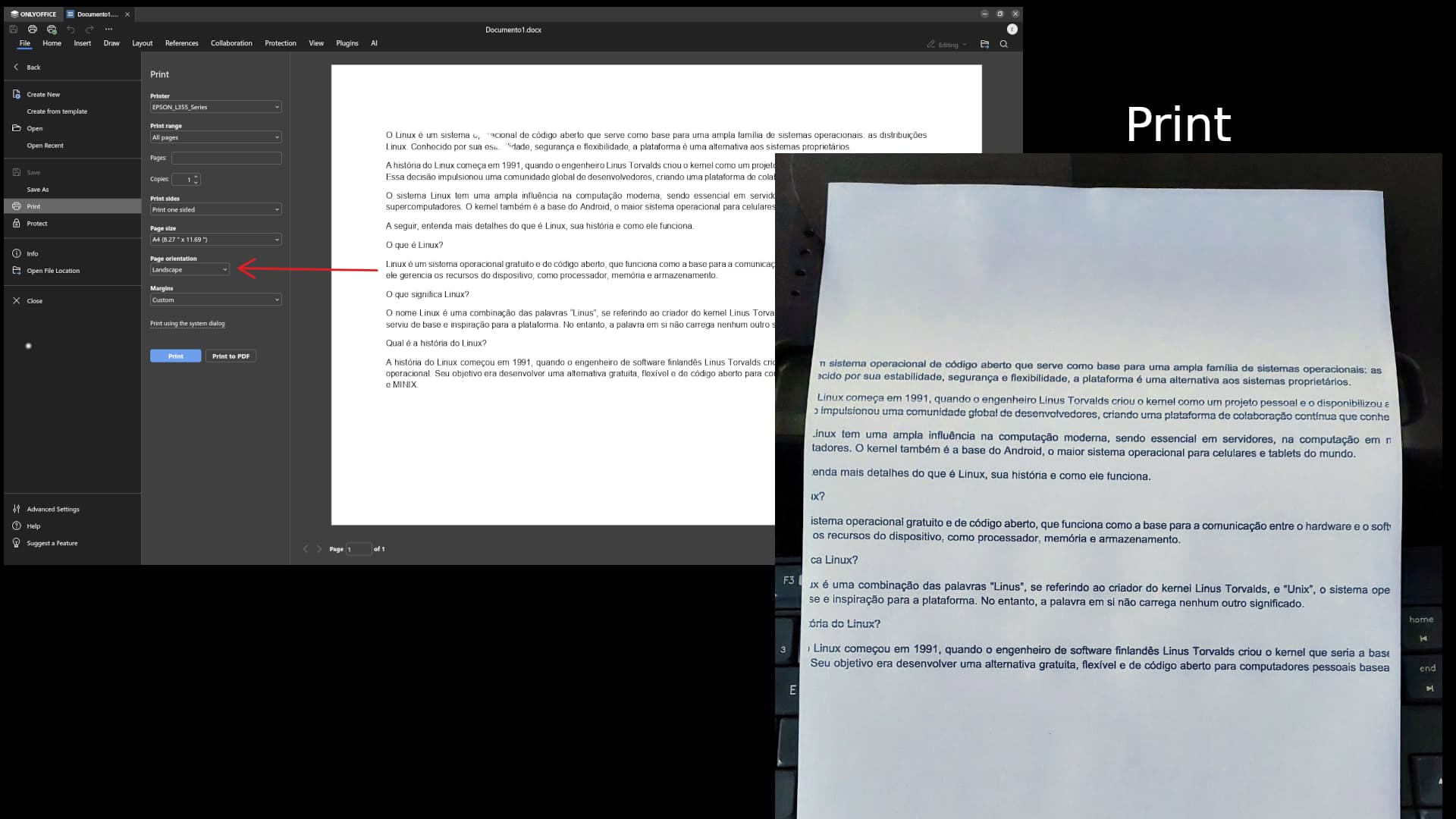
On Linux, OnlyOffice doesn’t override the default system printing settings.
Reproducing:
1 - Set the system defaults: draft printing and only black ink (for example)
2 - Open OnlyOffice and make a colored content document
3 - Open the OnlyOffice Printing Dialog and make the setting for that printing: → color ink (sadly, the OnlyOffice doesn’t offer the draft/normal/optimized print options)
4 - Now print the document. It’ll be only in draft-black color color just as the system defaults. In this case, the OnlyOffice settings had no value.
5 - Other programs printing settings override the system defaults.
Thanks for reading!
Hello
This ticket seems to be idled, but I think I’m facing the same king of issue on windows with 7.4: the number of copies is not taking into account by the OS:
I also face the same problem with OnlyOffice Desktop version 9.0.4.50, both in Flatpak and rpm on Fedora 42. No print settings changed in OnlyOffice override the system print settings, while in other applications it works normally.