Hello, we are using OnlyOffice DocSpace to publish a directory of read-only PDF files.
The search feature works most of the time, but occasionally it fails to find certain files at random.
We do not need full-text search. Searching only the file names would be enough.
Would anyone have the same issue and found solutions?
Hey @pascalv, 
Thanks for reporting the search failure issue in ONLYOFFICE DocSpace — that’s frustrating when it works inconsistently. To dig deeper:
- Could you record a short video showing the problem (e.g., searching for a file that should appear but doesn’t)? Upload it to ONLYOFFICE DocSpace, kDrive, or Dropbox and share the link.
- Are you using self-hosted DocSpace on your own server, or the DocSpace Cloud solution?
Any extra details (DocSpace version) would help too 
1 Like
Hello @Nikolas, here is the folder: https://docspace-knig16.onlyoffice.com/s/fH3JQnqjKKrhys9
It is DocSpace Cloud solution (as far as I understand the different services).
Try these searches:
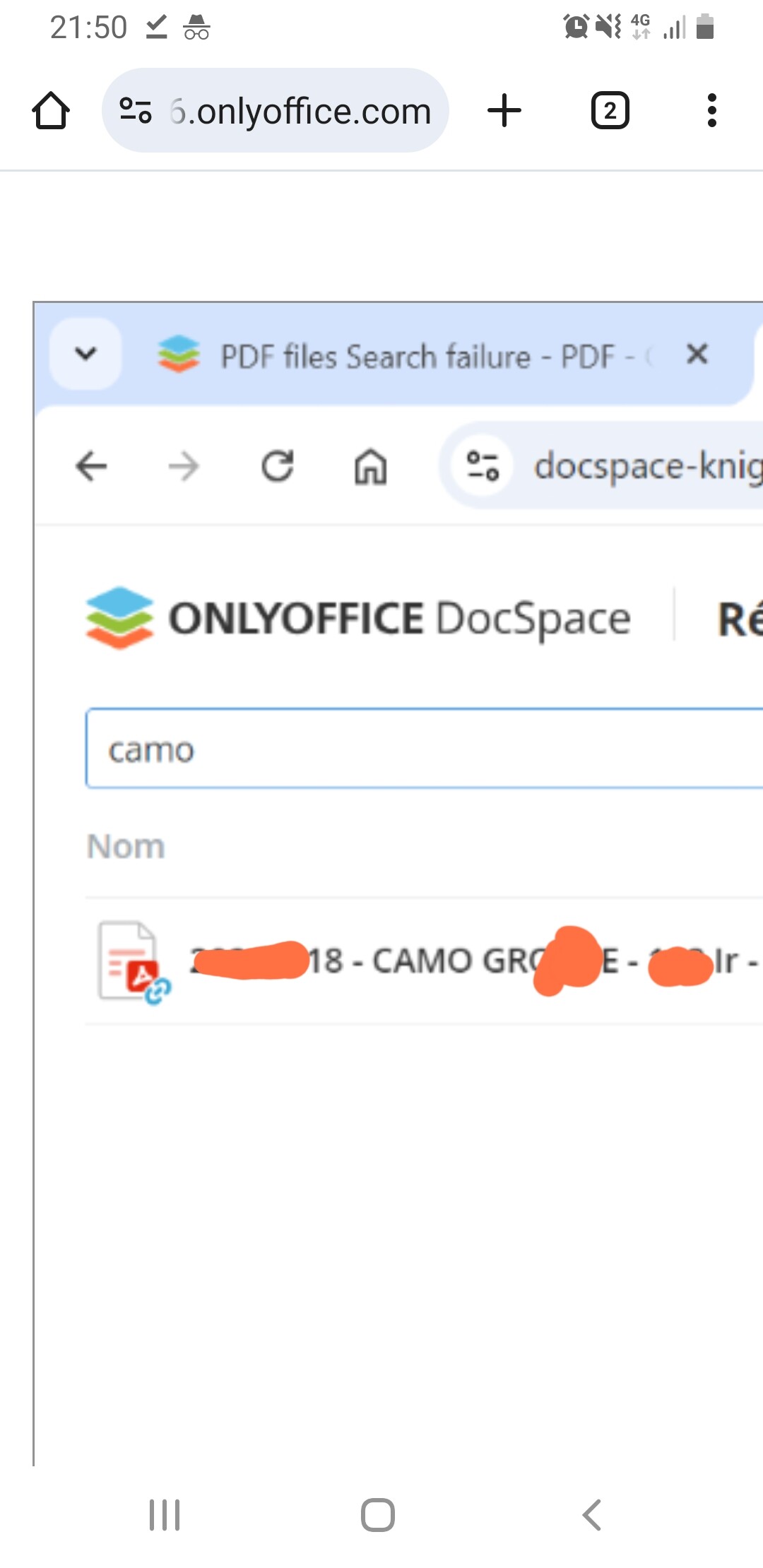
CAMO => OK
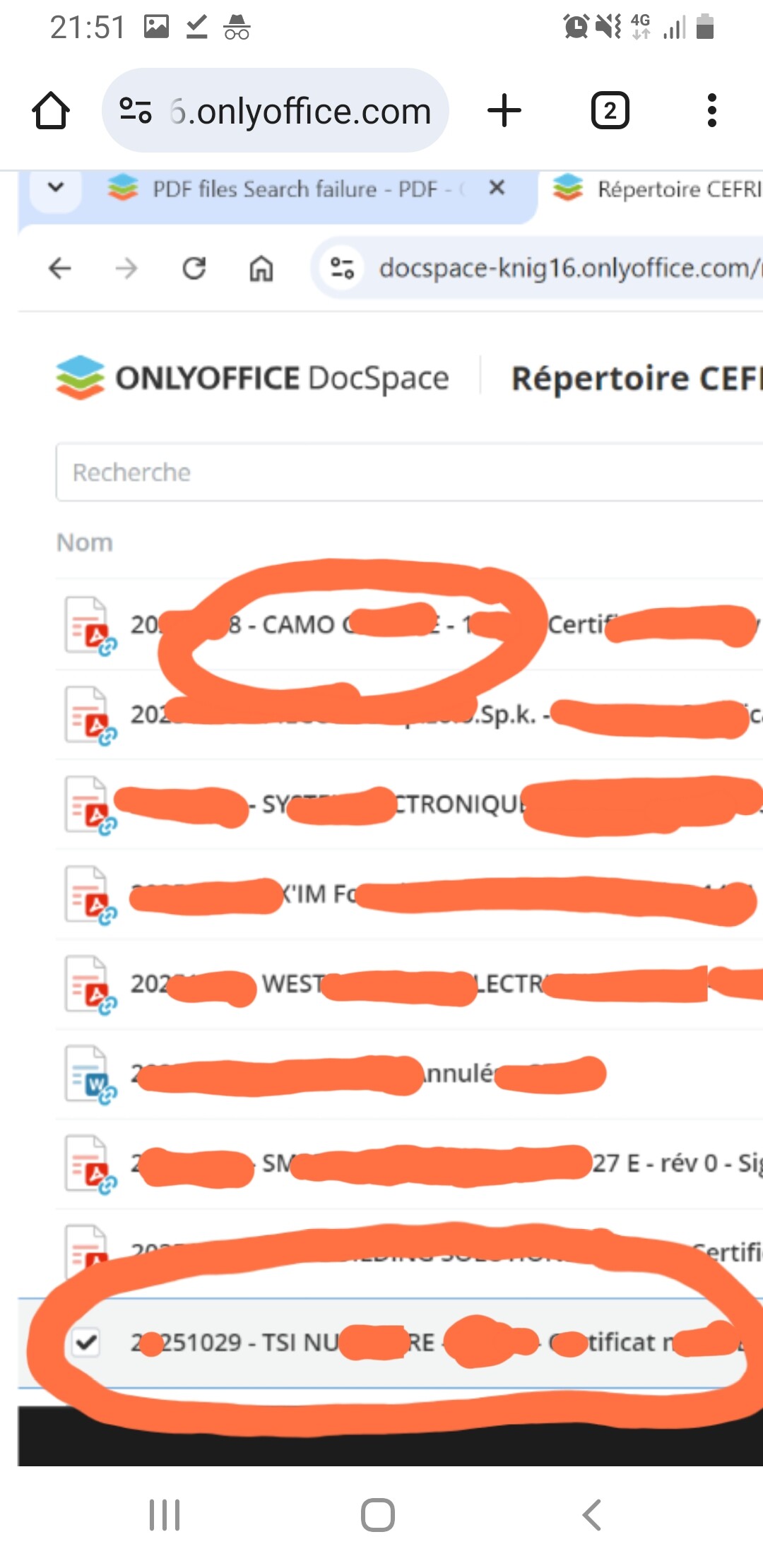
TSI => Expected result not found
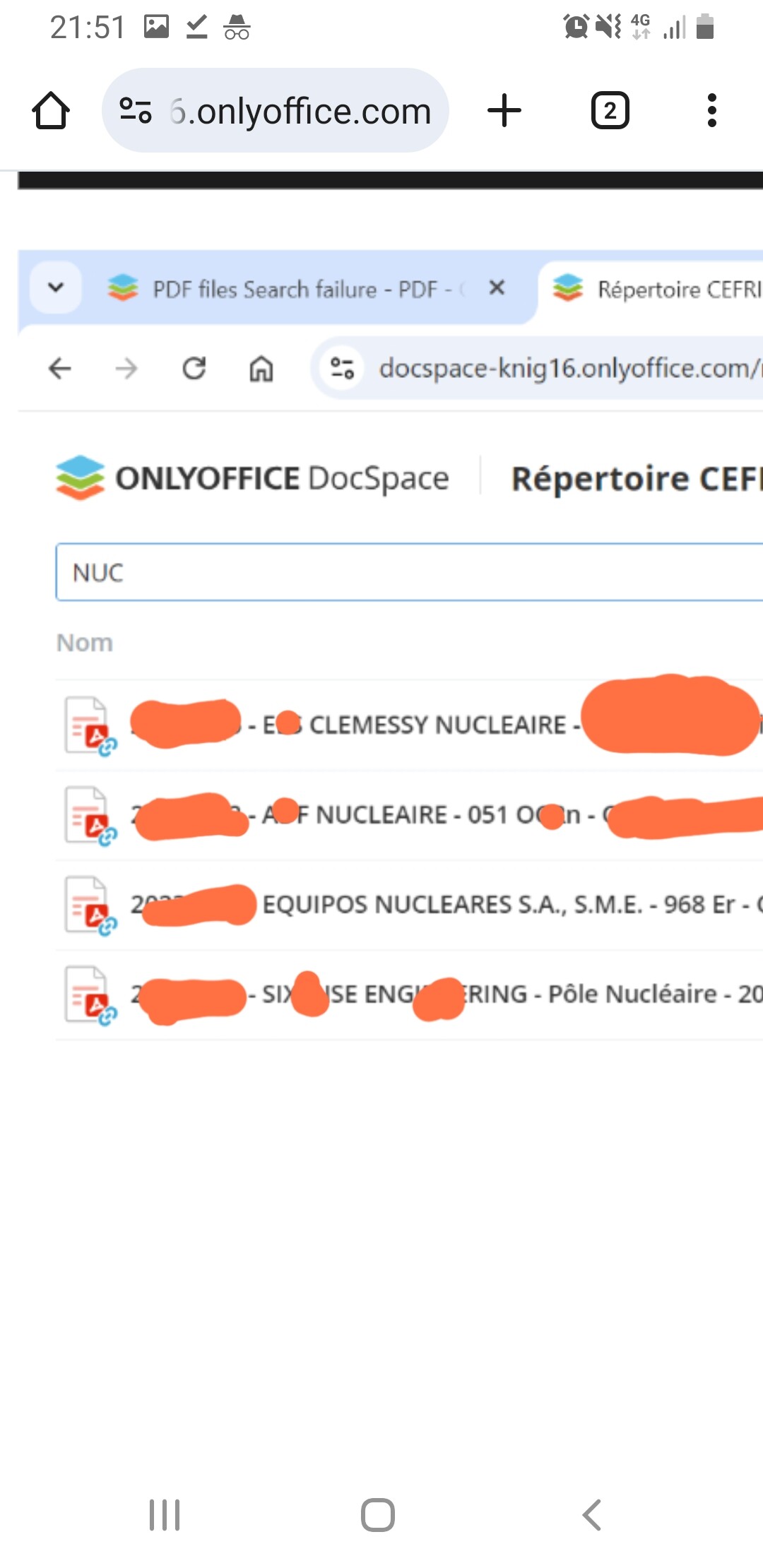
NUC => Partially OK, some found, some not found
Here are the screenshots for these 3 tests: https://docspace-knig16.onlyoffice.com/s/Zg8XmYRvrtYC77W
Please let me know if more information is useful.
Hello @Nikolas, have you been able to reproduces the searches?
If more details are useful, please let me know.
Hey @pascalv,
Sorry for the delayed response — been swamped!
I tried accessing the screenshots via that DocSpace link, but unfortunately, I don’t have permission to view them (got an access error). Could you please upload the images directly to this thread as attachments? That way, I can see the search results for “CAMO”, “TSI”, and “NUC” clearly and help investigate.
Thanks for your patience — we’ll get to the bottom of this!
Hello @Nikolas, it seems to work now, however I cannot uploads multiple screenshots nor Word or zip files…
Search which found only some expected results:
Again, it works now; the same searches found ‘TSI’ results and all ‘NUC’ results.
Hey @pascalv,
Thanks a lot for the screenshots !
From what we see, the files simply hadn’t been fully indexed at the moment you were searching. That’s why some results were missing or incomplete, and after a short while everything appeared correctly (as you noticed later).
So no bug — just a short indexing delay
Hello Nikolas, thanks, I understand there is a tempo for indexing files, but when I reported this situation, some files were indexed after a short while, while other files where not indexed after some days.
Hello @pascalv
I have tried searching just now and it seems that every item from the list below can be found:
Did you perform any actions in the meantime?
1 Like
Hello, it indeed works fine now. I have not changed anything (at least that I am aware of…). Thanks for your follow-up.
2 Likes