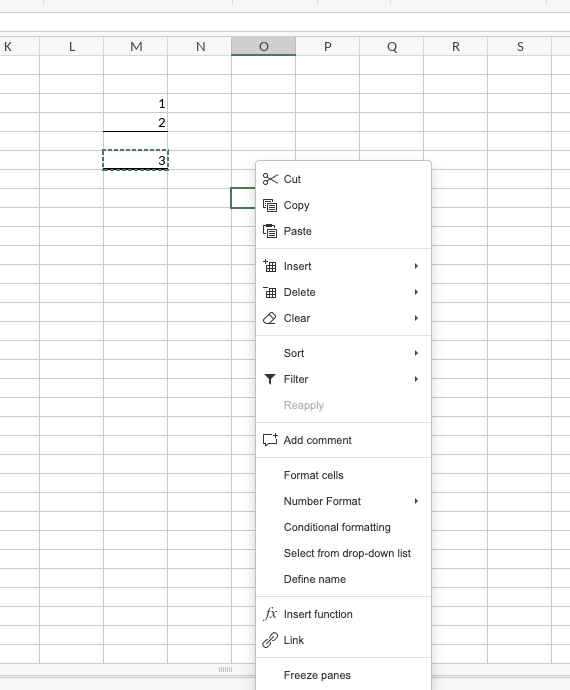
I am running OnlyOffice 9.4 on MacOS 26.5 I want to copy the result of a formula in another cell as a value. Normally (in Excel, etc.) I would cop the formula cell, right-click in another cell and select “Paste Special” from the pop=up context menu. Unfortunately, this option does not appear and there is only a “Paste “ option which pastes the formula.
I made sure the option “Show the paste options button when the content is pasted” is checked, but there is no Paste special option and the formula is copied.
How can I get that menu option to appear?
Thanks!