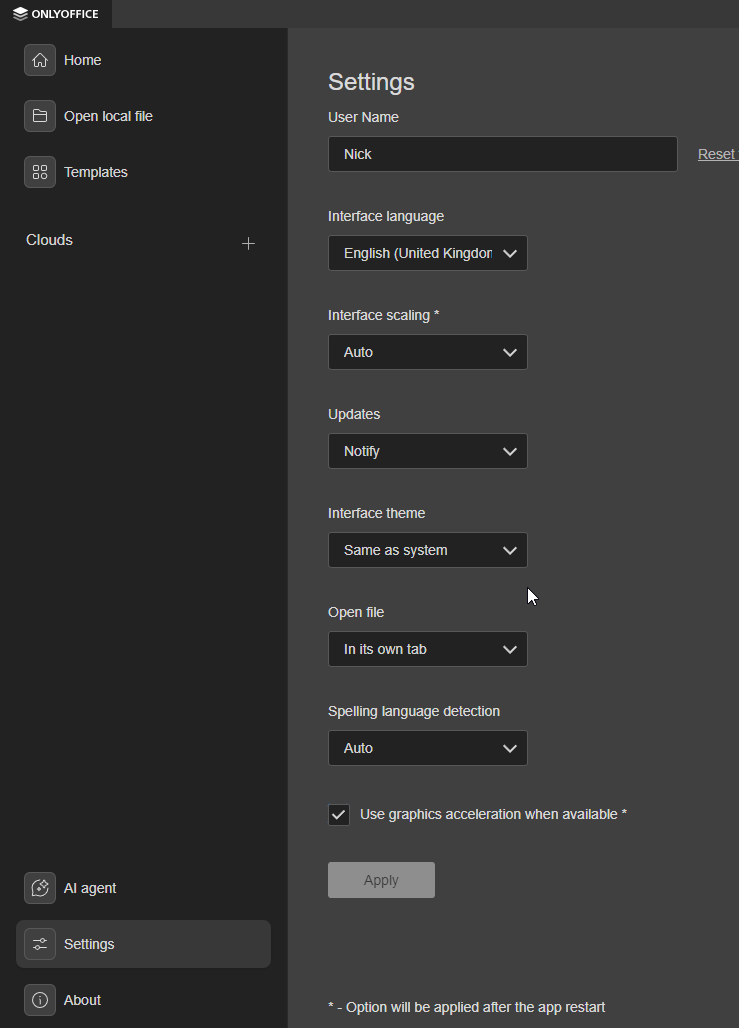
I wanted to add a cloud to my ONLYOFFICE Desktop app on Windows, but no longer saw any option to do so. I had already added two clouds before without any problems. But now the ‘+’ option disappeared.
I removed the two existing clouds, for I hoped that would help, but it didn’t. I also deleted ONLYOFFICE from my computer, including all appdata and cache. But after downloading again, it still didn’t appear.
I want to add my self-hosted Nextcloud, but at this point I’d also be happy to just add the two clouds I had already added before (free ONLYOFFICE clouds).
I tried different downloads: EXE, MSI and the online installer. None of them worked. I have version version 9.2.1 of the MSI download now.
1 Like
Hey @revnoot, 
Thanks for the report! I’ve just installed Community version 9.2.1.43 (x64 exe) on Windows and the “+” / Connect to cloud button is still there on the start page (next to Recent files).
We can’t reproduce the missing button yet, so could you please help us see exactly what you’re seeing?
- A short screenshot (or better — a quick video) of the start page / main window where the “+” option should be would be super helpful.
- You can attach images directly here or upload a video/screenshot to ONLYOFFICE DocSpace / Google Drive / kDrive and share the link.

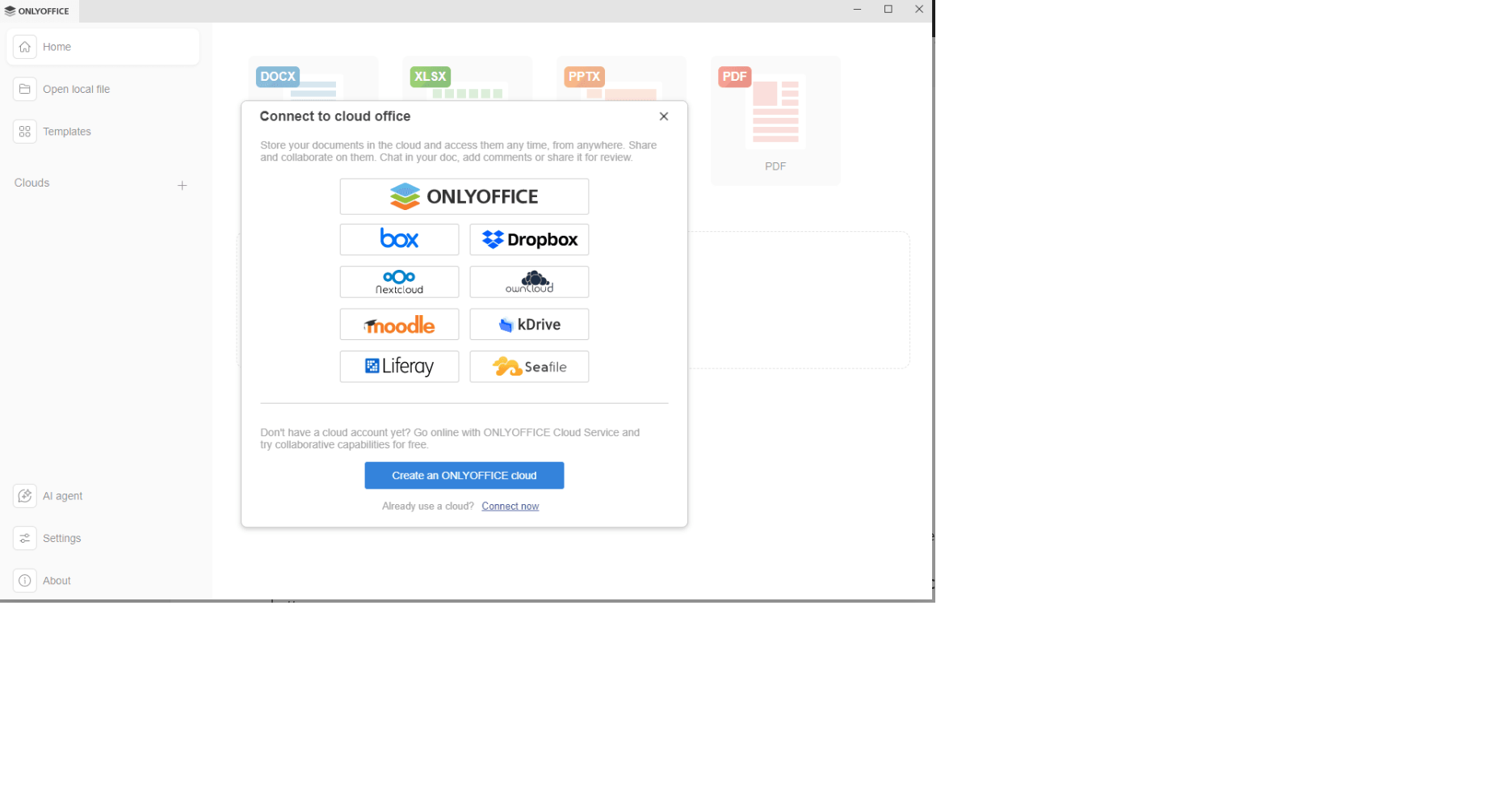
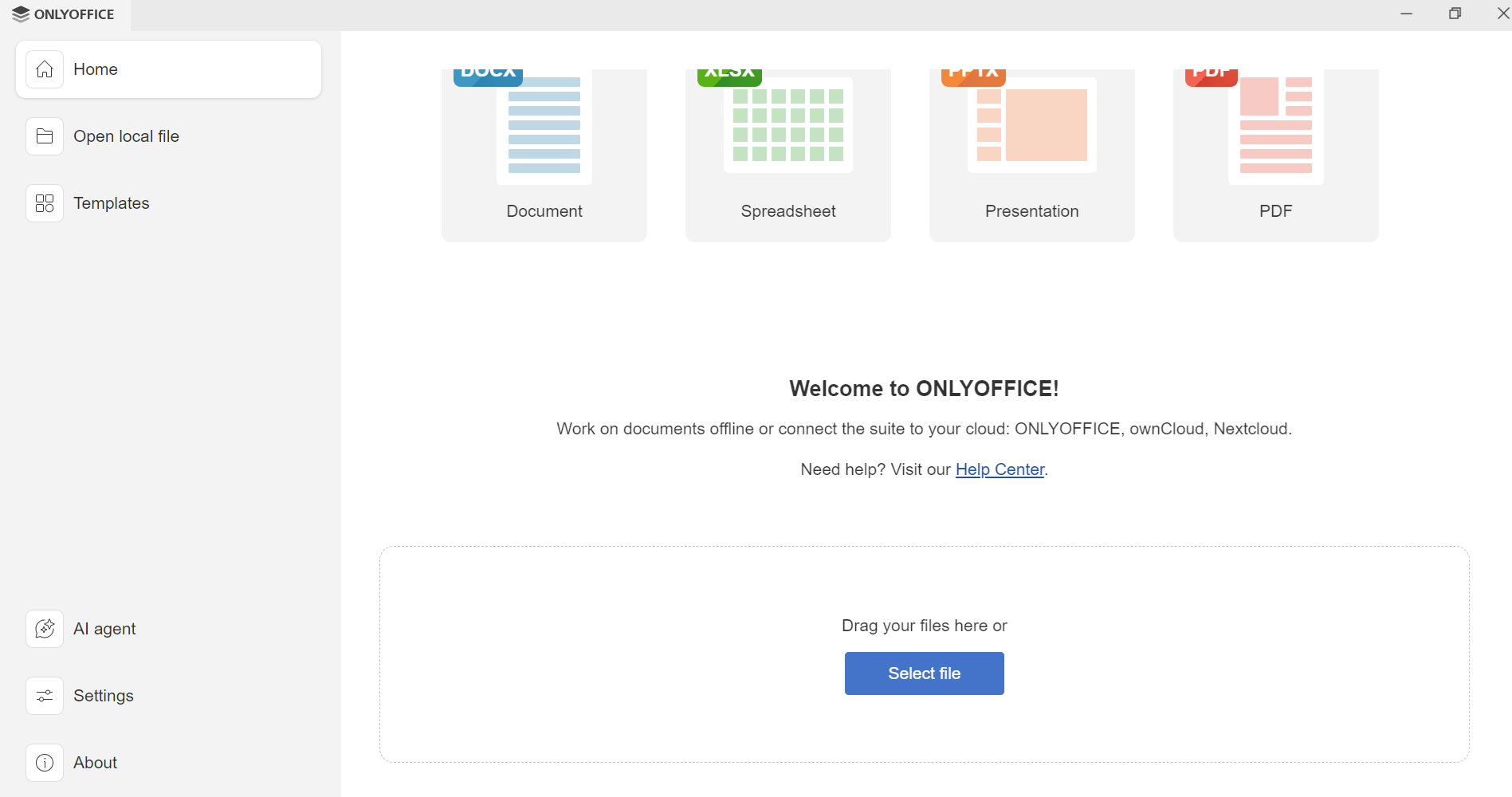
Like #revnoot….. I installed Windows v9.4.0.129 it does not have an option to setup/link to cloud service..see attached pics of the welocme screen that’s displayed and the welcome screen I expected too see
Dear @gerryp2000
Please let us know your exact OS version and how exactly you installed the app (using the online installer or the full EXE file).
Also please enable debug mode for the app (Running Desktop Editors in debug mode | ONLYOFFICE) > reproduce the situation and check if there’re any error entries in Console or Network tabs.