Mobile View Regarding document editing, I appreciate the “Mobile View” option. However, I find that it still isn’t fully optimized for mobile editing because the default zoom level is too low. I constantly have to zoom in manually to see what I am typing.
Could it be possible to implement a mobile view similar to Google Docs for example ?
Hello @barn56
Can you provide more details about the way you suggest to improve the Mobile View? For instance, a screenshot with comparison of the current implementation and the suggested one for better visual understanding?
Hello @Constantine,
Thank you for your answer. Here is what I’m thinking :
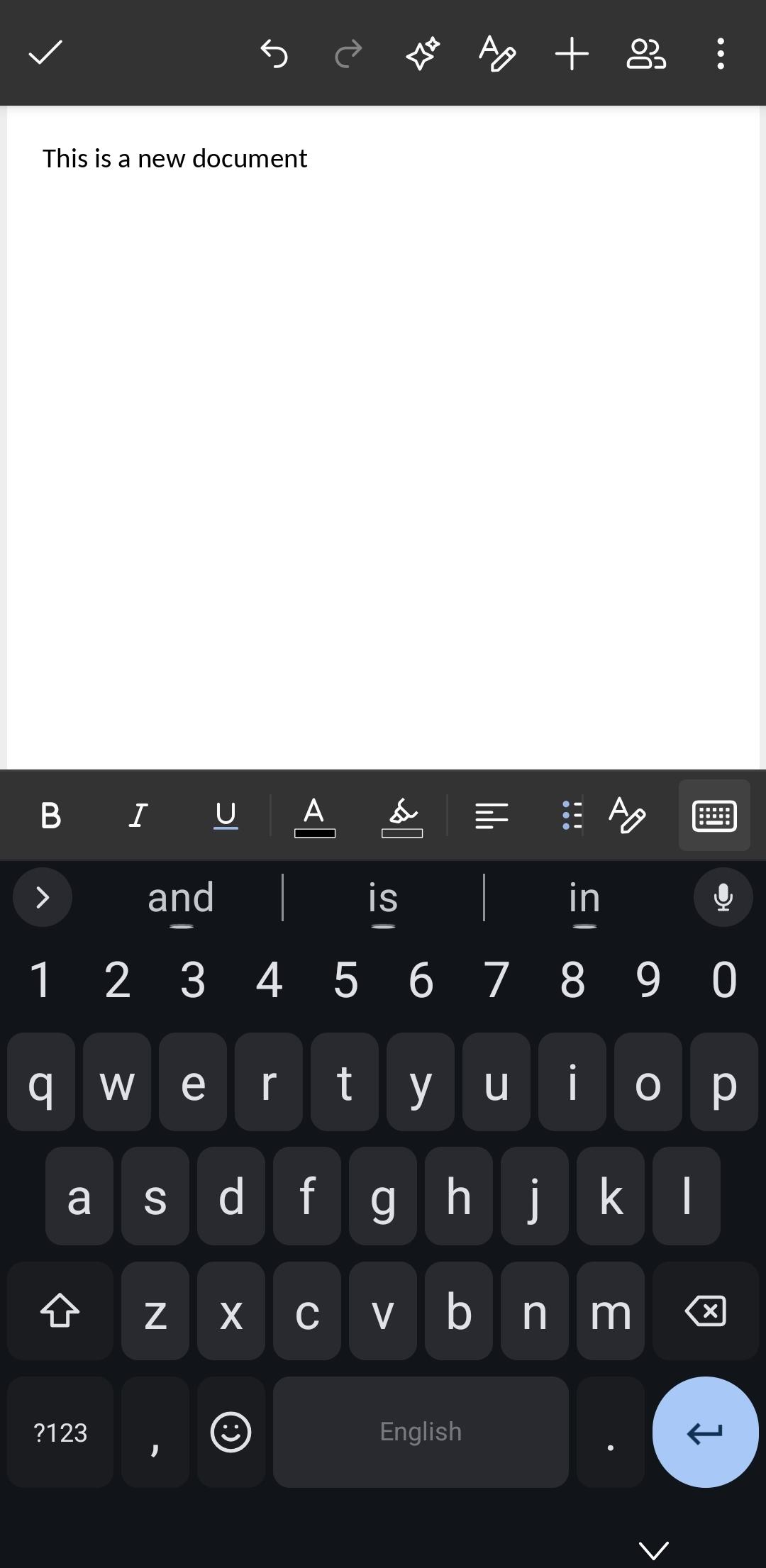
Screenshot 1 : On the Android mobile app : the page is not zoomed in enough, the font size is too small. It’s not very comfortable to read and doesn’t feel much different from a desktop display.
2/2
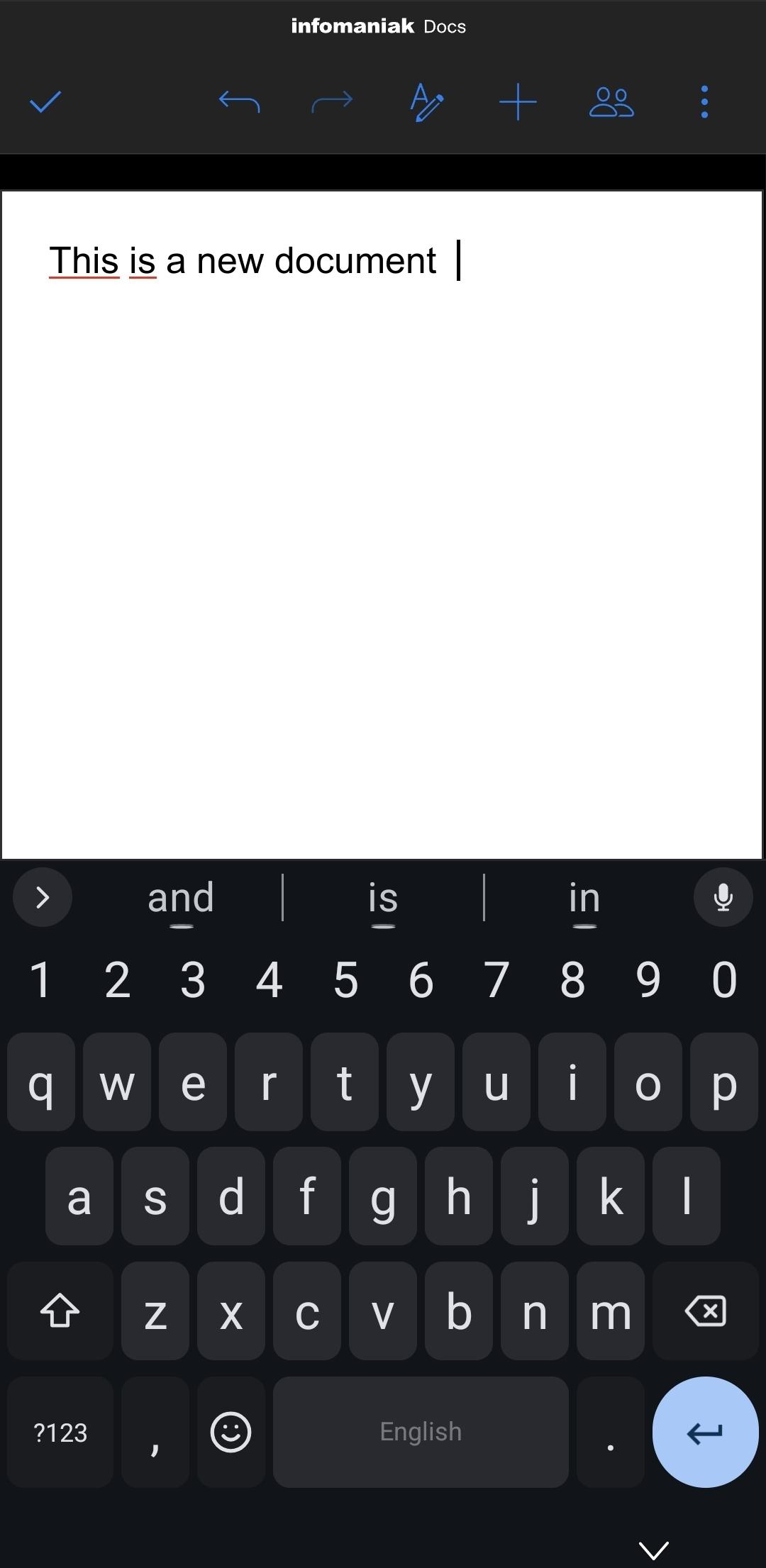
Screenshot 2 : The ideal zoom : like on Onlyoffice mobile online (kDrive from Infomaniak) : the zoom level is just right ! The characters are sufficiently large.
Thanks for the references. May I know whether this is the same document open in both places or just the same text in a new document?
It’s the same text but in a new document
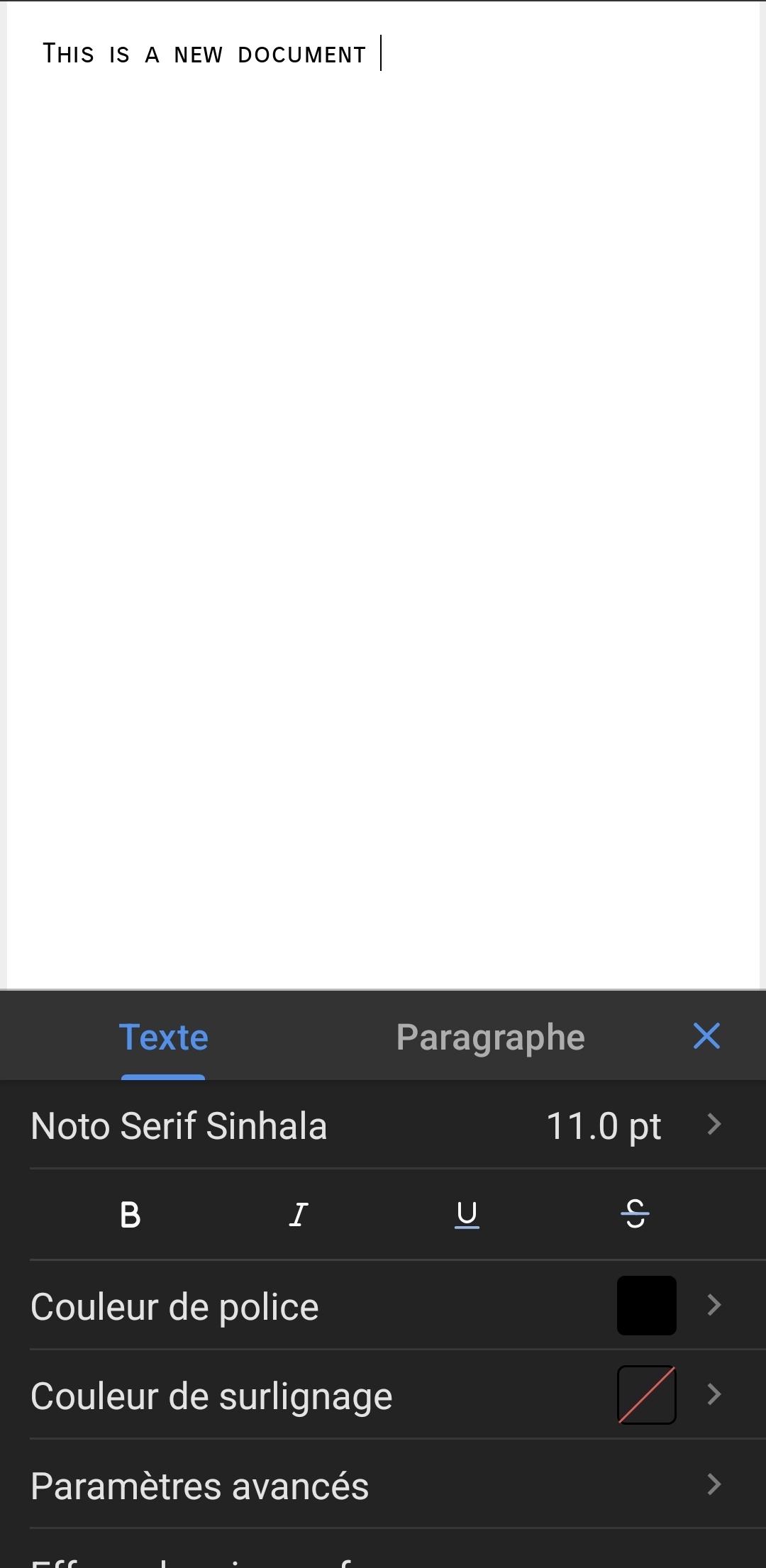
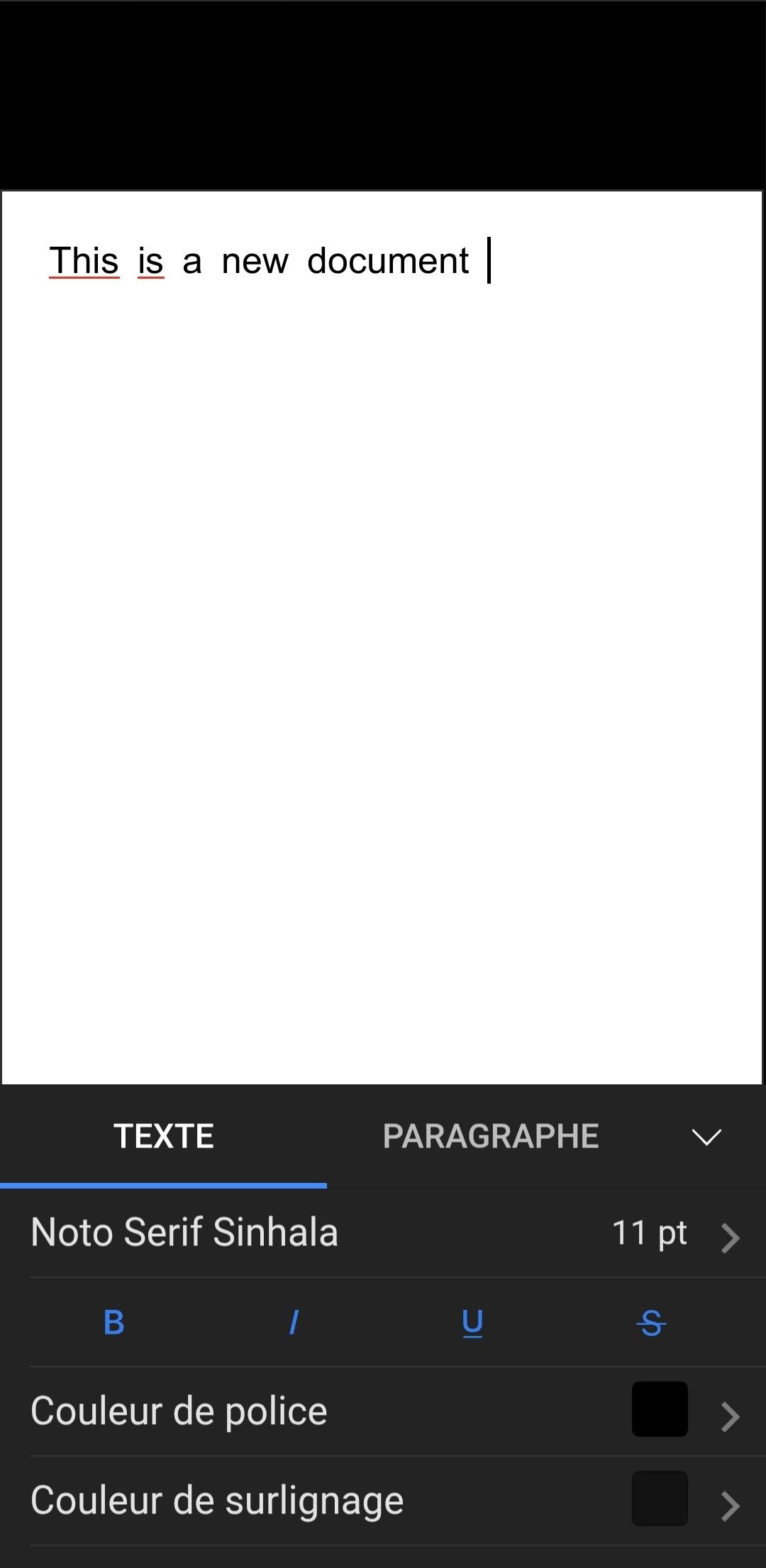
It is possible that the documents have different settings applied. Can you select any word in both sources, use “Edit” on the selected text and check if they have the same font and font size?
It is the same annoying issue with the font size being the same…
On Documents App :
On kDrive :
Has no other user reported this issue ?
I haven’t seen such report, however, I have sent your suggestion to the QA team to register. Please await the feedback.