ONLYOFFICE Mobile: Documents / Projects / Web Editors
Do you want to: Report a bug
Device: Motorola Edge 50 Neo
OS version: Android 16
App version: 9.3.1
Mode: On Device
Additional information:
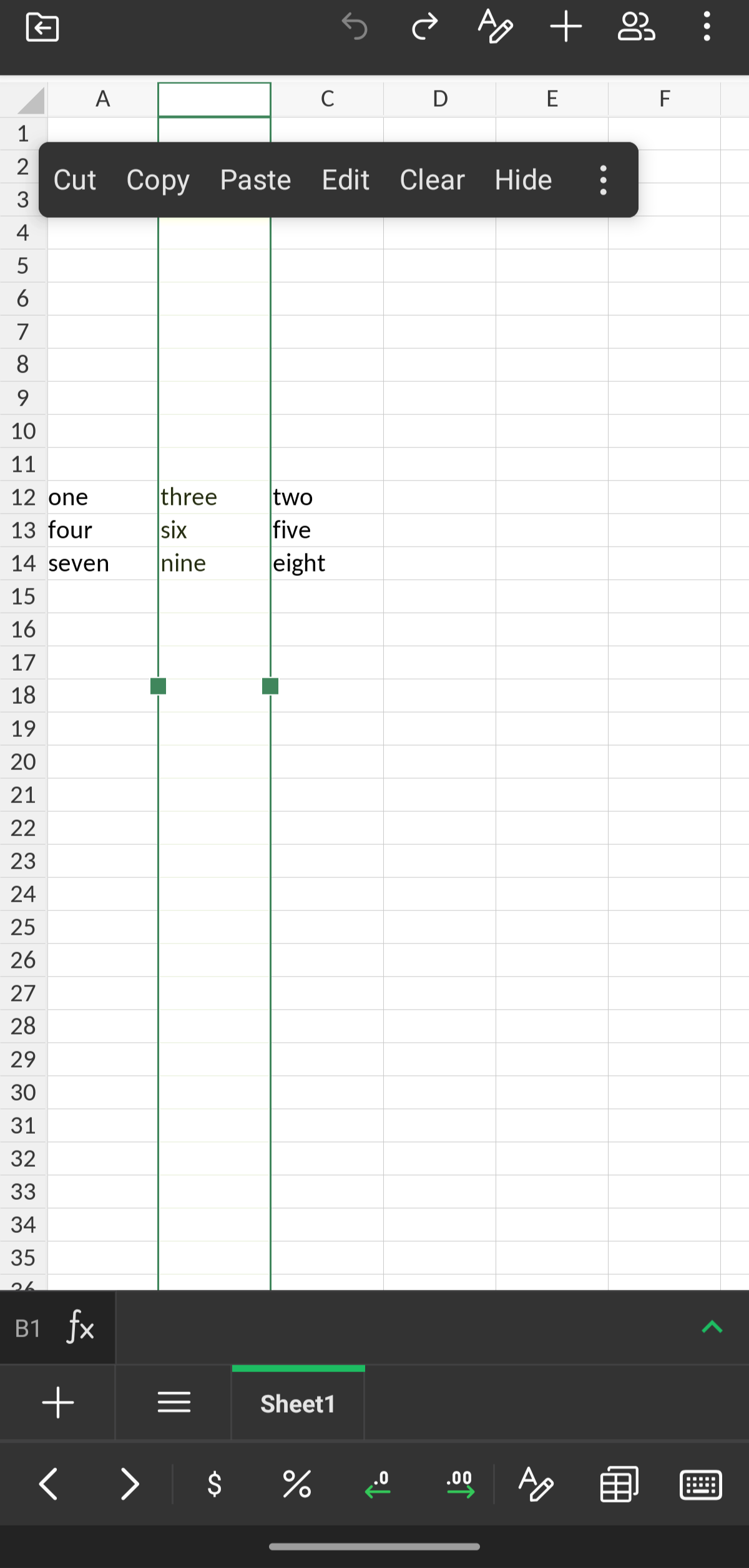
When I click the row or column header (in any document new or existing) there is no insert/delete row/column options on the popup menu. I cannot see any other way of inserting/deleting rows and columns.
I have tried clicking the three dots on the popup menu but this only shows “Show” and “Add comment”.
@here. we have just released new version of Mobile app that brings fix to the issue discussed in this topic. Please update the app and check the situation again.