In the community edition of DocSpace (v3.2.1), enabling the markdown plugin (v1.1.0) allows me to create a new markdown file with the built-in editor as expected, but after saving it I can only preview the resulting markdown.
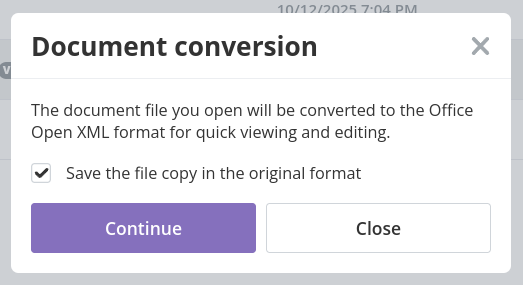
Clicking on the .md file or trying to edit it results in DocSpace telling me that it will convert the document to Office Open XML format and I only have the option to continue or close (cancel).
Similarly, uploading any markdown files results in similar behaviour; I’m forced to convert to OOXML. In this case, though I can save a copy in the original formal, I can’t open or edit the original markdown file in DocSpace without being forced to convert to OOXML first. I can only view it by right-clicking and selecting “Preview markdown”.
I’ve looked around in the admin settings and personalisation options, but haven’t found any way to turn off this behavior for .md files.