Hi! Even when I set a text field color to be completely white when I open this PDF in Firefox to fill, the field itself is visible (light blue rectangle is shown where the field is located):

This is a problem for me when I want fields to be transparent (with just text being able to be placed inside them) while their background to be any shape. Good example where I need is an English worksheet:
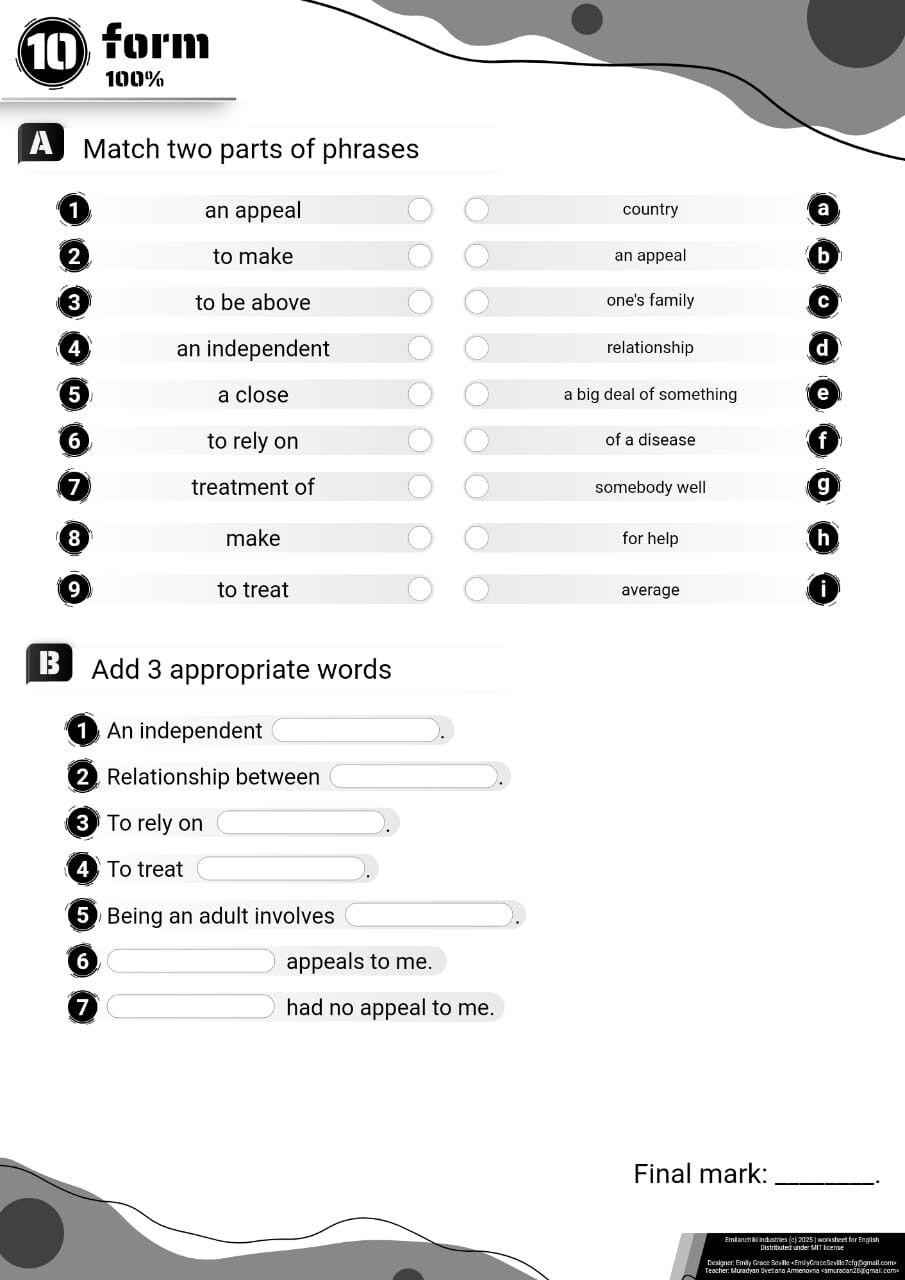
In it I have several rounded rectangles where I would love to insert text fields with text just visible and circles to write just one letter there.
OnlyOffice: Community version 9.1.0.173 (snap)
Firefox: 144.0.2 (64-bit) (snap)
OS: Ubuntu 24.04.3 LTS

