Installed MacOS editor v9.1 on clean install of Tahoe 26.1
I cannot connect to my on premise workspace install
office.brimstonecottage.uk I have SSL cert installed and when I run netstat -t -u -c on the server I can see no attempted inbound connections, the workspace installed is docker install freshly installed yesterday
Hello @chrisswain
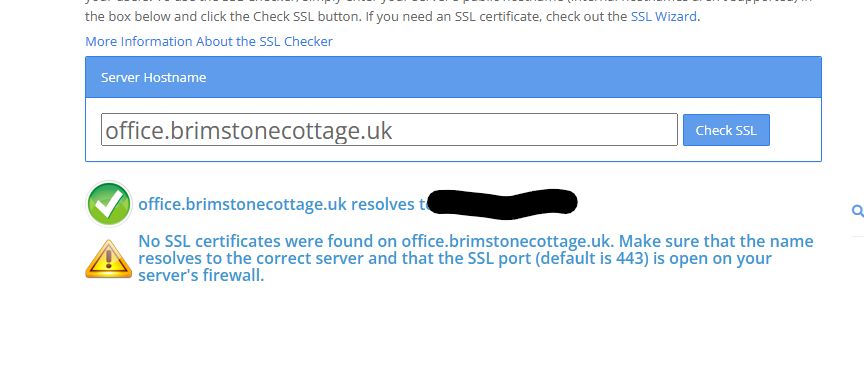
I can’t open office.brimstonecottage.uk in the browser and SSLshopper can’t find certificates: SSL Checker
It looks like the domain is not available at all.
I assume that you have some proxy-server in front of the portal or you have SSL issue on the server side, or you’re using air-gapped installation in private network. Please check the portal availability and provide us with details.
Also I’ll leave potential workaround for SSL-related issues here: there’s additional flag which might bypass SSL errors Running Desktop Editors with parameters
However, in your case I cannot open the portal in the browsers, so please re-check the situation and let us know additional details.
resolved it was bouncing of cloudflairs proxy many thanks
2 Likes