Hello,
Please help me solve the problem. I installed OpenOffice-CE 6 months ago in docker. I can’t log in to OpenOffice under the admin user right now. There is an error in the logs of the onlyoffice-document-server container
“==> /var/log/onlyoffice/documentserver/docservice/out.log <==
[2025-09-14T18:07:25.129] [WARN] [localhost] [docId] [userId] nodeJS - notifyLicenseExpiration(): expiration date is not defined”.
Integration with Nextcloud also stopped working, due to a licensing error.
Can you tell me how to fix this problem?
Hello @AlexanderB
What is OpenOffice in that case? Do you mean ONLYOFFICE Docs Community Edition? If so, then what kind of log in you are referring to?
Please specify what ONLYOFFICE product was installed, as it is not quite clear.
In general, if it is ONLYOFFICE Docs Community Edition, then there should not be any restriction related to this warning. It simply states that expiration date is not set. Do you see any errors in integration with Nextcloud when opening any file for editing? Can you provide a screenshot from editor interface?
Sorry for the inaccuracy, I installed ONLYOFFICE. Image versions downloaded from docker.hub
[~]# docker images
REPOSITORY                   TAG           IMAGE ID       CREATED        SIZE
onlyoffice/documentserver    8.3.1.1       7b91b2d4bbb0   6 months ago   3.55GB
onlyoffice/communityserver   12.7.1.1942   9ad30793f2d7   9 months ago   5.15GB
onlyoffice/controlpanel      3.5.4.541     f6a786a8976c   9 months ago   685MB
mysql                        8.0.29        33037edcac9b   3 years ago    444MB
onlyoffice/elasticsearch     7.16.3        77bcd079c9e1   3 years ago    646MB
Containers are running from these images:
e09d06e11e5f   onlyoffice/communityserver:12.7.1.1942   "/app/run-community-…"   6 months ago   Up 5 days             0.0.0.0:80->80/tcp, :::80->80/tcp, 0.0.0.0:443->443/tcp, :::443->443/tcp, 3306/tcp, 5280/tcp, 9865-9866/tcp, 9871/tcp, 9882/tcp, 0.0.0.0:5222->5222/tcp, :::5222->5222/tcp, 9888/tcp   onlyoffice-community-server
322d57009c49   onlyoffice/controlpanel:3.5.4.541        "/var/www/onlyoffice…"   6 months ago   Up 5 days             80/tcp, 443/tcp         onlyoffice-control-panel
b28d6199148c   onlyoffice/documentserver:8.3.1.1        "/app/ds/run-documen…"   6 months ago   Up 5 days             80/tcp, 443/tcp          onlyoffice-document-server
3f74adb0a087   onlyoffice/elasticsearch:7.16.3          "/bin/tini -- /usr/l…"   6 months ago   Up 5 days             9200/tcp, 9300/tcp        onlyoffice-elasticsearch
1e2cfa2f7723   mysql:8.0.29                             "docker-entrypoint.s…"   6 months ago   Up 5 days             3306/tcp, 33060/tcp            onlyoffice-mysql-server
The installation was performed using a downloaded script.
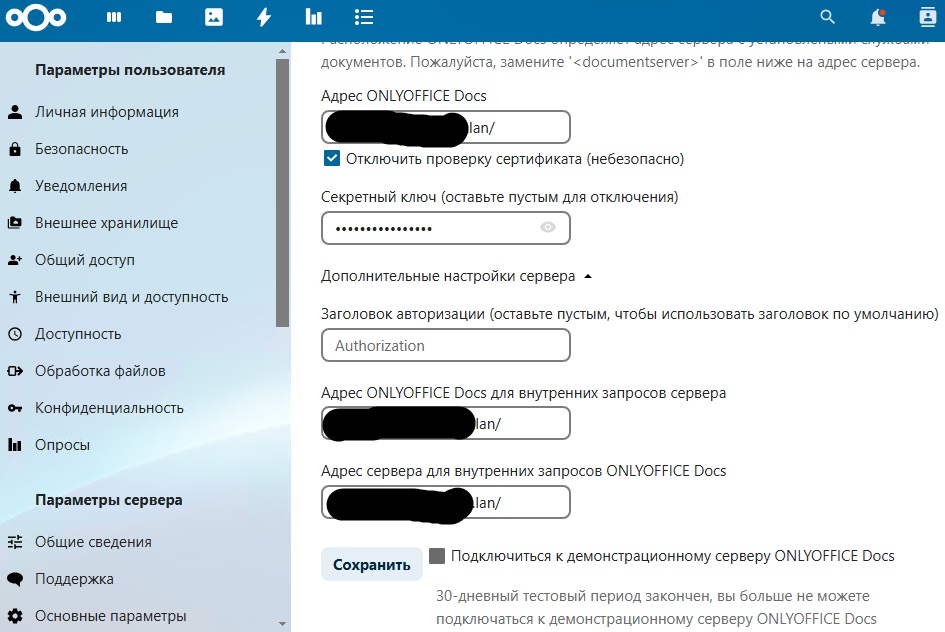
In Nextcloud, on the ONLYOFFICE plugin page, I see the error “the 30-day test period is over, you can no longer connect to the ONLYOFFICE Docs demo server”.
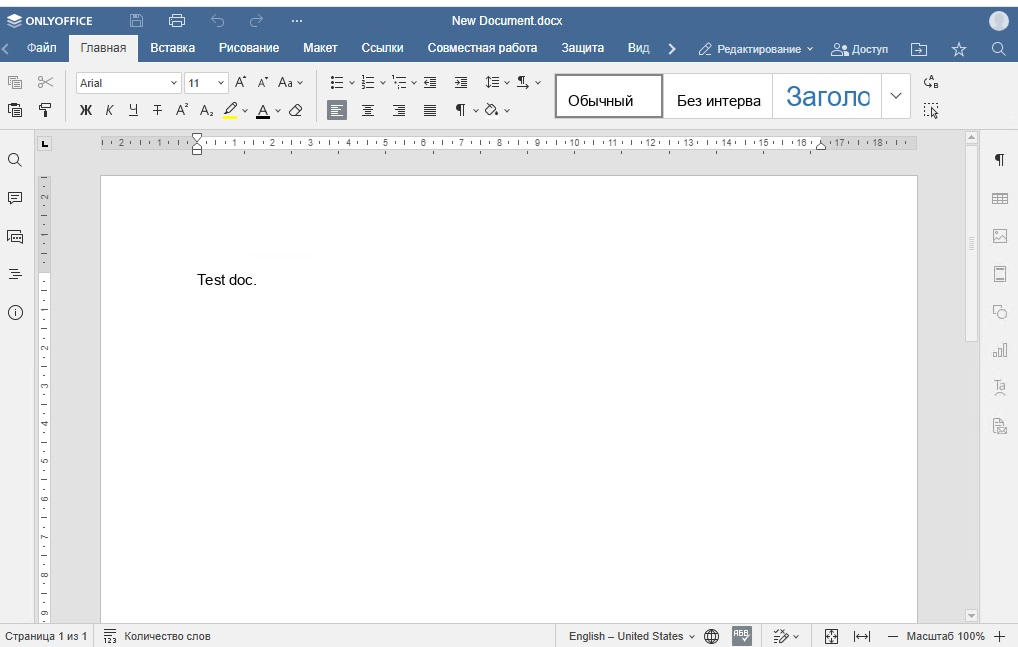
Before the error occurred, when clicking on a document, ONLYOFFICE was opened to edit it. Right now, I’m being asked to download the document and edit it locally.
I can’t upload multiple images at one time.
Hello @AlexanderB
If you don’t mind I will join the thread as well. What actions preceded the authorization issue? Does it affect all users or specific only? Also please collect Community server folder: /app/onlyoffice/CommunityServer/logs/
A few more things. Please point me to the installation guide that you used, and just for a test try to restart Document server container from the host (docker restart id_of_container). Will the situation change?
NB! We strongly recommend preparing entire server backup before any server side actions.
Dear @AlexanderB
I’m a little bit confused by your screenshots. Do I understand it right that you’re able to log in to the portal right now?
The problem with authorization was for the Administrator user. I had to use the password reset function for it. Other users (the server is connected to a domain) can log in without any problems.
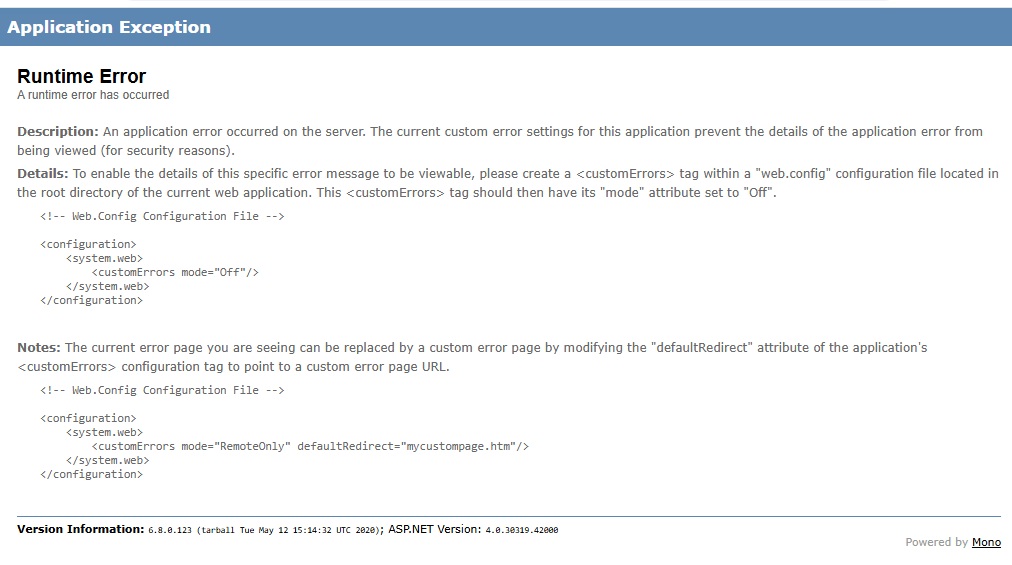
I tried restarting onlyoffice-document-server, the problem remains. I tried reconnecting Nextcloud to OnlyOffice, but I get the error “An error occurred when trying to connect (Client error: GET https://office .****.lan/healthcheckresulted in a 404 Not Found response:”. If I use the link in the browser myself, I get an error in the screenshot.
How can I transfer the archive with the log files to you?
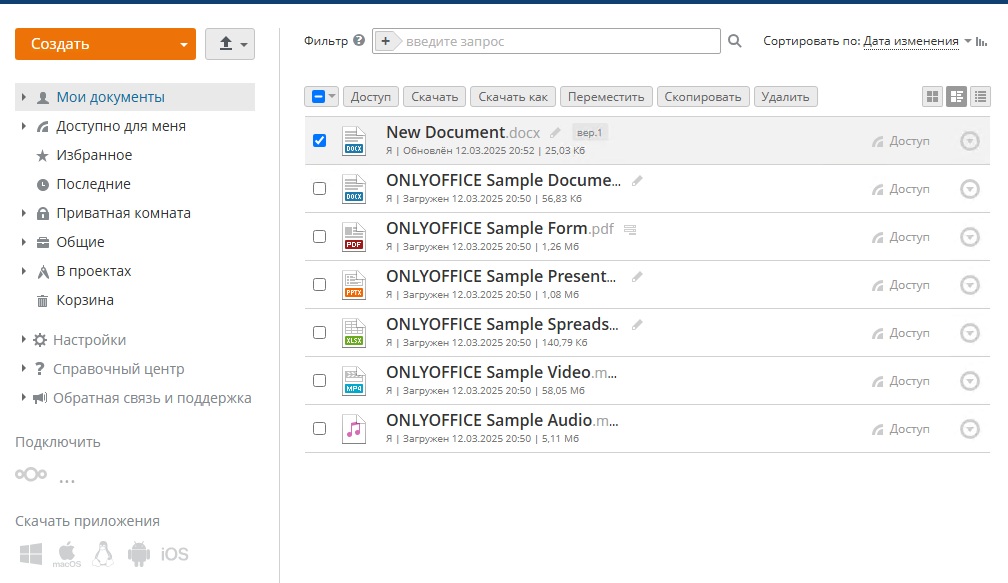
Yes, I have reset the password for the Administrator user, and I can log in to the control panel again.
Hello @AlexanderB
Do I understand it right that the only issue right now is connecting Workspace’s document server to Nextcloud? If so, I’m afraid I’m not able to assist with it. I believe it’s better to contact colleagues of mine at sales@onlyoffice.com and get personal assistance for this matter.
Please accept our sincere apologies for the inconvenience.