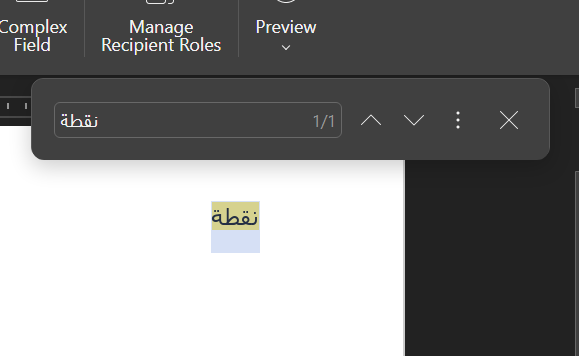
we are facing a challenge , after writing Arabic text , it shows properly in the editor (either word or pdf ) , also while exporting , it appears properly , but while trying to search or copy the text it is not proper , even while search for the text (as it appears ) no result .
also copying word from PDF and search for it , it is not showing as proper Arabic text .
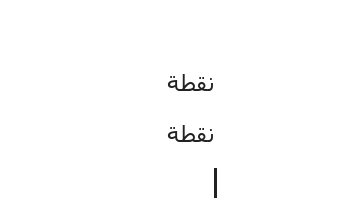
I pasted it back to the DOCX and it works as expected. See the screenshot, above line is original text inserted before saving as PDF and second line is inserted from resulting PDF:
Sorry, I seem to be misunderstanding. In the test above I saved DOCX with provided arabic text as PDF, then opened the PDF and copied the value. Searching for that value in both files (original DOCX and resulting PDF) shows the query.
Indeed, in the attached file I cannot find the same text. However, here is the demo, which shows all provided steps, where I can’t reproduce the same issue:
Did I misunderstand the scenario?
NB: I used ONLYOFFICE Docs for a faster and easier recording of the scenario. The core of editors is the same, there is no difference in tests between Desktop Editors and Docs.
Dear Constantine ,
i tried the same steps you did and it is working find , but while typing the word itself into word directly it is not working . Screen Recording 2025-10-30 100337.mp4