Hello,
I would like to report a reproducible interoperability issue involving Doughnut charts.
Environment
• ONLYOFFICE Desktop Editors 9.4.0
• ONLYOFFICE Spreadsheet Editor 9.4.1.15 (Infomaniak kDrive)
• Microsoft Excel 16.17 for Mac
• LibreOffice Calc 26.2.x for Mac
Problem summary
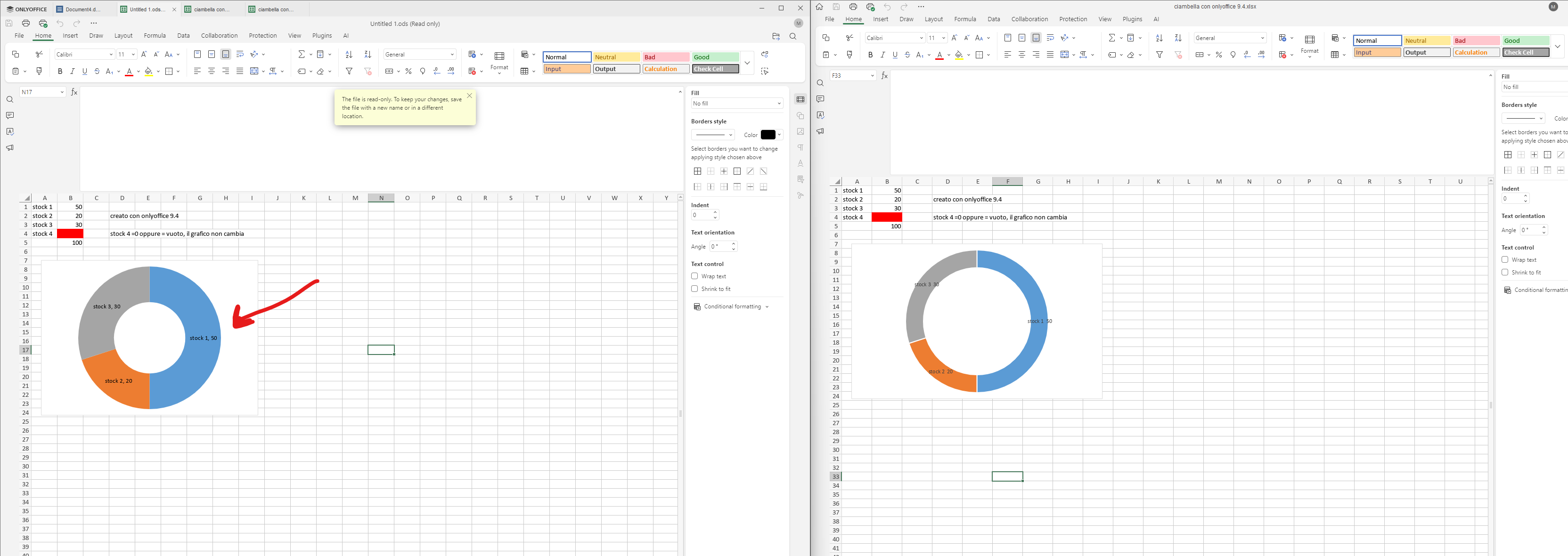
A Doughnut chart created in ONLYOFFICE works correctly.
However, if the same XLSX workbook is opened and saved by Microsoft Excel or LibreOffice Calc, the Doughnut chart is no longer rendered correctly when the workbook is reopened in ONLYOFFICE.
How to reproduce
-
Create a new XLSX workbook in ONLYOFFICE.
-
Create a Doughnut chart.
-
Insert four categories with the following values:
50
20
30
0
- Enable Data Labels:
- Category
- Value
At this point the chart is displayed correctly.
-
Save the workbook.
-
Open exactly the same XLSX workbook in Microsoft Excel or LibreOffice Calc.
-
Save the workbook without intentionally modifying the chart.
-
Reopen the workbook in ONLYOFFICE.
Actual result
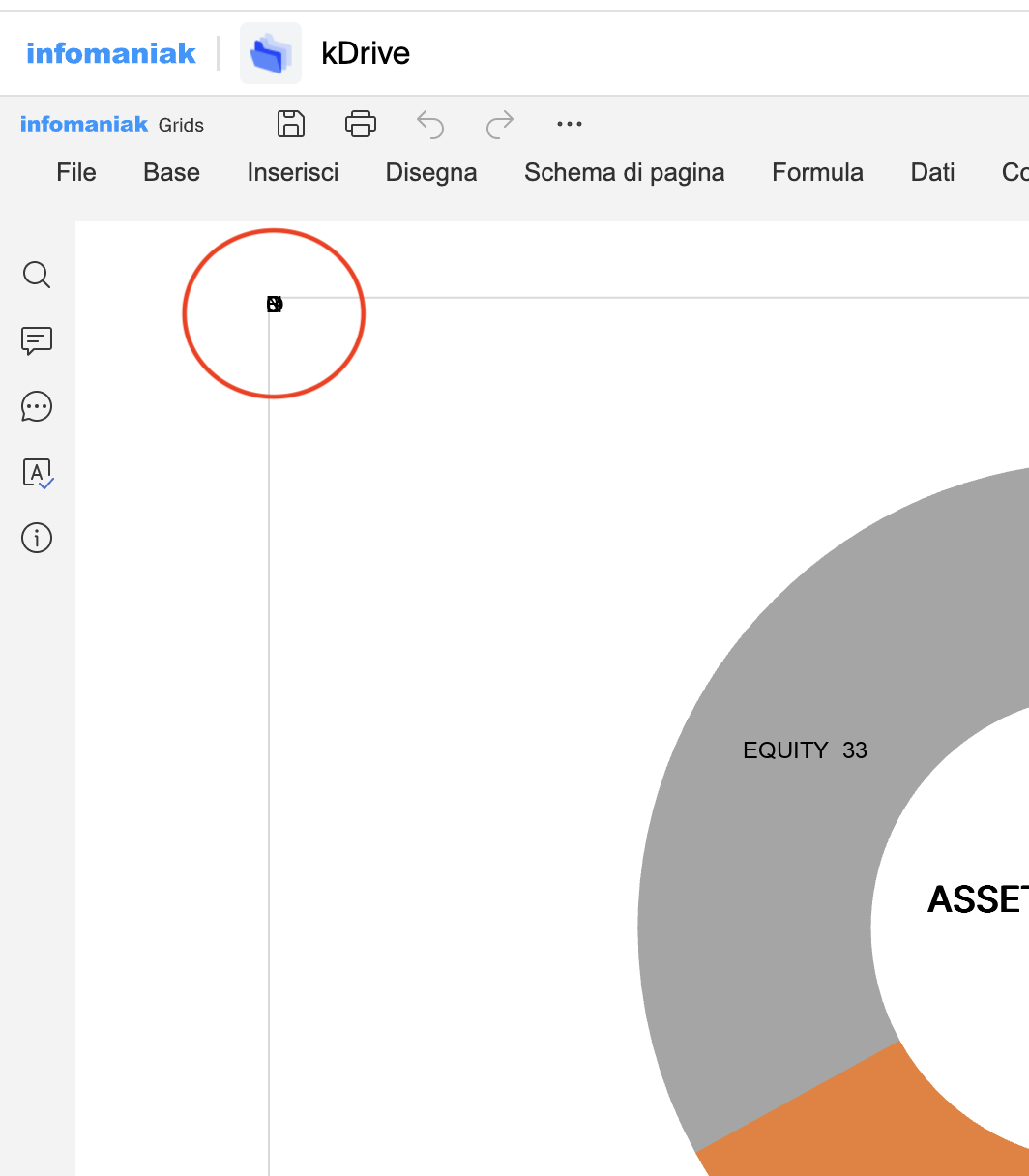
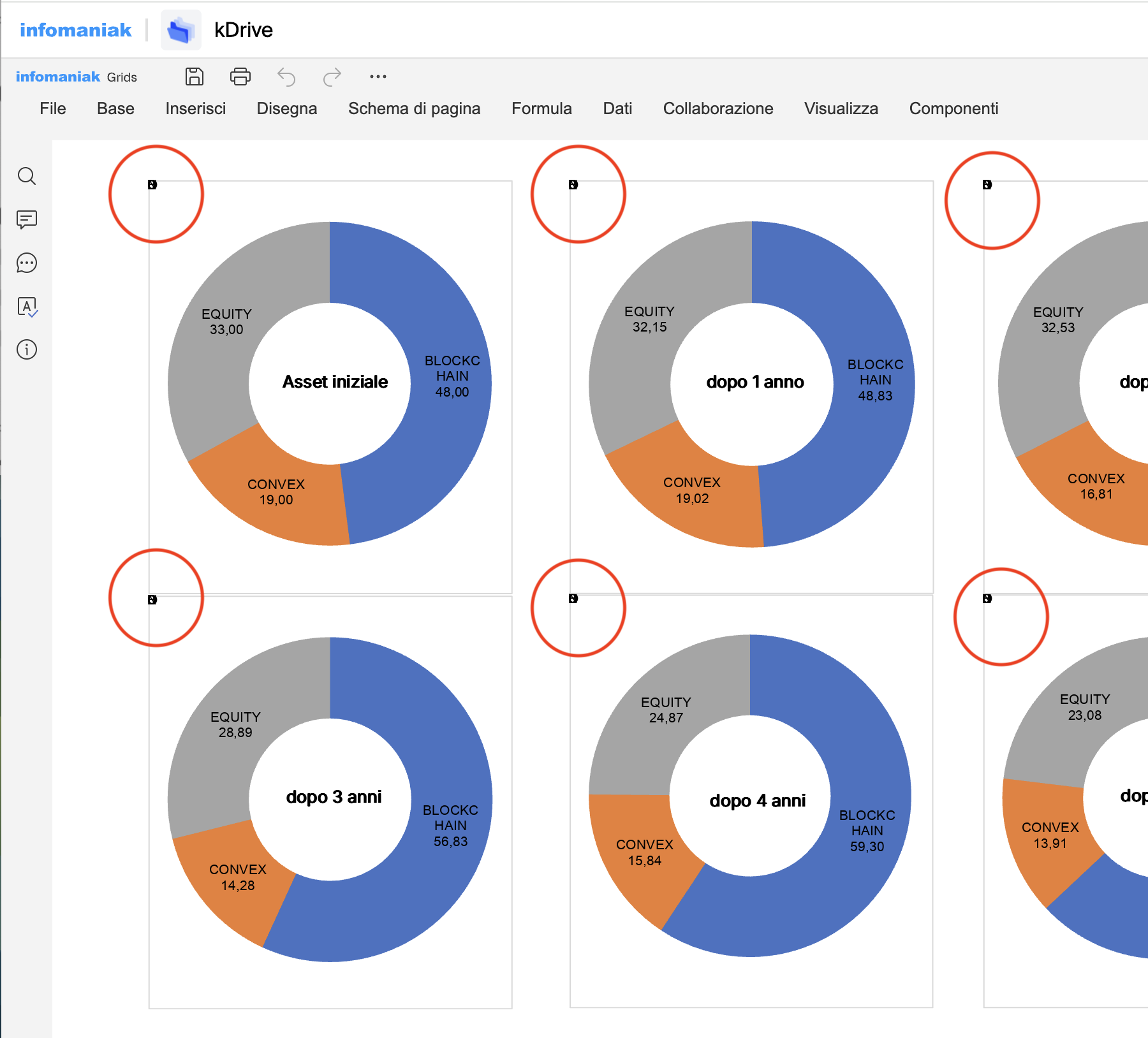
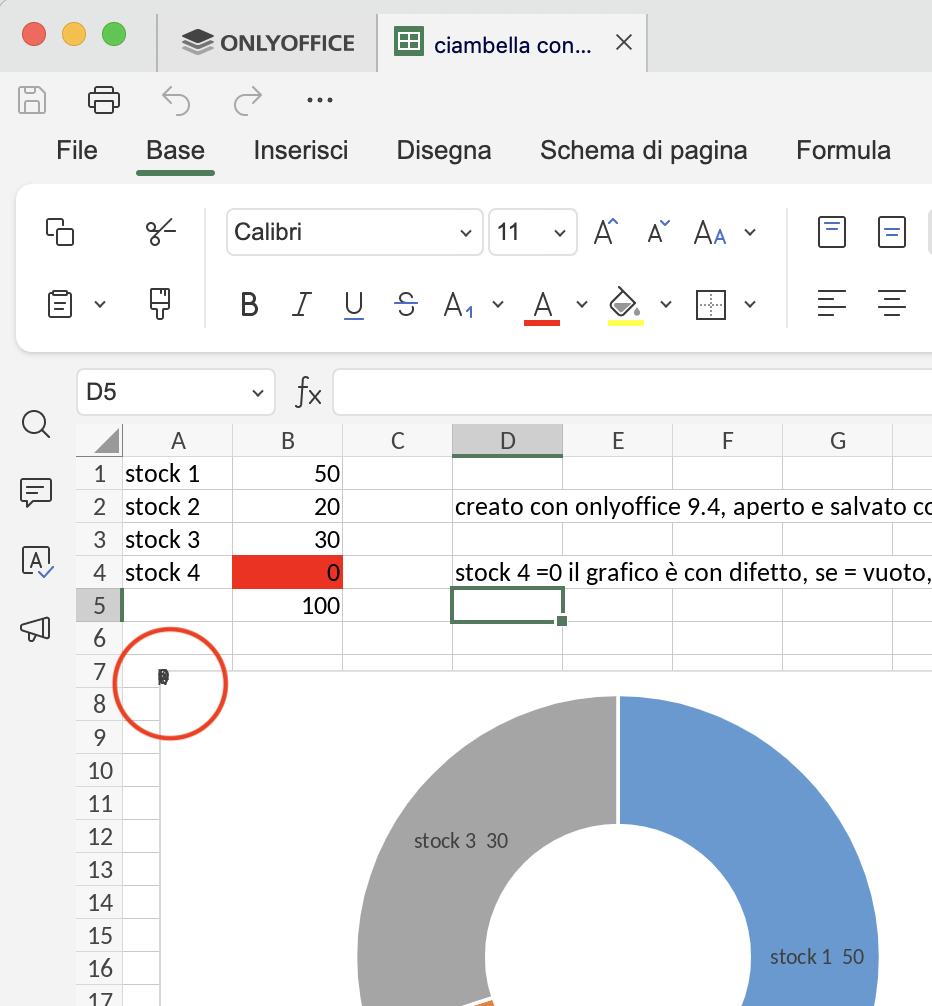
The Doughnut chart is no longer rendered correctly.
If one slice has the exact value 0, its data label is drawn in the upper-left corner of the chart area instead of being attached to the corresponding slice.
Expected result
The Doughnut chart should be rendered exactly as before, regardless of whether the workbook has been re-saved by another OOXML-compatible spreadsheet application.
Tests performed
✓ Workbook created and saved only in ONLYOFFICE
→ Works correctly.
✓ Same workbook opened and saved by Microsoft Excel
→ Problem appears.
✓ Same workbook opened and saved by LibreOffice Calc
→ Problem appears.
✓ Workbook opened and saved by LibreOffice, then opened and saved by Excel
→ Problem remains.
Additional tests:
• Replacing the value 0 with 0.01 makes the data label appear in the correct position.
• Leaving the source cell physically empty removes the slice correctly.
• Returning “” from a formula does NOT solve the problem.
• Returning #N/A from a formula does NOT solve the problem.
• The issue affects Doughnut charts.
• Pie charts do not show the same behaviour.
Additional note
I intentionally created the original workbook in ONLYOFFICE to exclude compatibility issues caused by third-party applications.
The problem only appears after the workbook has been re-saved by another spreadsheet application and then reopened in ONLYOFFICE.
The spreadsheet data, formulas and worksheet content remain unchanged.
Only the rendering of the Doughnut chart changes; the workbook content itself does not.
Interestingly, if the Doughnut chart is deleted and recreated directly in ONLYOFFICE, it works correctly again, even though the workbook data remain unchanged.
Test files available
-
Original workbook created in ONLYOFFICE (works correctly)
-
Same workbook after opening and saving with Microsoft Excel (problem appears)
-
Same workbook after opening and saving with LibreOffice Calc (problem appears)
-
Same workbook after opening and saving with LibreOffice Calc and then Microsoft Excel (problem remains)
Could you please verify whether this is an interoperability issue in the Doughnut chart renderer?
If necessary, I will be happy to provide additional test files or perform further tests.
Thank you very much for your work and support.
P.S. I have four minimal XLSX test files that reproduce the issue.
Since my account is new, the forum currently does not allow me to upload attachments.
I would be happy to provide the files if a moderator enables attachments or if another upload method is available.
P.S.S. I have reproduced this behaviour several times using different workbooks and different spreadsheet applications before reporting it.