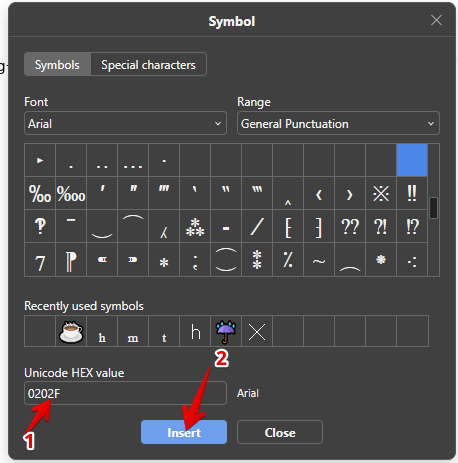
I’d like to know if I can insert a narrow non-breaking space between characters. I’m new to OnlyOffice and found out how to insert a non-breaking space. I do a lot of scientific writing, so when I write, for example, 5 mg, I prefer to put a narrow non-breaking space between the 5 and the m.
In Libre Office, you can add the command to the toolbar by going into Tools > Customize > Toolbars, then from Available Commands, select Insert No-break Space.