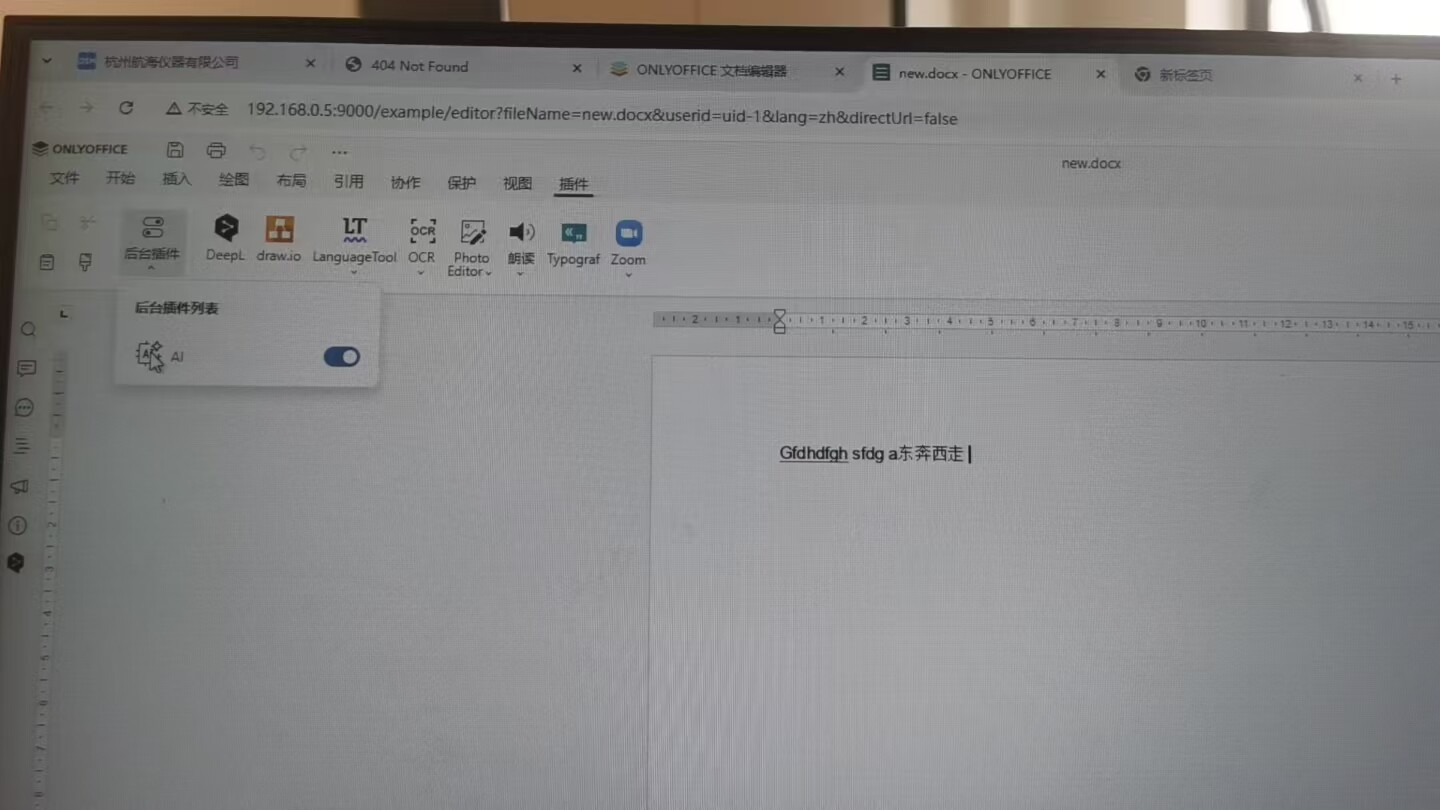
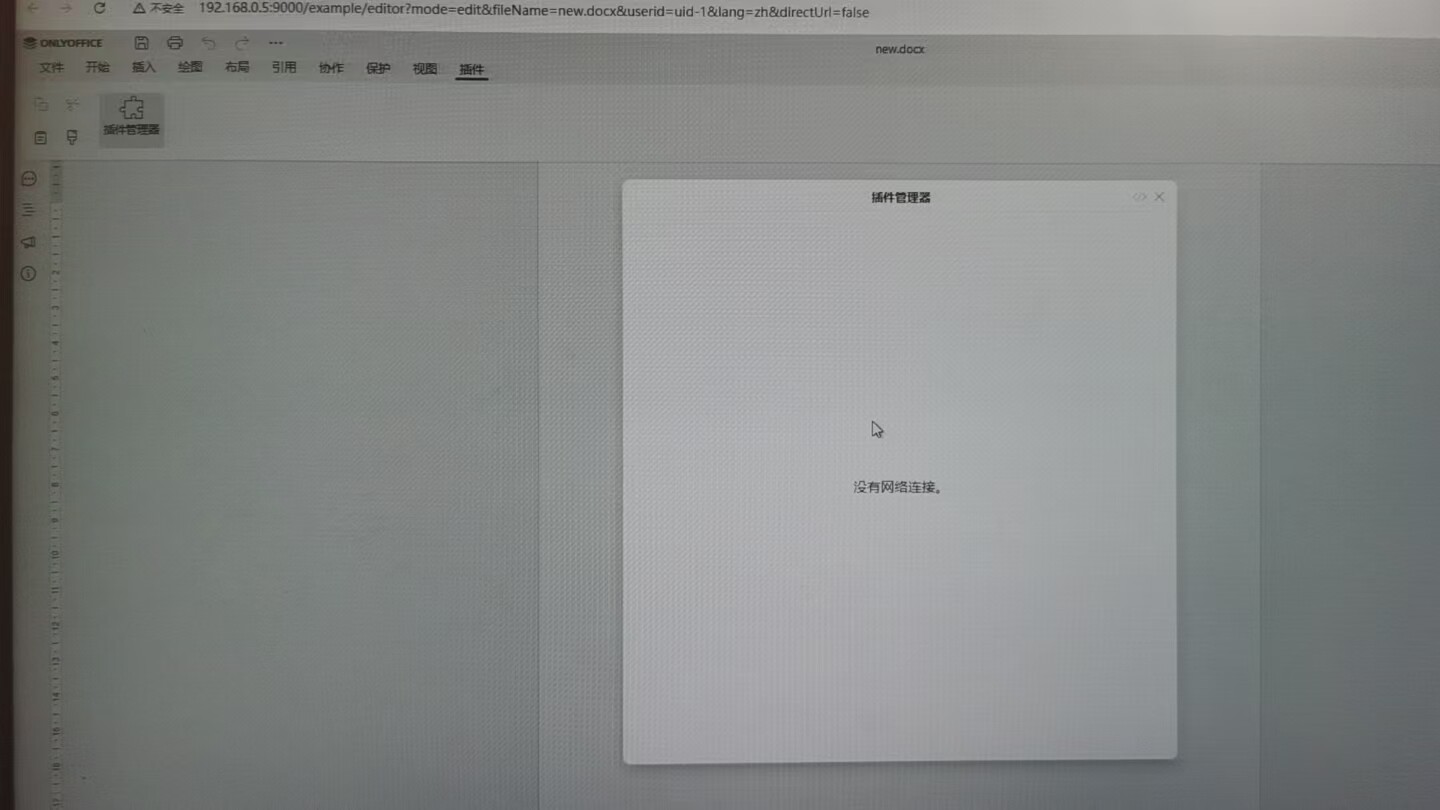
In an offline environment, the plugin manager page is not accessible. While mounting the plugin directory allows plugins to be listed, the AI icons fail to display, and configuration is unavailable

Do you want to: Suggest a feature / Report a bug / Ask a how-to question
For feature suggestions, describe the result you would like to achieve in detail:
For bug reports, provide the steps to reproduce and if possible a minimal demo of the problem:
Document Server version:
Additional information:
Any relevant details about the situation. You can also attach images and videofile to the post (or to place them to external storage)

Hello @balence

Plugin Manager indeed requires connection to web to work. However, the situation with mounts is a bit unclear - did you download a plugin as an archive to the server with Docs, then mounted a volume to the container? If so, please specify what exactly was mounted and what is the source of downloaded plugins.

I’m setting up ONLYOFFICE DocSpace (Windows) in an offline environment. After downloading the plugin and copying it to the documentserver/sdkjs-plugins directory, the AI icon fails to appear. I checked the browser console and found that it’s still trying to load from external URLs. Any advice on how to fix this would be greatly appreciated!

These screenshots are bit hard to read, can you provide better ones? I can see that it is looking for a .css file and what else?

Also, please let me know where did you get the plugin? Did you download it from GitHub?

该问题已解决,谢谢

This topic was automatically closed 12 hours after the last reply. New replies are no longer allowed.