How to solve Warning: Please verify the link to the document. This link must be a direct link to the file for downloading

onlyoffice document server version:9.1.0-168
Running on Docker

OS version: macOS Sequoia 15.7.3 (24G419)

Browser version:
firefox for macos 146.0.1 (64 bit)
chrome for macos 143.0.7499.147 (x86_64)
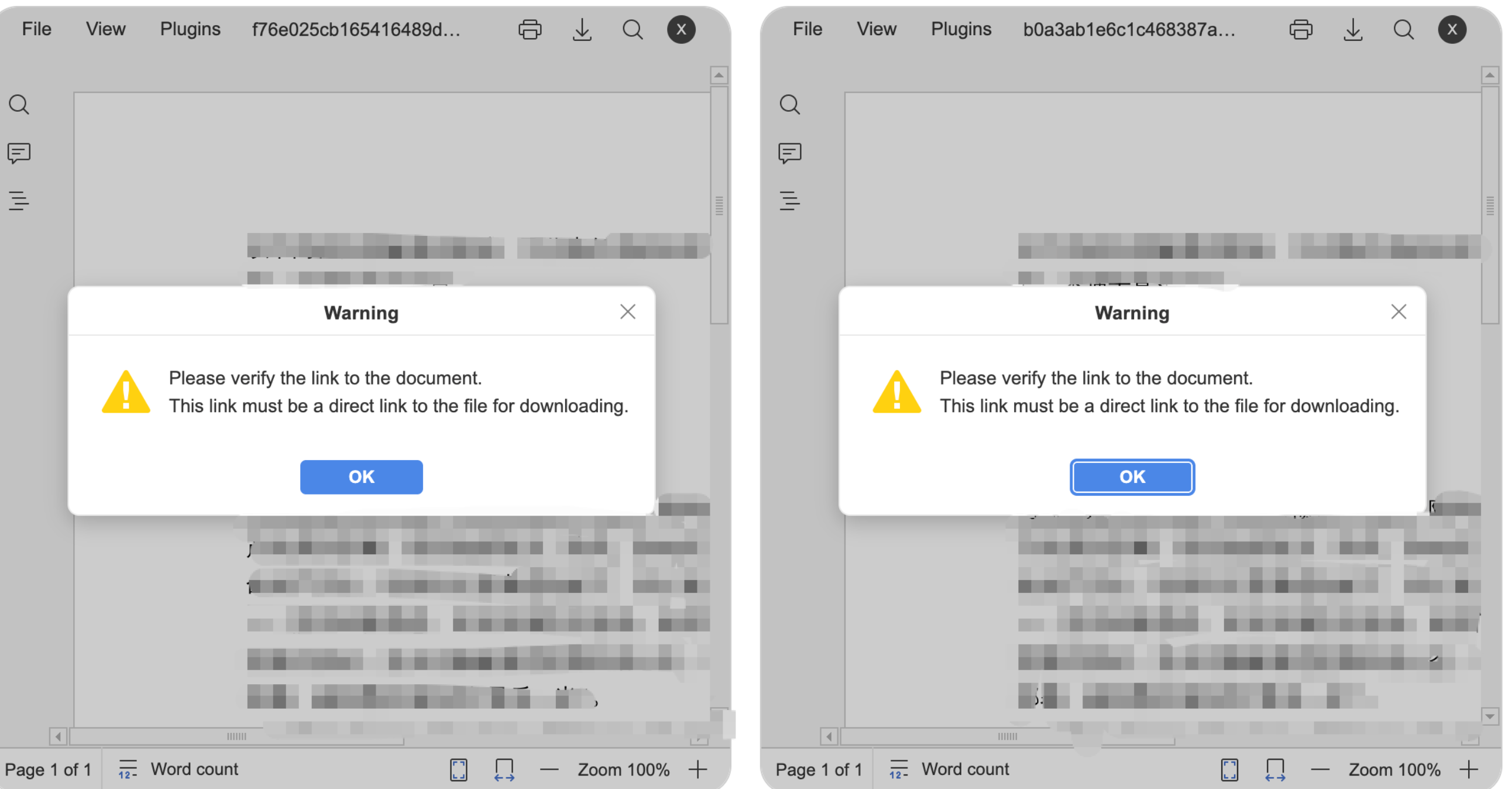
Hello! I want to achieve online preview of a single docx file and online comparison of content between two docx files using onlyOffice’s Doc API. When I preview a single file, it can properly fetch the document from my own file server and display it in the browser. However, when I call documentEditor.setRevisedFile to compare two documents, although the document is fetched and displayed normally in the browser, the editor pops up with the following error: Please verify the link to the document. This link must be a direct link to the file for downloading. At the same time, onlyoffice server shows following log:

[2025-12-29T08:50:53.037] [ERROR] [localhost] [unique_document_key_fileConfig1_1766998245270] [user1] nodeJS - stdout:
[2025-12-29T08:50:53.038] [ERROR] [localhost] [unique_document_key_fileConfig1_1766998245270] [user1] nodeJS - stderr:
[2025-12-29T08:50:53.038] [ERROR] [localhost] [unique_document_key_fileConfig1_1766998245270] [user1] nodeJS - ExitCode (code=88;signal=null;error:-88)

When I click OK in the pop-up window, the document comparison process does not proceed.

I haven’t found a solution to this issue in the official documentation’s Troubleshooting section, nor is there a clear explanation of the meaning of error code -88.

My Javascript code goes here:

onDocumentReady: (() => {
                onDocumentStatus && onDocumentStatus(true);
                onDefaultDocumentReady(editorName);

                if (stableFileConfig.editorConfig?.mode === 'review' && stableFileConfig.compareFileConfig) {
                    compareFile({
                        idName: editorName,
                        mode: stableFileConfig.editorConfig?.mode,
                        compareFileConfig: {
                            ...stableFileConfig.compareFileConfig,
                            token: ononlyOfficeTokenRef.current,
                        },
                    })
                }
            })
// ......

const compareFile = ({ idName, mode, compareFileConfig }: DocumentReadyType) => {
    const documentEditor = window.DocEditor.instances[idName]
    console.log("onRequestCompareFile is loaded", documentEditor);
    documentEditor.setRevisedFile(compareFileConfig)
};

What might be causing this issue, and how should I resolve it?
Hello @Jim,

What is the actual URL to this file that is generated by your application when you access the version history? Try executing wget command with this URL from the docker container of your Document Server and let us know the result.

Hi, @Carl. Thanks for replying.

The actual URL looks like:
http://172.xx.xxx.16:6003/onlyoffice/file/pulling?filePath=some_user/corrected/20251229/corrected_4f8786d9315146eeb3c392db75057ffb.docx.

wget command executed in onlyoffice Docker container and its result is shown below:

root@onlyoffice-deployment-6f9c6db4b8-nlxjl:/#  wget -v -O 1.docx http://172.xx.xxx.16:6003/onlyoffice/file/pulling?filePath=user1/corrected/20251229/corrected_4f8786d9315146eeb3c392db75057ffb.docx
--2026-01-04 02:01:25--  http://172.xx.xxx.16:6003/onlyoffice/file/pulling?filePath=user1/corrected/20251229/corrected_4f8786d9315146eeb3c392db75057ffb.docx
Connecting to 172.xx.xxx.16:6003... connected.
HTTP request sent, awaiting response... 200 
Length: unspecified [application/octet-stream]
Saving to: ‘1.docx’

1.docx                                                                    [ <=>                                                                                                                                                                     ]  11.18K  --.-KB/s    in 0s      

2026-01-04 02:01:25 (156 MB/s) - ‘1.docx’ saved [11447]
1 Like

Hello @Jim

Thanks for the output. According to the description of setRevisedFile method is deprecated, setRequestedDocument method must be used instead. Also, this method can be only used after triggering onRequestSelectDocument.

Can you try out this configuration? By the way, do I understand correctly that the goal is to compare documents in View mode only?

Hi, @Constantine . Thanks for replying.
I will try your solution and post the results here later.
And yes, your understanding is correct.

Thanks for the reply. With the correct understanding, you only need to specify onDocumentReady event with setRequestedDocument method for the editor:

function onDocumentReady() {
	docEditor.setRequestedDocument({
		c: "compare",
		fileType: "docx",
		url: "<url>", // url to doc to compare with
		token: "<token>"
	});
}

Also, you need to specify the event in initialization config:

var docEditor = new DocsAPI.DocEditor("placeholder1", { // name of the iframe
	"document": {
		// doc info
		"url": "<document.url>" // url to original document
	},
	"editorConfig": {
		// config
		"mode": "view" // viewer
	},
	"documentType": "word",
	"events": {
		onDocumentReady: onDocumentReady,
	},
	"token": "<token>"
});

This is just a sample for the reference.

Hi @Constantine !
I have tried your solution, but it didn’t work.

My javascript code now looks like:

const compareFile = ({ idName, mode, compareFileConfig }: DocumentReadyType) => {
    const documentEditor = window.DocEditor.instances[idName]
    console.log("onRequestCompareFile is loaded", documentEditor);
  
    documentEditor.setRequestedDocument(compareFileConfig);
};

onDocumentReady: (() => {
                onDocumentStatus && onDocumentStatus(true);
                onDefaultDocumentReady(editorName);

                if (stableFileConfig.editorConfig?.mode === 'review' && stableFileConfig.compareFileConfig) {
                    compareFile({
                        idName: editorName,
                        mode: stableFileConfig.editorConfig?.mode,
                        compareFileConfig: {
                            ...stableFileConfig.compareFileConfig,
                            token: ononlyOfficeTokenRef.current,
                            c: "compare",
                        },
                    })
                }
            }),

// ...

events: {
            onDocumentReady: (() => {
                onDocumentStatus && onDocumentStatus(true);
                onDefaultDocumentReady(editorName);

                if (stableFileConfig.editorConfig?.mode === 'review' && stableFileConfig.compareFileConfig) {
                    compareFile({
                        idName: editorName,
                        mode: stableFileConfig.editorConfig?.mode,
                        compareFileConfig: {
                            ...stableFileConfig.compareFileConfig,
                            token: ononlyOfficeTokenRef.current,
                            c: "compare",
                        },
                    })
                }
            }),
            onDocumentStateChange,
            onRequestSelectDocument,
            onSave: onDocumentSave, 
            onError: (error: any) => {
                onDocumentStatus && onDocumentStatus(true);
                onLoadComponentError(error);
            },
        }

// ...

const onRequestSelectDocument = (event: any) => {
    console.log("onRequestSelectDocument: ", event);

};

The editor still displays the same warning, and the onRequestSelectDocument event is not triggered.

My file is uploaded to a Minio server, and file download is achieved through a spring boot web application calling Minio’s getObject API.

My java file download file looks like:

@GetMapping("file/pulling")
    public void filePulling(@RequestParam("filePath")
                                ) String filePath, HttpServletResponse response){
        
        var fileName = filePath.substring(filePath.lastIndexOf("/")+1);
        try(var in = minIOAccessor.download(myMinioBucket(),filePath);
            var outputStream = response.getOutputStream()){
            response.setContentType(MediaType.APPLICATION_OCTET_STREAM_VALUE);
            response.setHeader(HttpHeaders.CONTENT_DISPOSITION, "attachment; filename=" + fileName);
            in.transferTo(outputStream);
            outputStream.flush();
        }catch (Exception e) {
            throw new RuntimeException("download fail");
        }
    }

Through this HTTP interface, I can successfully download files directly using wget or curl commands, or via a browser. An example of the wget command can be seen in the reply above.

Now the question I’m more interested in is: How does OnlyOffice determine whether a file download URL is a direct link? What can I do to make OnlyOffice consider my URL as a direct link?

Hi @Carl , @Constantine .

I suspect this issue might be a bug in OnlyOffice.

When I start OnlyOffice using this command, the warning appears when the comparison function is invoked.


docker run -d --rm \
--name onlyoffice \
-p 80:80 \
-e JWT_ENABLED=true \
-e JWT_SECRET="some_jwt_secret_key" \
onlyoffice/documentserver:9.1

However, when I disable JWT verification in OnlyOffice, the warning disappears. And comparison can be invoked correctly.

docker run -d --rm \
--name onlyoffice \
-p 80:80 \
-e JWT_ENABLED=false \
-e ALLOW_PRIVATE_IP_ADDRESS=true \
onlyoffice/documentserver:9.1

Perhaps the document comparison feature still has issues with JWT verification support?

Even after upgrading to version 9.2, this issue still exists.

I hope this problem can be resolved in a future version for security considerations.

Thanks!

Thanks for the reply. I did not experience any issues with JWT on. Make sure that proper tokens are provided for both Document Servers’ initialization config and setRequestedDocument method.

Note: for the editor you must provide a valid token with the contents of initialization config and for the setRequestedDocument method you must provide encoded token for:

{
	c: "compare",
	fileType: "docx",
	url: "<url>", // url to doc to compare with
}

Also, as I have mentioned, you only need to use setRequestedDocument method, onRequestSelectDocument event fires when user uses Compare feature from the editor interface.