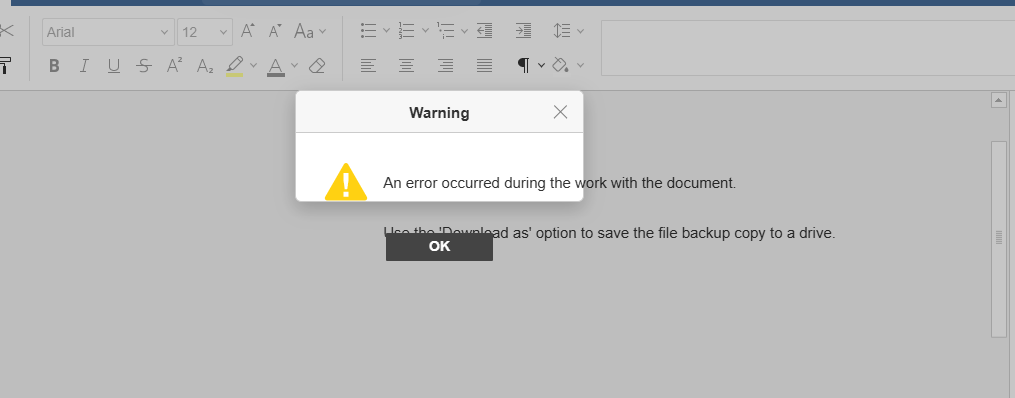
everytime i change something on css/js file in documentserver i’ve to clear browser cache or open in incognito which is not proper in case of client. is there any way to solve this??
i run “supervisorctl restart all” everytime after i made changes but still its not clearing the cache.
The plugin should be loaded not from the sdkjs-plugins folder on the server, but via a URL, please refer to the following guide: https://api.onlyoffice.com/docs/docs-api/usage-api/config/editor/plugins/#url
In this case nothing will be fetched from the cache, it will be loaded anew each time.
You can generate a new url after making changes, for example, by specifying the version of your plugin in the url
@DmitriiV
For example this issue and we want to hide file menu and other smaller things. we’ve done this already by overriding the css but it doesn’t reflect on users browser and had to open in incognito.
Can you suggest any solution for this cache issue??
We strongly disapprove of interference with the source files in such a way. Also, we do not provide support for such cases of source files editing. The interface should be customized in a way described here: Customization
Depending on various scenarios that you want to use with plugins load, you can use different installation approaches for your plugin. All available types are described here:
If I understand correctly, the issue is that after making a change to plugin files and reloading the page nothing is applied, i.e. plugin is in its original state.
Considering the config.json approach – it is important to consider that plugin is downloaded into local storage of your browser, so restarting the service won’t affect anything. The workaround with this approach is to change URL to the config.json file after making some changes, that way plugin will be downloaded anew. Basically, you can define the path on the server that contains a path with, for instance, a version number, making a change will create a new path with new version number and after reloading the page with the editor new version of the plugin will be downloaded.
If it is not quite what you are looking for, please elaborate on the difficulties you are facing.