How to pin a file to the Windows taskbar and file list
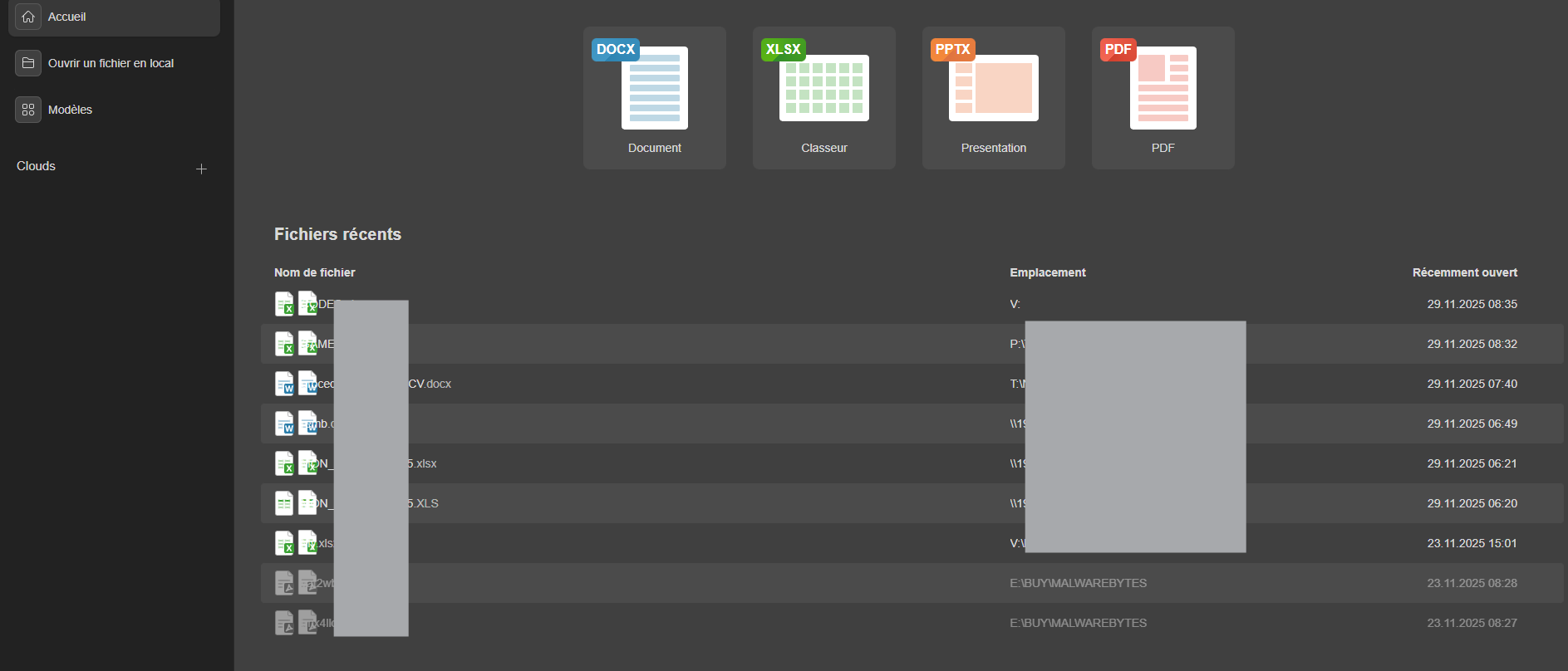
id’ont have the pins
It looks like @DiabloX has raised an issue similar to what I was planning to raise.
What has prevented me from raising an issue, is that there were too many platform and application changes to isolate a root cause.
What I have right now is;
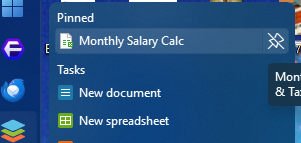
The only file pinned to the Jumplist is a spreadsheet that I had pinned from a (considerably) previous version of OnlyOffice on a previous version of Windows (version 10), via the Explorer App which ran the Start/Taskbar; and as can be seen from the vertical orientation, my Start/Taskbar is now from a third party, not the Microsoft one.
Normally the Jumplist would present a list of some of the most recent opened files, from which one could “pin” to ensure they didn’t get knocked out.
It seems like since OnlyOffice hit version 9, the Jumplist has not been showing recent files, but I am not certain.
I have noticed that the Jumplist of other applications presents recent files under Win 11, and the 3rd Party taskbar, I am inclined to suspect that they are not the cause of the missing Jumplist on OnlyOffice.
@DiabloX did not show his Jumplist, so maybe he has no recent files in his, but he would need to confirm that. If he has a Jumplist then maybe he can “pin” what he needs, and solve his problem. And that may help in identifying the reason I am not seeing recent files in the Jumplist.
If this issue has been seen before, and there is a known solution, I would be interested in seeing it.
i have recent files on windows
It sounds like you have your solution @DiabloX
As for applying a “pin” to documents in the file list, I seem to recall that was an option in earlier versions of OnlyOffice, but I never used it in favour of the Jumplist “pin”.
Someone from OnlyOffice support maybe able to confirm whether that option is deprecated, or currently not working. The ellipses menu currently only show; “Open”, “Show in Folder”, “Remove”, and “Clear”.