I’m afraid AddHyperlink is not a suitable option here as it requires an actual link to work.
If I understand your goal correctly, you want to have a link to a bookmark in the document when clicking which cursor moves to the position of required bookmark. For that you can create a cross-reference link to the bookmark with method AddBookmarkCrossRef.
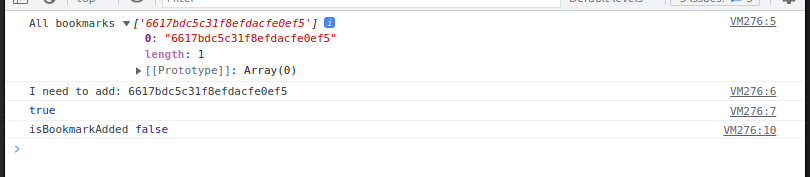
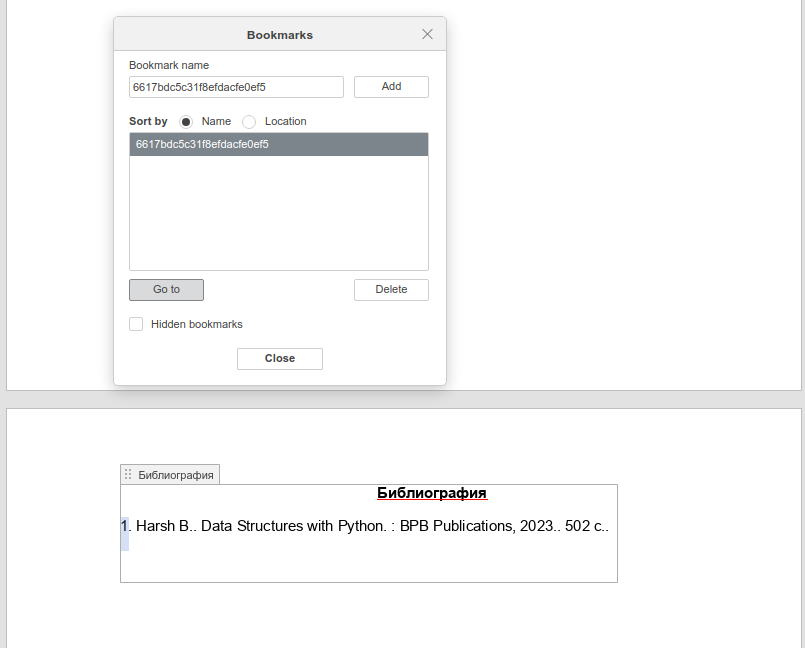
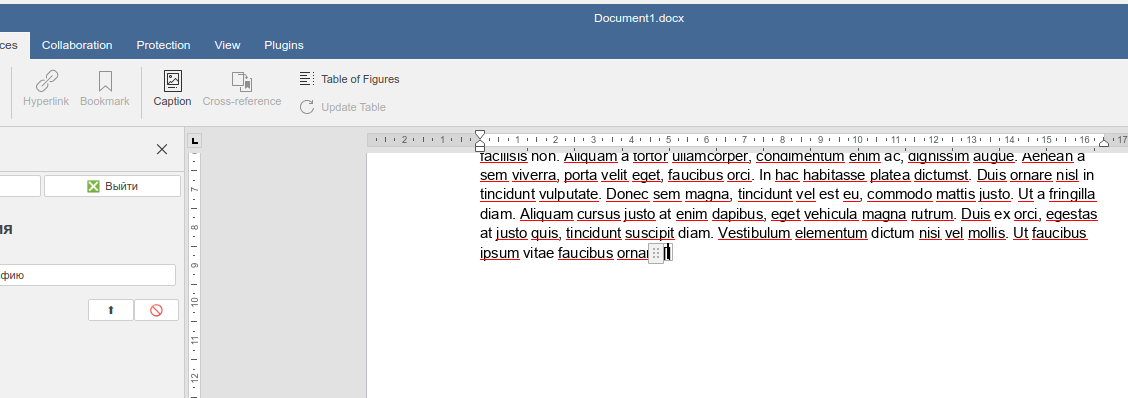
Good afternoon. I am unable to add a cross-reference to a bookmark in my plugin. I want to create a cross-reference to a bookmark in the ContentControl element.
My plugin should generate a bibliography. The links that I am trying to make should move the cursor to an item from the bibliography at the end of the document.
The reason for using ContentControl is the ability to edit references to the list of references when changing the sorting order.
That is a good design, however, I cannot see how bookmark as added in your example. You are adding a paragraph into Content Control and trying to add cross-reference to it instead of adding it to a bookmark as the documentation on AddBookmarkCrossRef says:
BookmarkName - string - The name of the bookmark to be referred to (must be in the document).
So before creating a cross-ref you need to add a bookmark to the required position in the document.
I see, thanks. I think the problem is that AddBookmarkCrossRef can be inserted in the paragraph that is already exists in the document as it is stated in the method documentation:
Please note that this paragraph must be in the document.
Considering that, you are using InsertContent with isInline:true it does not actually create a new paragraph as insertion of paragraph into another paragraph is prohibited by the text document structure, hence there is no paragraph object is defined to add crossref.
The only workaround I’ve come up with is to use isInline:false (default value) to separate paragraphs to insert crossref and then “concatenate” current and following paragraphs using GetNext, GetPrevious methods after which next paragraph can be deleted with Delete method:
var oDocument = Api.GetDocument();
var oParagraph = Api.CreateParagraph();
oDocument.InsertContent([oParagraph]); // Not using 'isInline: true'
oParagraph.AddBookmarkCrossRef("text", "Bookmark3", true);
var oNextParagraph = oParagraph.GetNext();
var sText = oNextParagraph.GetText({"Numbering": true, "Math": true, "NewLineSeparator": "\r", "TabSymbol": "\t"});
var oPreviousParagraph = oNextParagraph.GetPrevious();
oPreviousParagraph.AddText(sText);
var sParaConcatenate = oPreviousParagraph.GetNext();
sParaConcatenate.Delete();
Certainly it is not an ideal solution but it works. I will additionally check other ways but for now this is most suitable workaround to InsertContent method.
We have found out that method AddBookmarkCrossRef is acting incorrectly right now and because of that when used with InsertContent it does not actually create a link. The fix will be available in version 8.2.
I am still having this problem with 8.3. I want to create a hyperlink to a bookmark in the document which, when clicked, will move the cursor to the bookmark. The hyperlink and bookmark pair can be created, but on clicking the hyperlink, the cursor does not move.