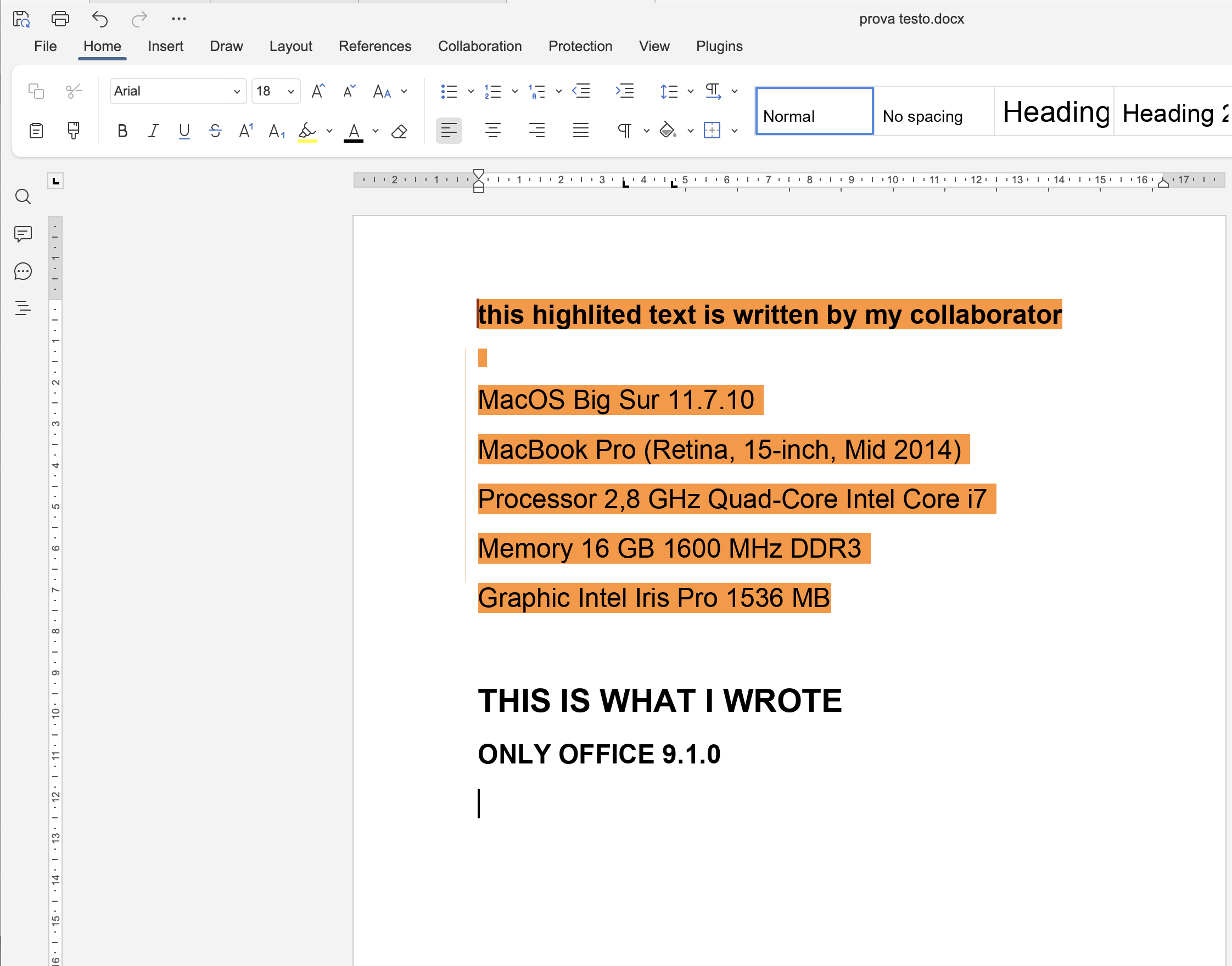
OS version: MacOS Big Sur 11.7.10
App version: ONLY OFFICE 9.1.0
When I’m working with a collaborator in the same word document, every time my collaborator write something the text will appear highlighted with his color in my computer.
This does not happen to my collaborator computer.
If my collaborator close the document and I re-open it , the highlight color goes away.
I’m sure there is an option to change this feature, but I cannot find it
I think the Track Changes feature is enabled for you:
Off for me — tracking changes is disabled for the current user only. The option remains disabled for the current editing session. It will not be affected by other users enabling or disabling the general tracking changes option.