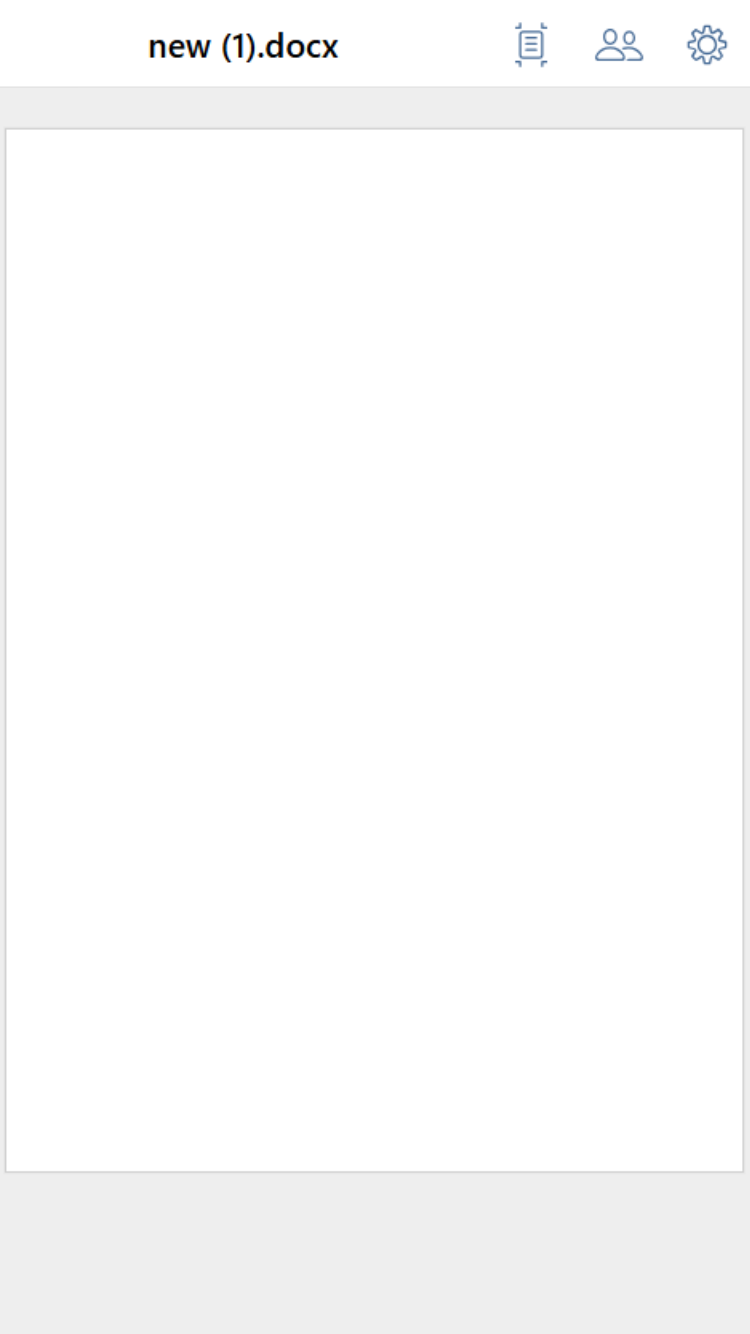
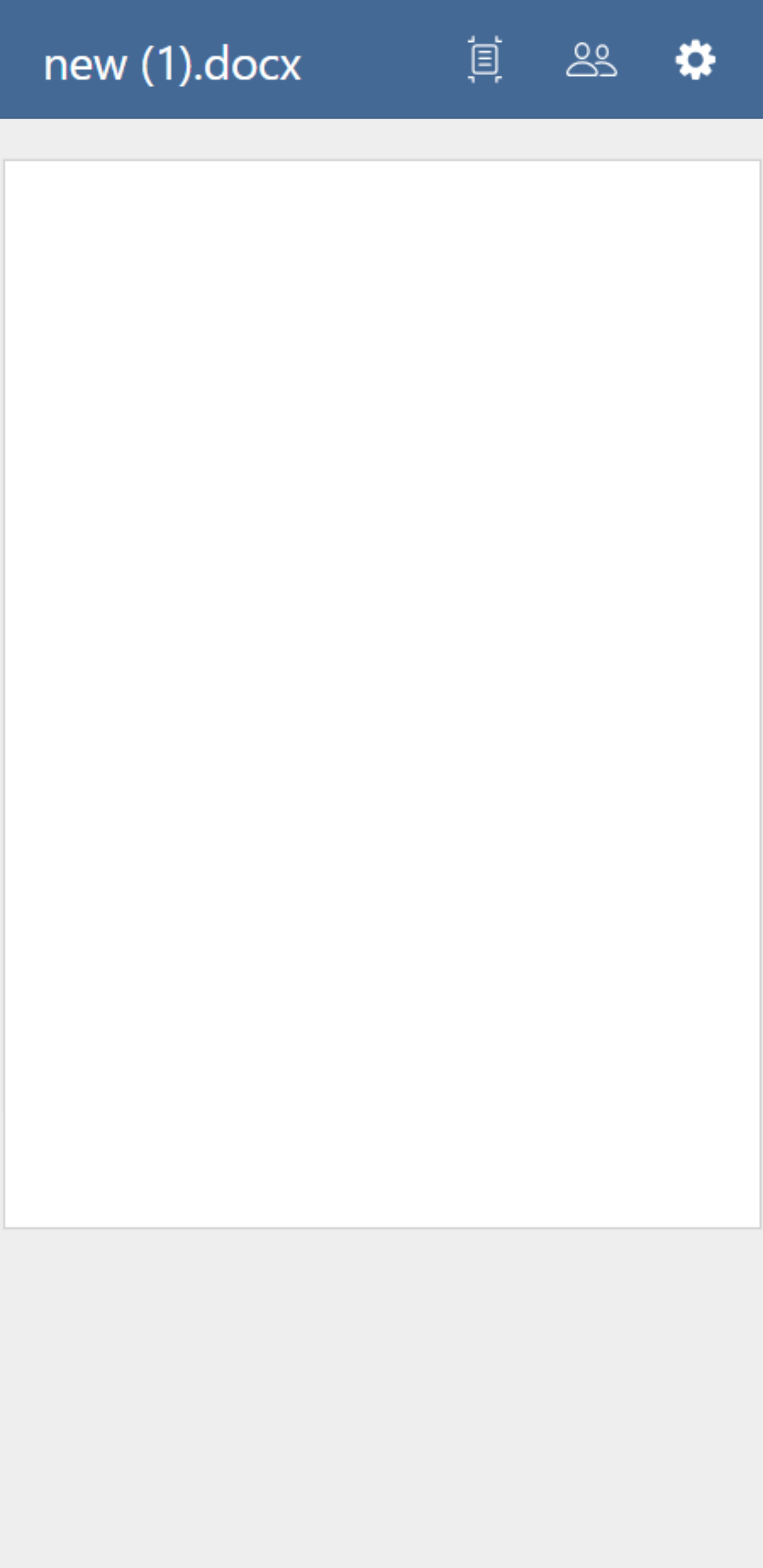
In the mobile editor, the background color of the header toolbar differs between Android and iOS.
On iPhone, it appears white for all document types.
On Android, it’s red for PowerPoint, blue for Word, and green for Excel.
How can I configure it to be consistent across both platforms?
I’m using an on-premises ONLYOFFICE Docs Server and the Java integration example from Docs API integration samples. I access it via a browser with type=mobile .
I tried adding a theme following the instructions in the link below.
The customized theme appears in the theme list of the desktop editors, but not in the mobile editors.
Does this setting only apply to the desktop editors?
The difference in header toolbar background colors between IOS and Android in light mode is by design. On IOS, the toolbar background appears white for all document types, while on Android, it uses specific colors: red for PowerPoint, blue for Word, and green for Excel.
Regarding the customized theme you added: this customization works only for desktop editors and appears in the theme list there, but it does not apply or show in the mobile editors at this time.
So, mobile editor themes and toolbar colors are not customizable via the same theme settings as desktop editors currently. This is why you see the difference and why the custom theme is only visible on desktop platforms.