OS version: Apple M3 Air, MacOs 15.3.1,
App version: OnlyOffice 8.3.0 Downloaded from ONLYOFFICE website ( For macOS 10.13 or higher, Apple Ship version)
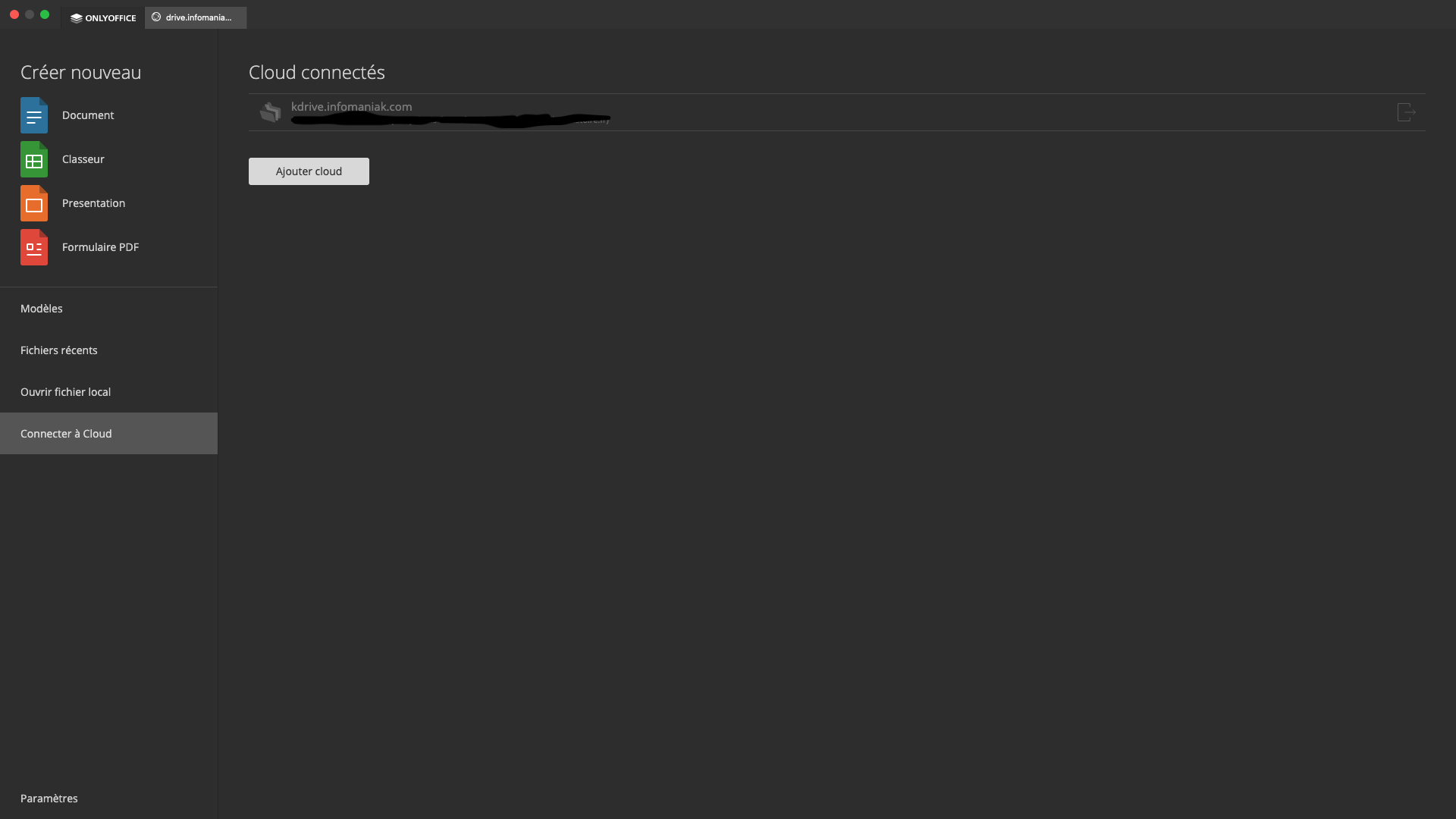
I have a personal kdrive and a professional kdrive, I connected my professional kdrive in OnlyOffice and it works fine.
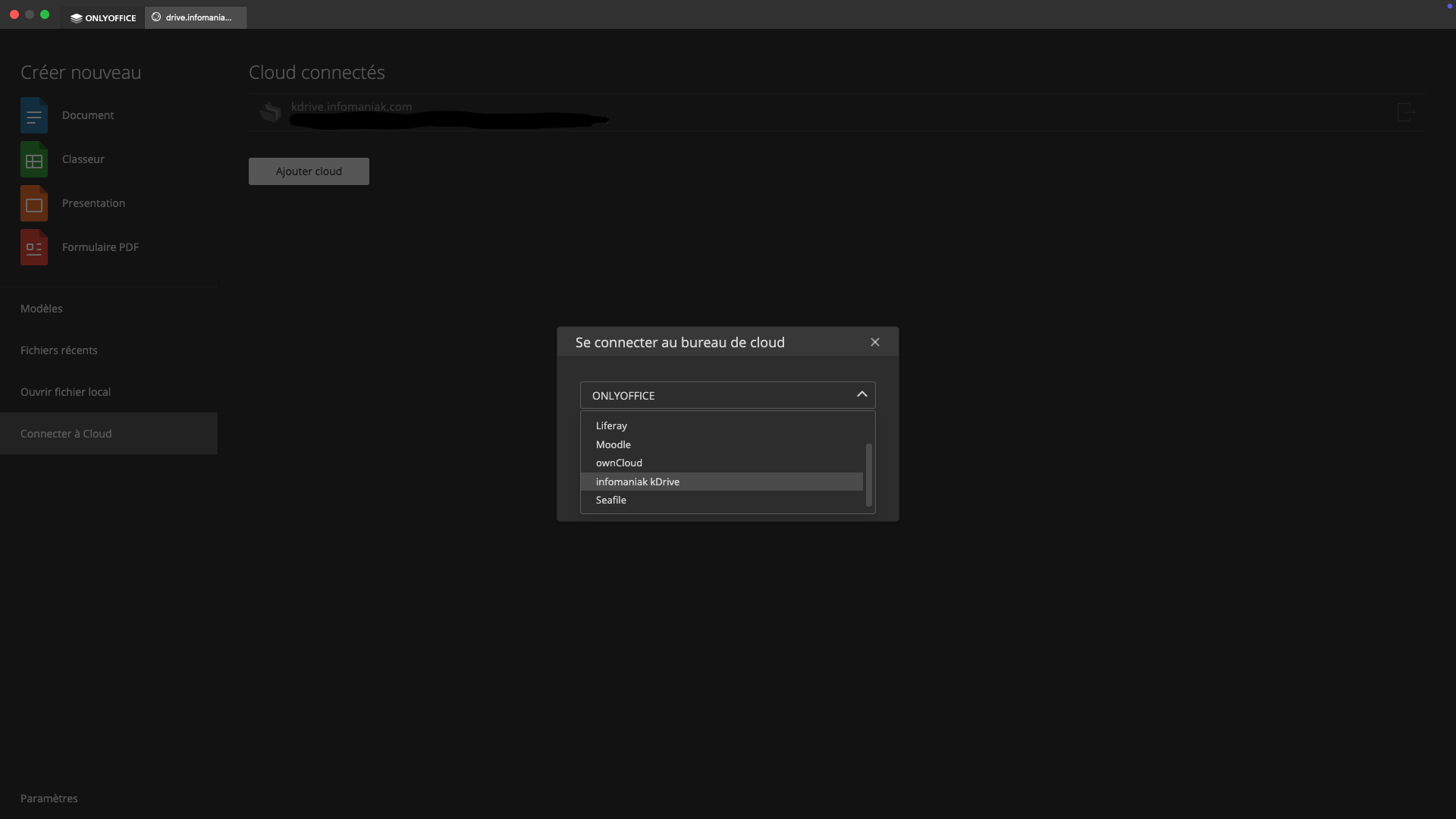
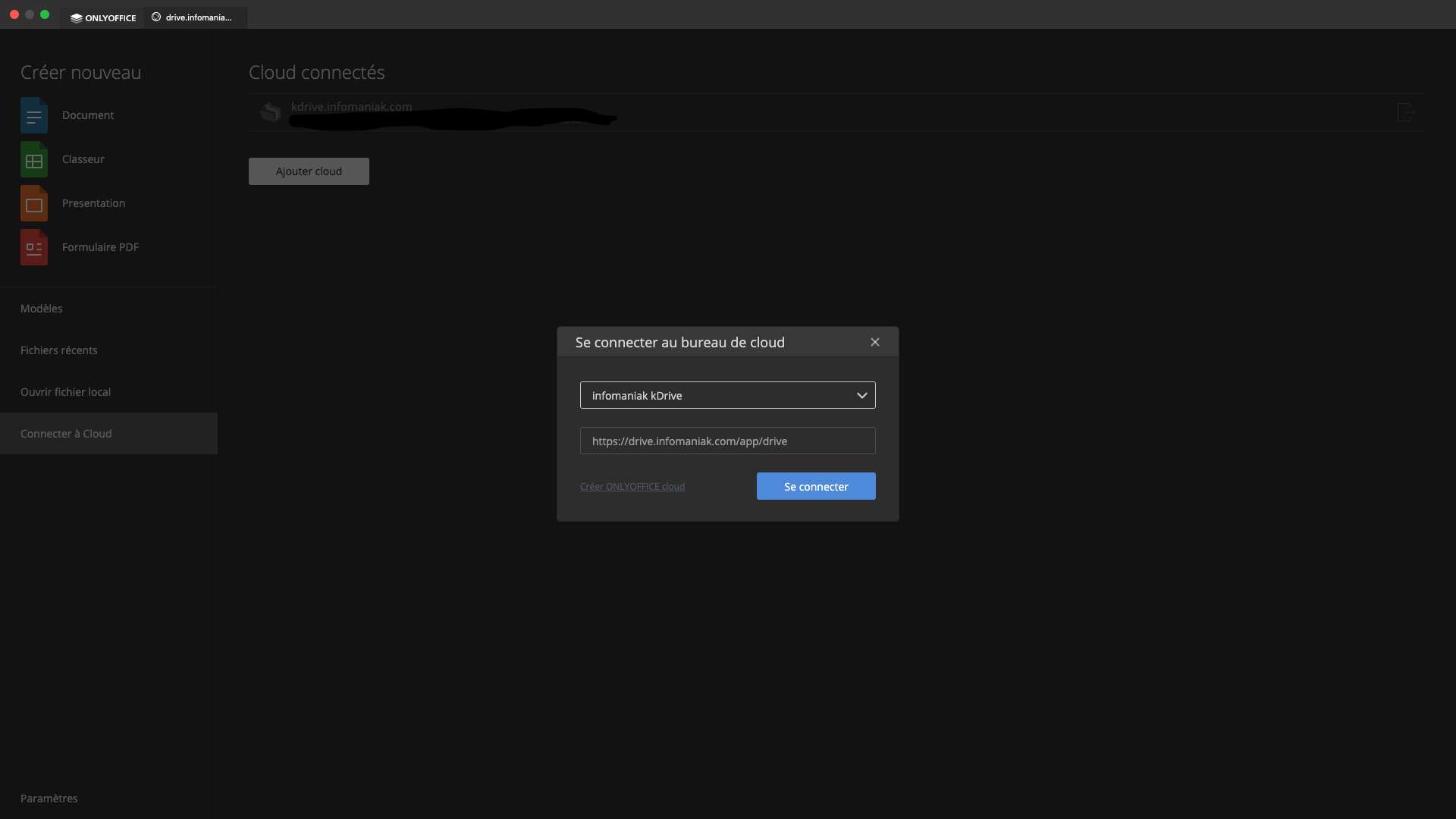
I would like to have my second “personal” kdrive connected at the same time.
But adding a second kdrive redirects me directly to the professional kdrive home page.
I don’t know if this is a bug or if this is the expected behavior. But I find this behavior quite limiting.
The only way to access my two kdrives is to disconnect the first to access the second and vice versa.
Is this the expected behavior ?
Thanks for reading 
Hello @louisfiacre
Thank you for the detailed scenario, I’m able to reproduce it. We need some time to check it out, I will contact you as soon as possible.
Dear @louisfiacre
Please accept our sincere apologies for the situation. Unfortunately, there’s no way to use two KDrive accounts simultaneously. We have added your request to internal tracksystem and we have started working on it. I will update this thread once we have something to share.
Thank you for bringing our attention to this situation!
I agree, I am still having the same issue today, August 16th 2026.
@Alexandre, we understand that this is still not available for OnlyOffice Desktop Editors. However, since this problem seems to persist for over one year already, and multiple releases have been made, due to the elevated interest of the community, we respectfully yet strongly ask you to finally fix this issue within the next 3 releases/updates.
We believe this is certainly doable, since having two accounts of kDrive already works seamlessly on OnlyOffice Mobile.
Thank you.
Thank you for you feedback @centura
We will update this thread immediately, once we have something to share.