First, I can’t find where this topic should go, so if it is in the wrong place, mods, feel free to move it where it should be.
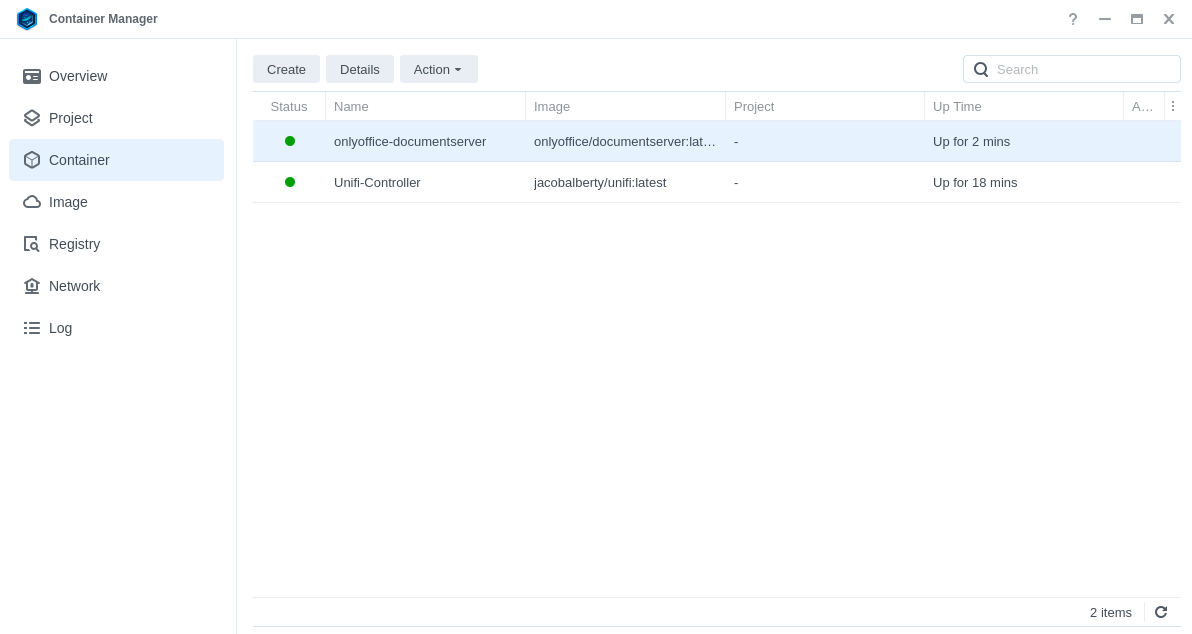
I used the OO video to install OO on my Synology NAS 1522+ running DSM 7.2.2-72806 Update 5, with Container Manager 24.0.2-1543.
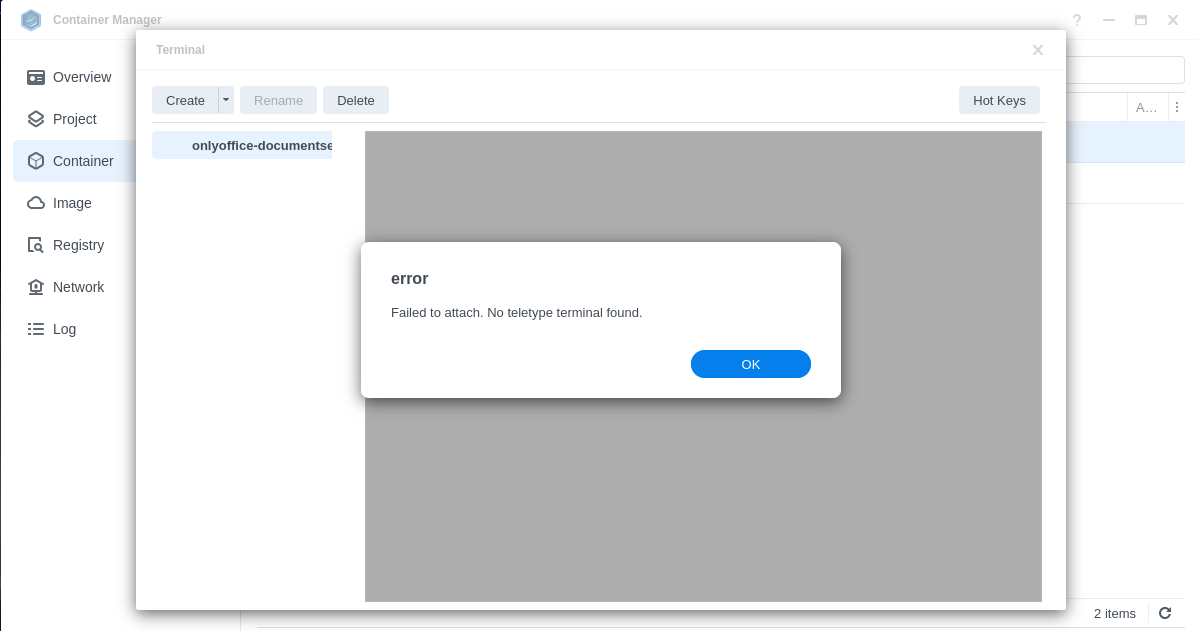
When I go to myip:port it shows the community edition installed. However, when I do as the video suggests and go to the container manager’s terminal, I get an error that says, “Failed to attach. No teletype terminal found.” So that is where I am stuck.
We have just released new version of Document Server. Please try pulling newer image via Container Manager. If the same issue reproduces, please attach a screenshot with error.
Hello
We appreciate your patience with this case, but unfortunately, we weren’t able to reproduce the issue.
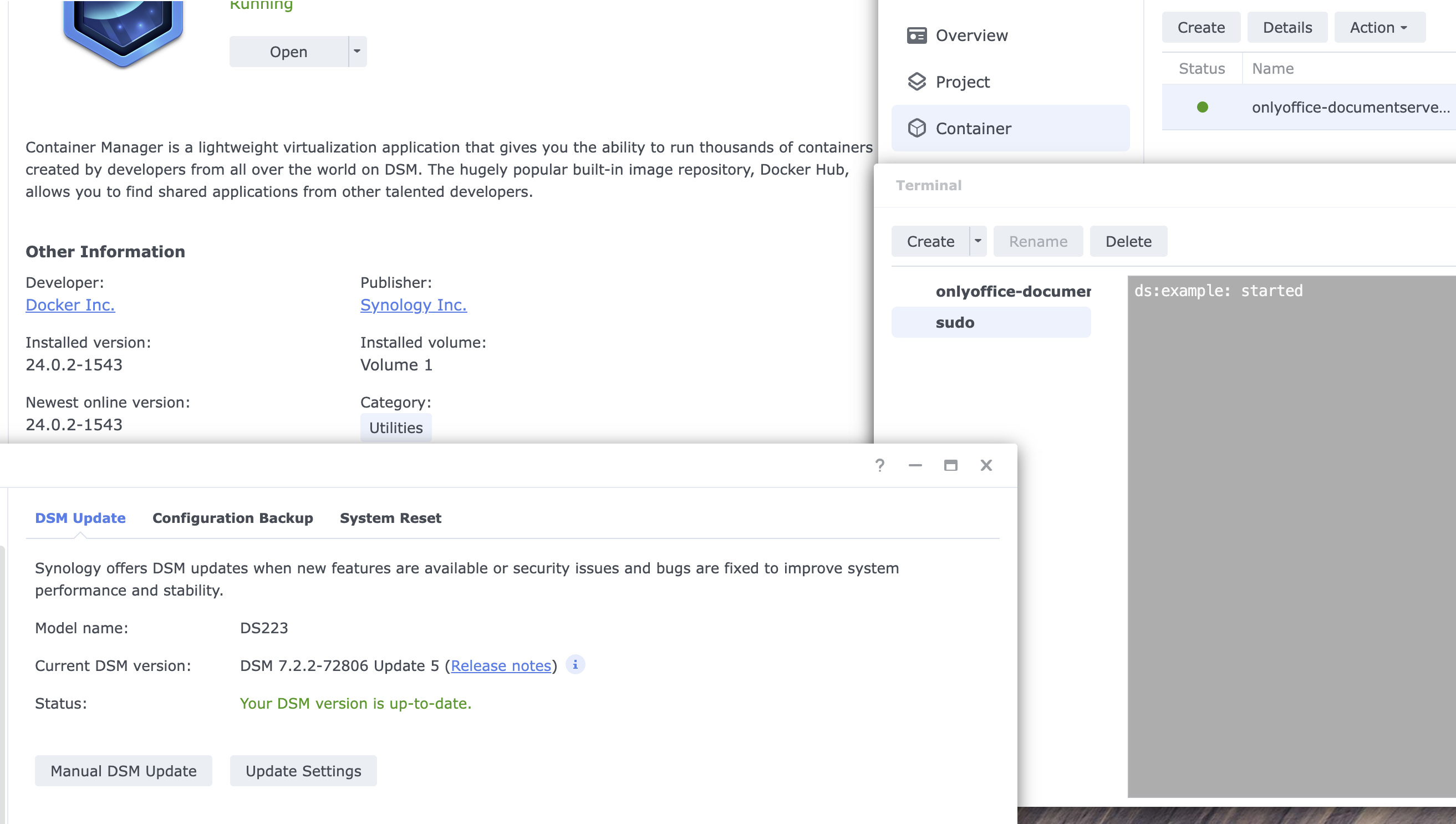
The test system configuration is attached, everything has been updated, including ONLYOFFICE Docs container, which is now 9.2
It seems that the problem may be on Synologs’s side, please let us know if you have this issue when connecting to other containers.
As far as I understand after researching online, most users end up using ssh. here are the instructions for configuring ONLYOFFICE Docs via ssh
Looking forward to hearing from you and thank you very much for reporting this to us