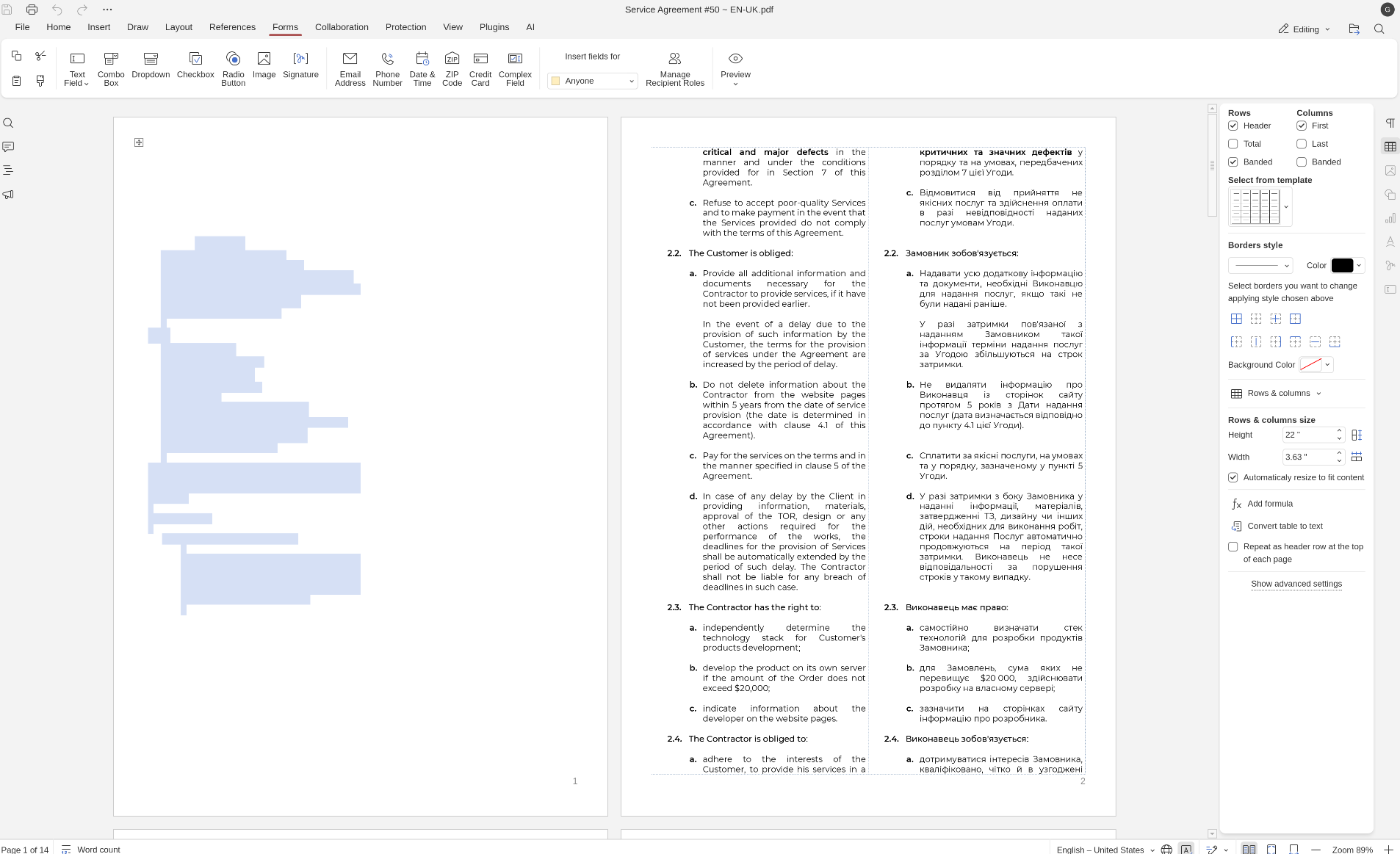
Description: I have identified a specific rendering bug in ONLYOFFICE Desktop Editors (v9.3.1.8) on Fedora Linux. When a document contains interactive Form Fields (from the Forms tab) combined with an Image (scan of a signature) on the final page, the first page of the exported PDF becomes invisible (renders as blank white).
Steps to Reproduce:
-
Create a multi-page pdf-document (e.g., 9+ pages).
-
Go to the last page and insert two Signature Fields using the Forms tab and attach image to these fields.
-
Save the document.
-
Open the PDF in any viewer (Okular, OnlyOffice, etc.).
Expected Result: The entire document, including the first page, should be visible.
Actual Result: The first page is rendered as a solid white block. The text is technically there (searchable/selectable), but visually hidden. Standard PDF recovery tools (Ghostscript, mutool) cannot restore visibility, confirming a structural corruption during export.
Key Observations:
-
Trigger: The bug is specifically tied to the Signature Fields from the Forms tab.
-
Resolution: Removing these Form Fields immediately fixes the problem; the first page becomes visible again.
-
Layout: There are no images on the first page (text only). The only image in the document is the signature scan on the final page.
-
Environment: Occurs on Fedora Linux with OnlyOffice Desktop Editors v9.3.1.8. Hardware acceleration settings do not affect the outcome.
I can send you the document containing this bug, but I don’t want to publish this document publicly.