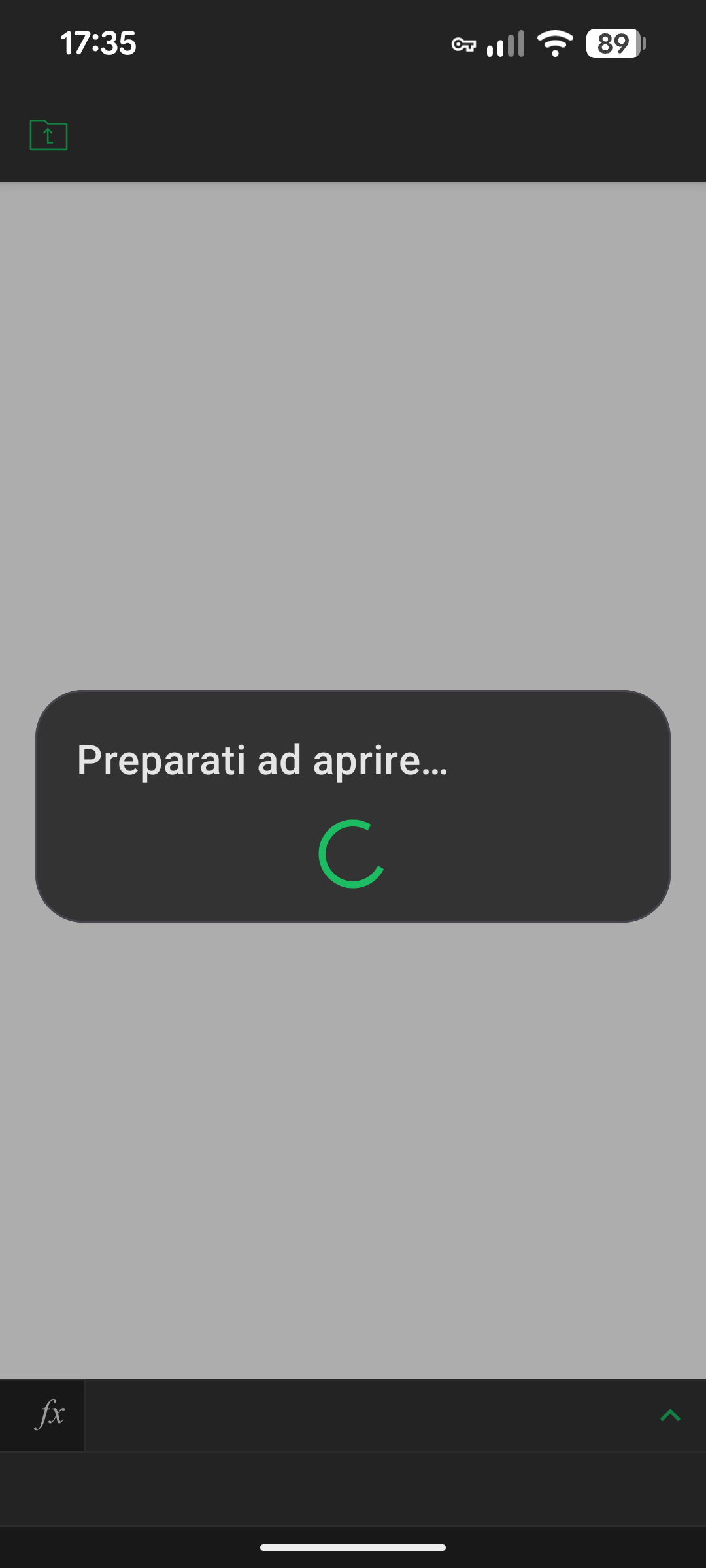
Device: pixel 8
OS version: android 16
App version: 9.1.0, build 663, SDK 9.1.0.181
Mode: Connect to Cloud / On Device
Additional information:
Good morning. Unfortunately every time I open the app, if I don’t delete the cache manually, the files don’t open, they keep loading endlessly
Hello @claudimetallo
Newer version of the app was released few days ago. Did you have a chance to update it?
Hello, unfortunately the problem persists. I have tried using the app in several ways to find any actions that cause the error. Surely this happens: if on Monday I use the spreadsheet, Tuesday will not open (not even the following days) until I clear the cache. Instead, documents of different formats open. If I use several file formats on the same day, it is likely that no supported format will work.
This is the only repetitive behavior that I have identified, but sometimes it does not occur: for example yesterday I used text and calculation sheets, today the text works but the calculation does not
Do you use the app for local files or the mobile app is connected to an online storage?
I use for local file and on nextcloud
Can you reproduce the issue one more time and share a log of the app with me? Basically, the app can write any events into a system log, I’d like to analyze it for possible cause of the issue.
You can access system logs by opening Settings of the app and clicking several times on the ONLYOFFICE logo in the middle of the screen. As soon as you hit the logo enough times, new menus will appear on the same screen, including system log.
The test is simple:
- Clear out current log;
- Reproduce the issue.
Done. and saved the log. How can I share it with you?
You can upload it directly to the message. I can recommend sharing it via PM, in case the file contains any sensitive information.
I see the PM, thanks. Just to clarify: do you clear the cache in the app itself?
Yes, inside the app: settings-clear cache
Thanks for the reply. Let’s focus on local files first. How do you open those? Do you import file into “On Device” section or file is being opened directly from Files?
Thanks for the reply. I use both methods, mainly from the OnlyOffice application.
Thank you. Did you accept access rights after the installation? To make sure, please try re-installing the app.