ONLYOFFICE Mobile: Documents
Do you want to: Report a bug
Device: iPhone 15
OS version: 18.6.2
App version: 9.0.4 (117)
Mode: Connect to Cloud (onlyOffice cloud)
Additional information:
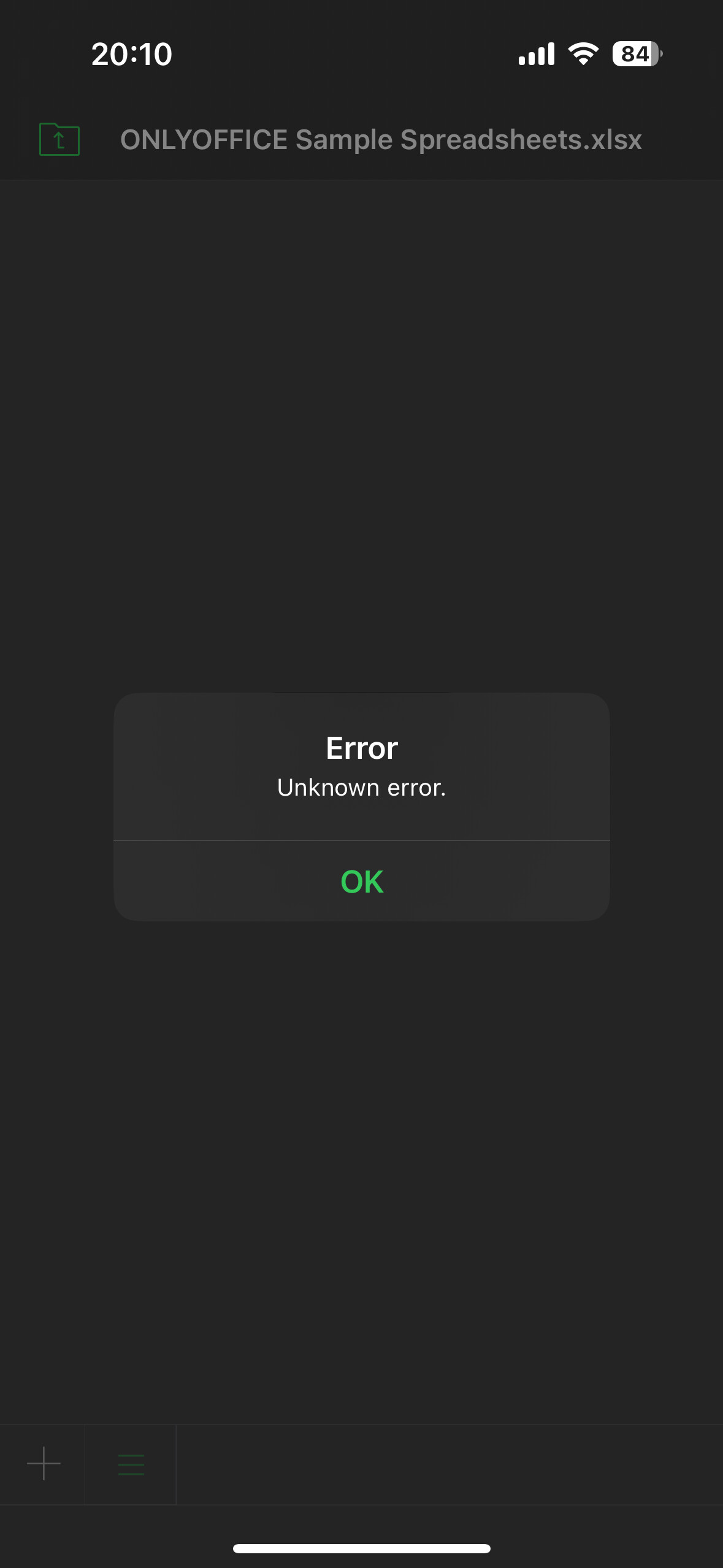
I cannot open any xlsx, pptx or docx from my onlyOffice cloud using my iPhone. I get an error (error. Unknown error) To open them, I need to download a copy on the file on my local.
Any other file format are opening (pdf, jpg,…)
I tried to clear the cache and uninstall the app, reinstall it and disconnect from the cloud to reconnect but nothing worked.
Is it a know problem and is there a way to fix this?
Do you use ONLYOFFICE DocSpace Cloud or ONLYOFFICE Workspace Cloud?
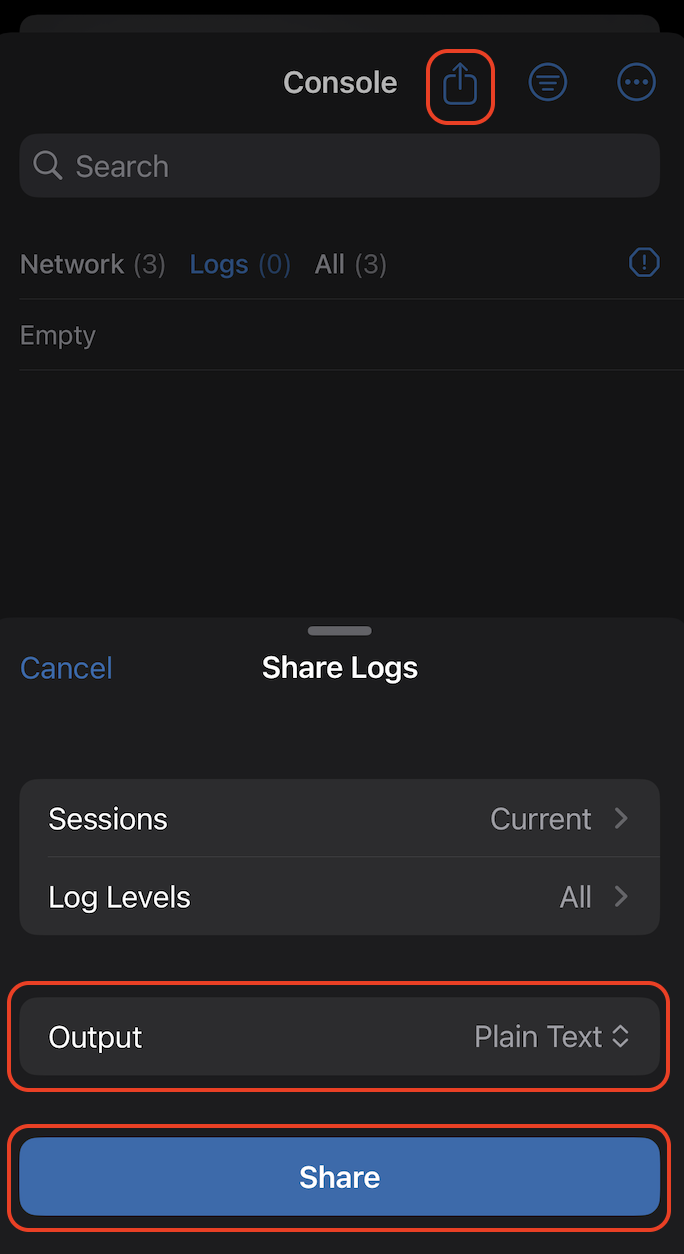
Can you share application logs from the console? To access it, you need to go to Settings > About and click several times on the logo until a haptic response is received. Once done, in the settings you will find new sections called Developer menu. To get the correct logs you need to:
Open Console;
In top right corner click three dots to open the menu, where remove all currently written logs;
Once cleared, reproduce the issue by opening any file that produces this error;
After reproducing the issue, go back to Console and press export icon;