Hello, I also had this issue just now, screenshot attached. This is what happened:
I had an intense and lengthy session of opening/closing/viewing PDF files.
Once I selected ~8 pdf files and tried to open them all at once, some 70mb+, OnlyOffice was not running
OnlyOffice hanged while loading them and I had to terminate it
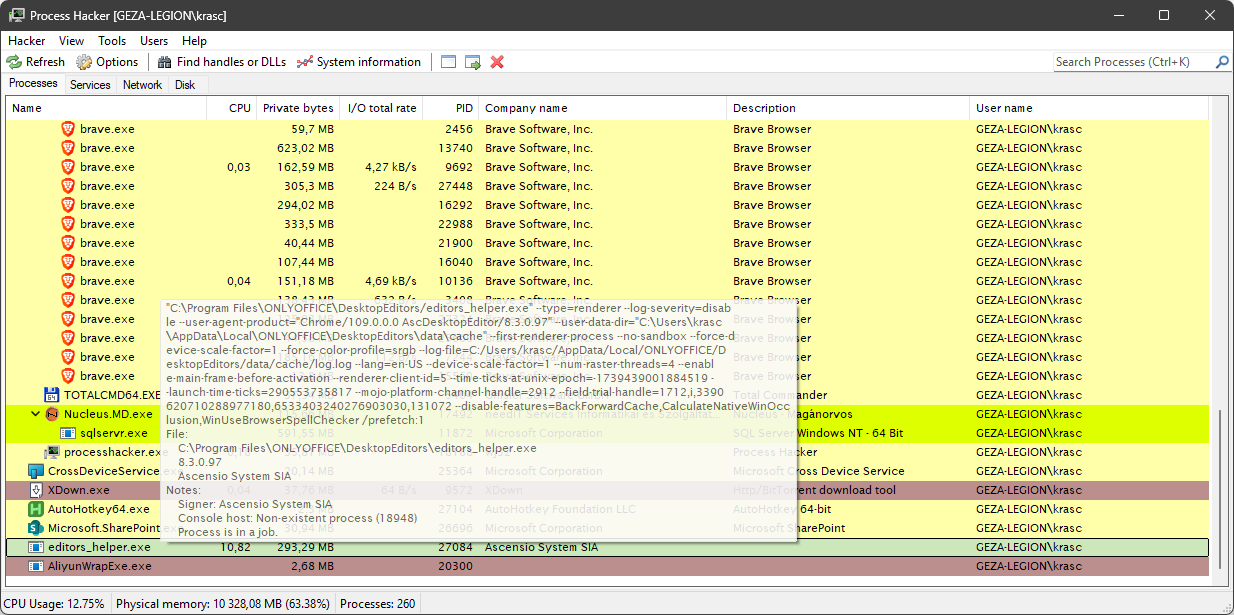
Several days later, I noticed my PCs fan was running very high and checked taskmanager to find a number of these processes stressing my CPU. It was possible for them to last for several days as I hybernate my laptop instead of shutdown.
Can you specify which process did you terminate exactly and how? Also, please specify version of Desktop Editors that you use and installation type (EXE/MSI/Online Installer).
I think it was Windows that asked me if I want to close the app after it froze, so unsure which process exactly. This is the Desktop Version, the latest one at the time of making the post (I dont have access to that PC at the moment to tell you exactly, but I had just downloaded it). I am unsure which installer, whatever the default option is.
There is no “default” option. You can find this information in “About” section of the main screen, also the version of the app is located there too.
In the meantime, I’ve tried to reproduce the issue by opening 9 PDF files of 79mb size, but they opened just fine. Of course, it barely proves anything, because my sample PDF files are different from yours. To address this issue in details, I’d like to ask you to share some of the files as well as the rest of the information requested.
Online Installer V3.0.0, OnlyOffice V9.3.1. The PDFs are personal, so I can’t share, apologies. Since you have 2 reports of it, and it’s still a thing, what I would do is add extra logging in the next version to try and detect that state and then auto-close and ask the user to send a report. It seems like a difficult bug to catch otherwise, I am not sure it’s entirely related to the PDFs.
May I ask you to re-install Desktop Editors from either a MSI or a EXE package to monitor the situation further?
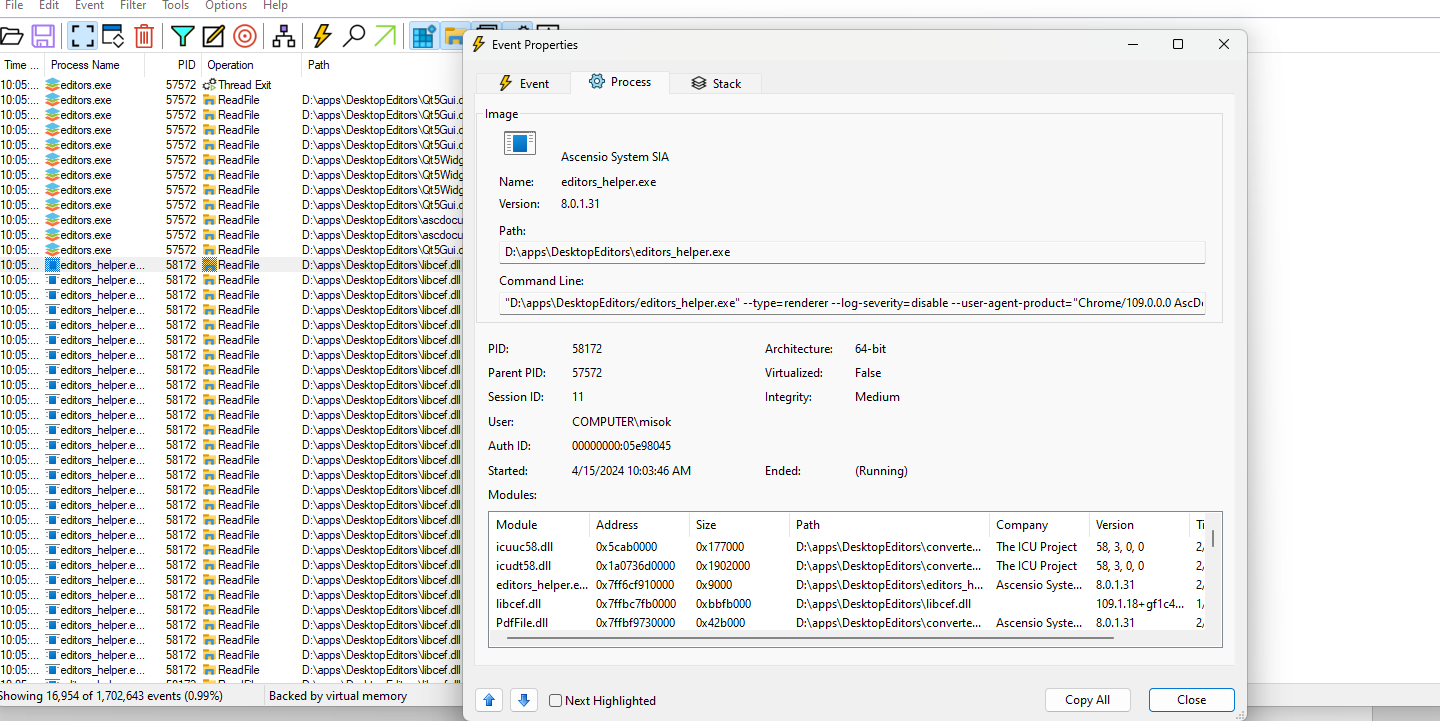
I may assume that some of your PDF files are quite complex, thus the application froze while rendering them. Terminating the application prematurely did not shut down the subprocesses responsible for opening and rendering the files (editors_helper.exe); however, since the main process had already terminated, these subprocesses remained active and continued to load the system without receiving any response from the main terminated process. This case has been registered a bug and it is being processed for resolution.
I have mentioned the file share, because it would help us determine the exact cause of this issue. Since your files contain sensitive information, I can only suggest to share them via PM for analysis of the situation from our end. I’m afraid that application-based logging won’t provide enough information, because the system detects freezing and suggests to terminate it; you may try reproducing the issue and letting the process to finish loading to see if that’s the case.
The PDFs were effectively high resolution photos, one per PDF, ~30-40mb size (scans of documents and pics). I don’t have access to the machine at the moment so I can’t reinstall anytime soon.
I wonder why the child processes didnt self-terminate after having no parent, that bit was unexpected for me. Would it be reasonable to launch with a parameter = the PID of the parent process and then run a check every second to ensure the parent is still alive?
I was doing a lot of merging of PDFs into 1, scanning, renaming, moving, all of that very quickly, it might’ve been down to the file being locked for some reason, that might also be something to explore, although it’s less likely I think. I’ve also noticed the app creates a hidden file next to the file it opens, and since I use Win with hidden files shown, I can easily make a user error and say delete/move that file while moving around the other files, which is actually surprisingly easy to do when you’re clicking around in the explorer and don’t expect suddenly all files to shift down and a new file to appear under your mouse. The ideal place for that file would be local appdata in my opinion, especially because you can easily run into permission issues when opening files in protected locations - or in locations that are auto-sync like google drive. This is referencing the files named “.~lock.filename.pdf#”
Locking files is a common practice for office suites, it ensures that other applications cannot open the same file and make additional edits.
As for the analysis of what is actually going on with the processes, we need to reproduce the issue from our end. It is difficult to say for sure that the main process termination has caused increased CPU usage or anything else.