When working with my PDF, I clicked the “Edit Text” button and the bottom layer of my page displayed on the top. The words on the page were pressed together and the letters were out of sequence, so it was impossible to determine what was actually written unless I backed out of “Edit Text” to see the page properly.
I am on Windows 11. This text will be blurred
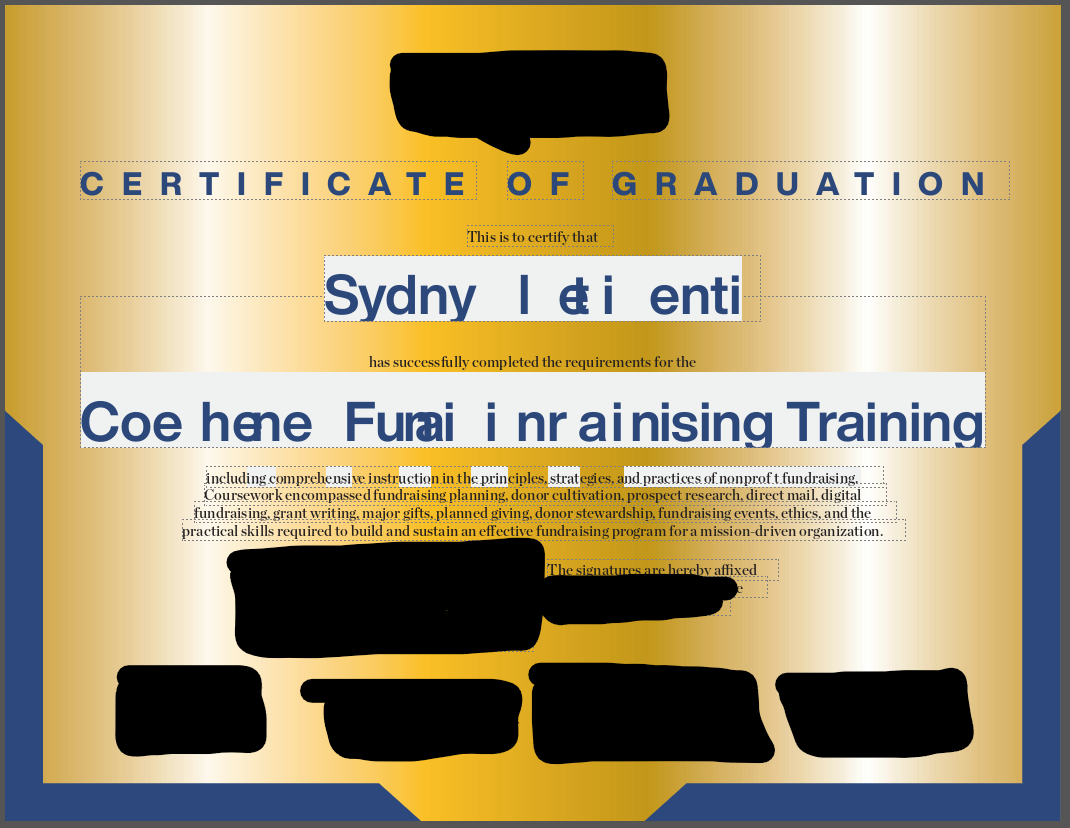
This is what the page looks like in “Edit Text” mode. I cannot provide an image of the original file for security reasons (and you can see I redacted some of the information that was legible on this image), but it shows the problem.
