Tap the icon at the top toolbar, to open the new object insertion panel.
Switch to the tab.
Select the Sort and Filter option.
Tap one of the icons: - to sort your data in ascending order - A to Z alphabetically or smallest to largest for numerical data. - to sort your data in descending order - Z to A alphabetically or largest to smallest for numerical data.
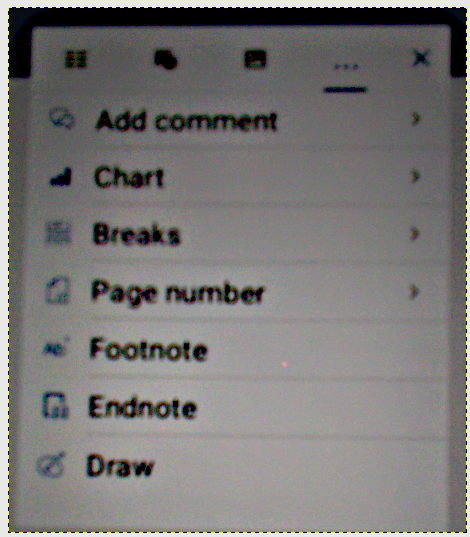
Problem: In the “+” menu, … section drop down, I can not find the “Sort and Filter” option. eraseme.docx (25.1 KB)
What is the format of the document being opened? From the screenshot you provided we can see that the file is opened in document editor, not in spreadsheet editor (the corresponding menu is the menu for document editor files). The above-mentioned function is available in spreadsheet editor
Hello @Close86
Please provide us with more details about the described scenario. Are you referring to sorting data in a table that was inserted into the DOCX file?
Thank you! Now I get it.
We already discussed about implementation such feature in the editor. I have added your request to internal tracksystem. I will update this thread once we have something to share.
icon at the top toolbar, to open the new object insertion panel.
tab.
Sort and Filter option.
- to sort your data in ascending order - A to Z alphabetically or smallest to largest for numerical data.
- to sort your data in descending order - Z to A alphabetically or largest to smallest for numerical data.