Hi everyone,
I’m trying to set up ONLYOFFICE DocSpace using Docker Compose on NixOS. I’ve based my setup on the official installation approach but adapted it for NixOS’s declarative configuration style. Most things are working, but I’m stuck on the initialization wizard.
- All 24 containers are up and healthy
- Database migrations ran successfully (71 tables created)
- Services can communicate with each other
- The main DocSpace client loads at my local hostname
https://office.home.private/
When I try to access the wizard at https://office.home.private/wizard, I get:
- HTTP 500 error with a redirect loop between
/wizardand/unavailable - The root path redirects to
/welcomeshowing “Sorry, the resource cannot be found”
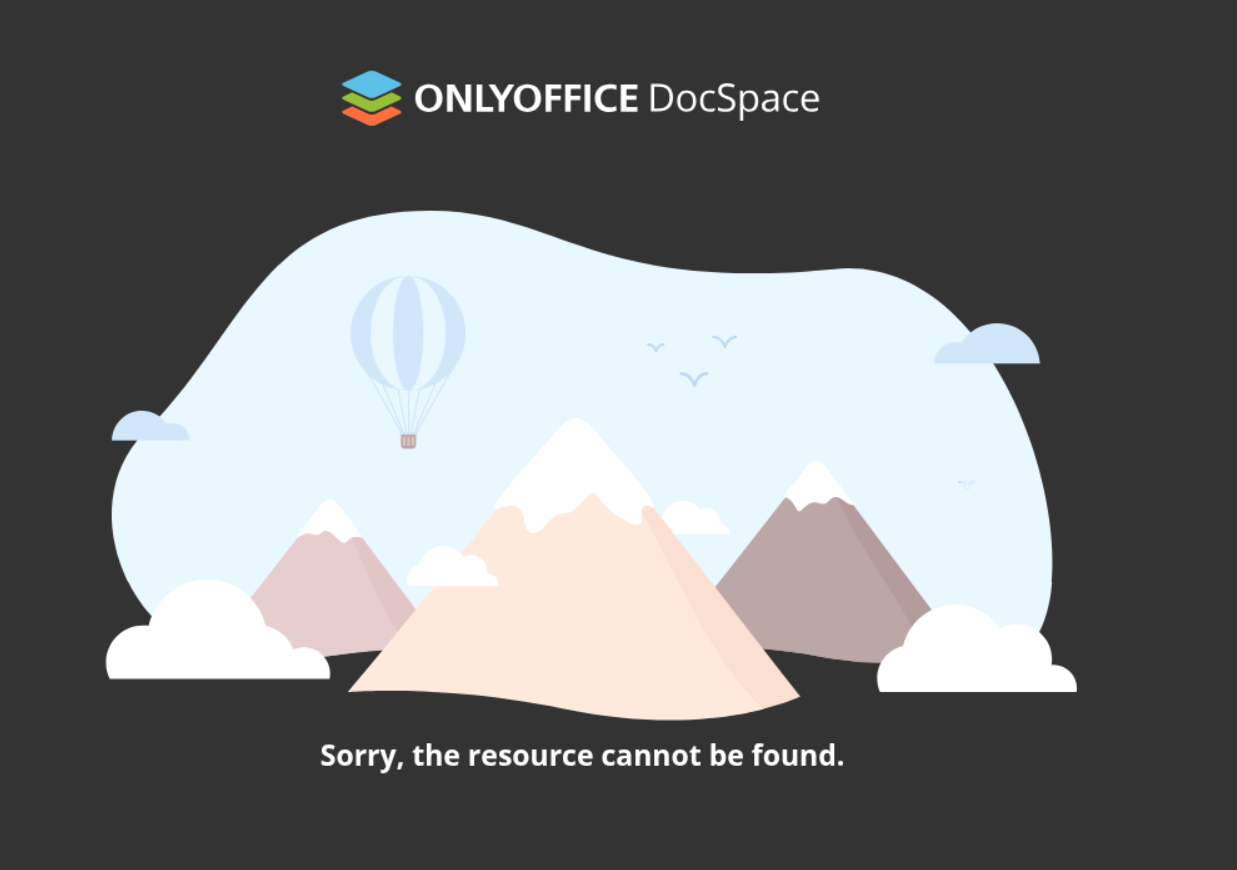
Looking at the login container logs, I see:
Error: Not Found
    at async h (/var/www/products/ASC.Login/login/.next/server/app/(root)/wizard/page.js:8:28877)

TypeError: fetch failed
  [cause]: Error: connect ECONNREFUSED 127.0.0.1:8095
It looks like the login container is trying to fetch data from 127.0.0.1:8095 during server-side rendering, which fails from inside the container.
My Setup:
- Using custom domain
office.home.privateinstead of localhost - Fresh database (just dropped and recreated)
- Updated tenant alias in database to match domain:
UPDATE tenants_tenants SET alias='office.home.private', status=1 WHERE id=1 APP_CORE_BASE_DOMAINset tooffice.home.privateAPP_URL_PORTALset tohttp://onlyoffice-router:8092
Questions:
- Is there a specific environment variable or configuration I’m missing for the wizard to work with custom domains?
- Should the login container be connecting to localhost, or is this a misconfiguration on my end?
- Is there a way to manually trigger the portal initialization if the wizard won’t work?
Any guidance would be appreciated! Let me know if you need more details about my setup.
Thanks!