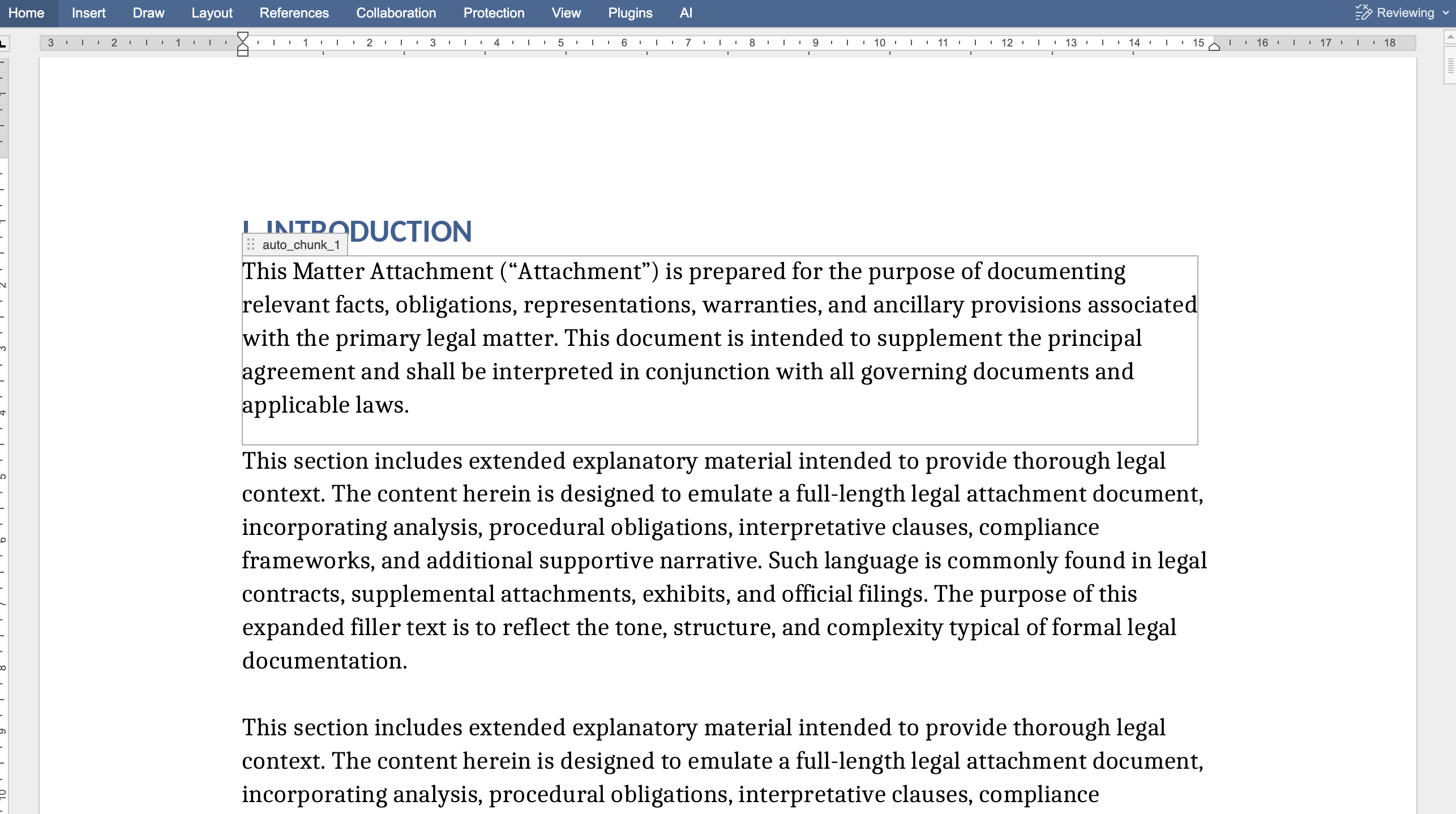
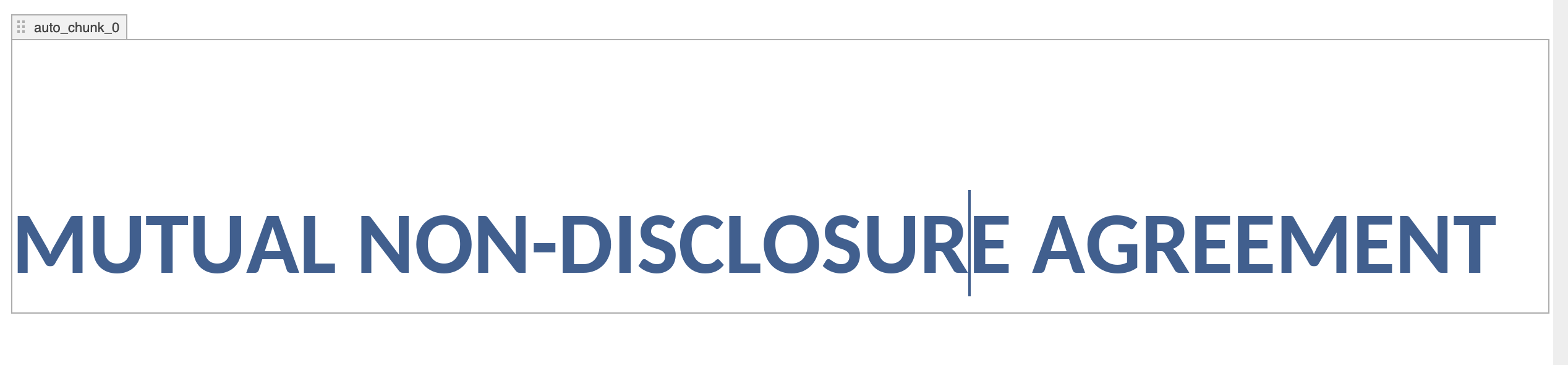
I am using the ONLYOFFICE editor to wrap the entire document inside a content control so that I can make changes to the document programmatically in the future using those content controls.
However, because of this, the content control blocks are visibly displayed in the document. Users have to manually go to the content control settings and disable the block borders to hide them.
I am looking for a way to keep the document marked with content controls internally, but without showing the content control borders or visual markers to the user.
Also is there a way i run an external service on top of the editor like in this screenshot so if a user wants to edit a specific portion of the document he can select that particular text and directly write what he wants to replaced at that position i dont want user to use conventional find and replace to perform this action
To keep content controls in the document but hide their borders/markers:
Right-click inside a content control → Content control settings.
Open the General tab → Appearance → Show as → select None → Click Apply to All to apply the same Appearance setting to all content controls in the document. Content Controls Official guide.
If you want users to select a fragment and replace it programmatically, there are two supported approaches:
From an external service: Automation API (the connector). Please note that the connector is available only for ONLYOFFICE Docs Developer, and it’s an additional feature not included by default.
In-editor approach: a custom plugin
As a starting point, you can use the official “Search and replace” plugin sample (supported editors: documents), which demonstrates a replace workflow inside the editor.
Also, here is the official documentation page that describes how plugins interact with the editors (events, methods, commands like callCommand/executeMethod, and the general approach).
Please clarify if I misunderstood your question.
If you don’t want to interact with AI in ONLYOFFICE, you can uninstall the AI plugin from the ONLYOFFICE plugin marketplace or remove it manually.
Guide on how to remove plugins and how to disable the Plugins tab.
to insert content control to whole document as soon as document is loaded in the editor i dont my user to goto setting and do this
content control → Content control settings.
Open the General tab → Appearance → Show as → select None → Click Apply to All to apply
i want that user never sees the content control visually on the editor
Do you use mentioned method from a custom plugin or from a macro? Depending on your approach, you can rely on various solutions.
Also, please let me know the use case. Do you want to preserve earlier created content controls in between editing sessions relying on tags or IDs of content controls? Are you wrapping each paragraph into a content control dynamically, i.e. when a paragraph is created, it gets wrapped into a content control, or each time you load a document all paragraphs are getting wrapped anew?
I am wrapping each paragraph in content control for the entire document and using onlyoffice api to perform this action not using any plugin
so my only question is that "can i hide the content control blocks visually so my users do see the block on the editor screen is there a permission or properties setting that can this possible and also not allow my user to remove the content control the document "
Do I understand correctly that you have a macro that gets all paragraphs and wraps them into content controls on auto start? If so, there should be a separate function that either checks if paragraph is already in a content control or removes content controls preserving the content to avoid nesting.
You can hide content control borders programmatically using SetAppearance method.
Macro code (hides borders for all existing content controls in the document):
(function () {
  var doc = Api.GetDocument();
  var controls = doc.GetAllContentControls();
  controls.forEach(function (cc) {
    cc.SetAppearance("hidden");
  });
})();
How to use it / when to run it is up to your workflow: you can run it right after you add content controls (e.g., call it each time you create/wrap new controls), or run it once on open and then again manually whenever needed.
thank you marix this was useful
just a suggestion the documentation is a little bit confusing its not easy to find an solution you are looking for also the ask ai is also not helpful it redirected to several other pages or said there is no such documentation
if that can be fixed it would be great
thanks again for the assistance
If Track Changes is enabled at all times, and I delete text from the document using the ONLYOFFICE automation API (for example, through callCommand), will the deleted text appear as a tracked deletion (shown as strikethrough)?
Or will the text be removed permanently without being marked as a tracked change?
In other words, do programmatic deletions made through the automation API respect the Track Changes setting, or do they bypass it?