Do you want to: Report a bug
Could you change the keyboard shortcut to the redo command?
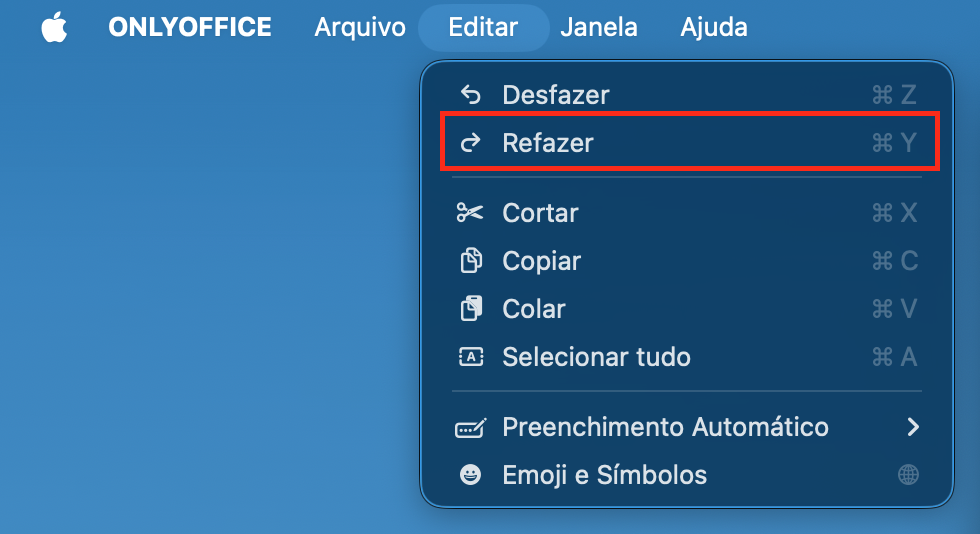
Currently in OnlyOffice we have the shortcut ⌘ + Y.
However, I believe it is standard in the system ⌘ + ⇧ + Z.
OS version: macOS
App version: ONLYOFFICE 9.0.4
Downloaded from: ONLYOFFICE website
Additional information:
Any relevant details about the situation.
Thank you.
Hello @Andre79
Thank for the suggestion. We need some time to review its feasibility, please await the feedback.
You query was registered an enhancement. I will share an update on this case, once this enhancement becomes available for use.
Thank you for the interest.
1 Like
Hello again @Andre79
We have just released new version 9.4 of Desktop Editor that brings the fix to the issue discussed in this topic. Please update the app and check the situation again.
Hello @Constantine
I updated to the latest version, 9.4
However, the problem still persists with the shortcut ⌘ + Y.
Would you mind elaborating on what the issue is? Version 9.4 supports both ⌘+Y and ⌘+Shift+Z as shortcuts for redo actions.
Hello @Constantine
I missed updating the post here
The ⌘+Shift+Z command is actually working 
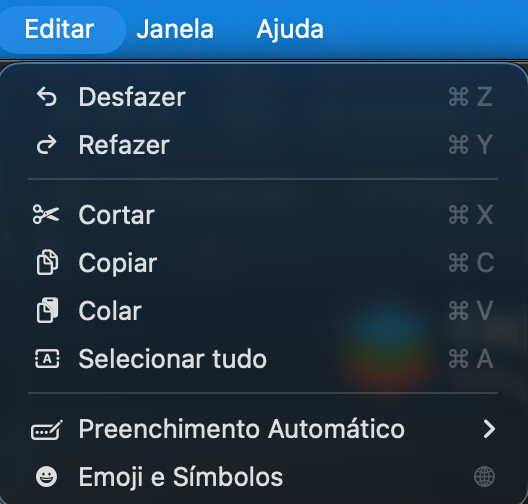
It just hasn’t changed in the menu.
1 Like
Thanks for the comment. It should be ⌘+Y in toolbar as a default shortcut. ⌘+Shift+Z simply backs it up.
If you feel like it should be changed, please start a new topic. I will mark this one as completed for now.
1 Like